7
/28
Next
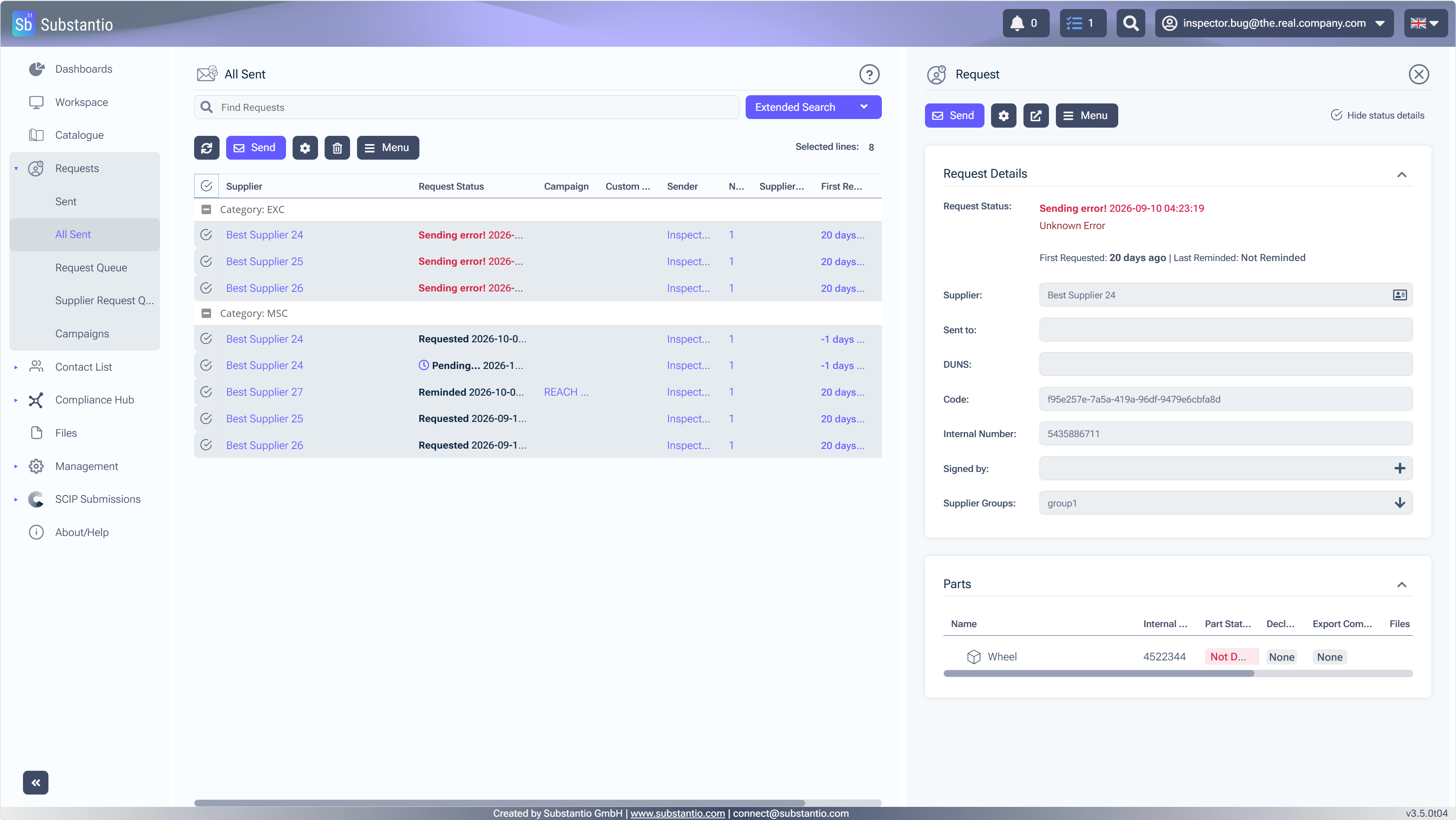
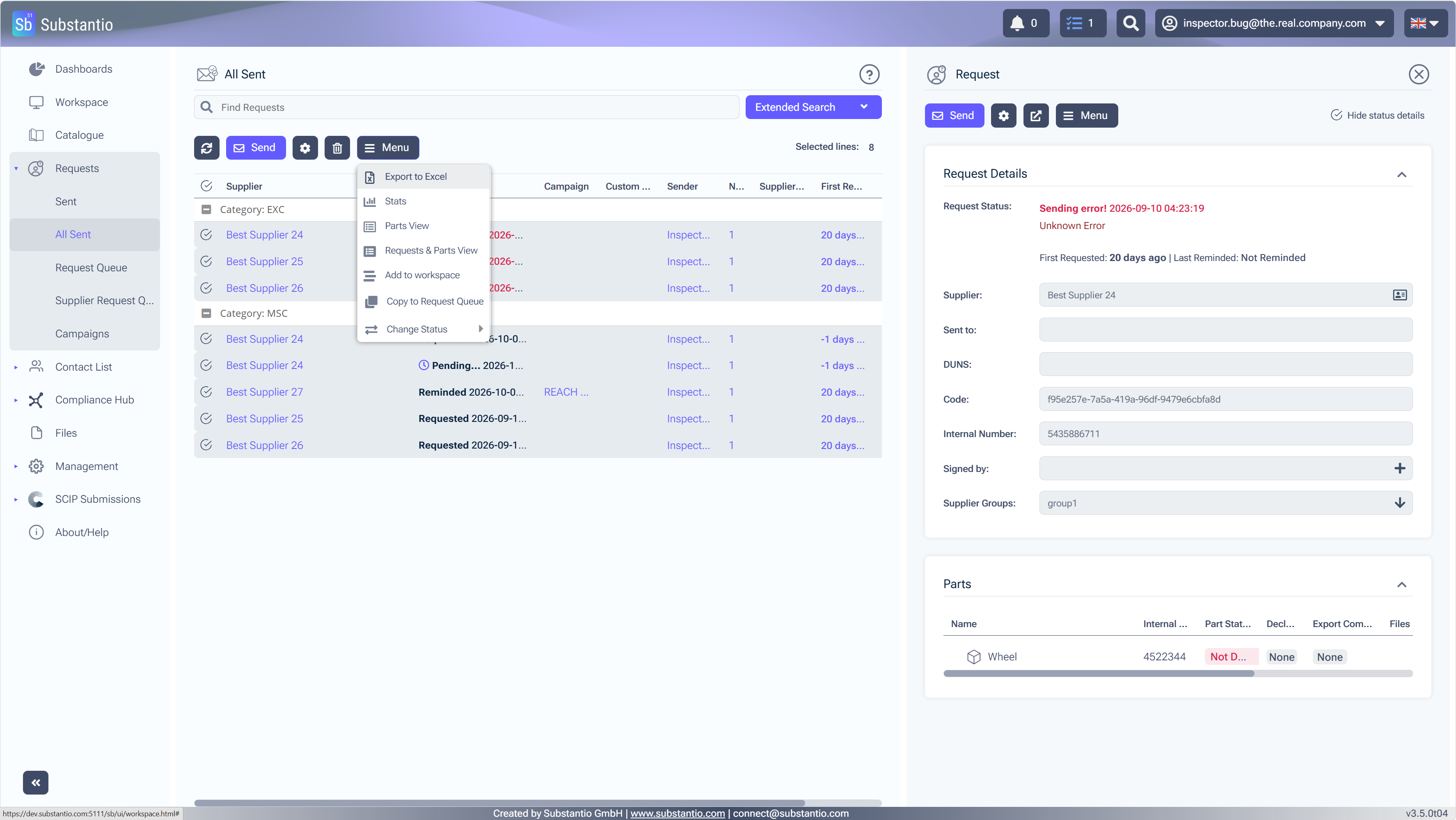
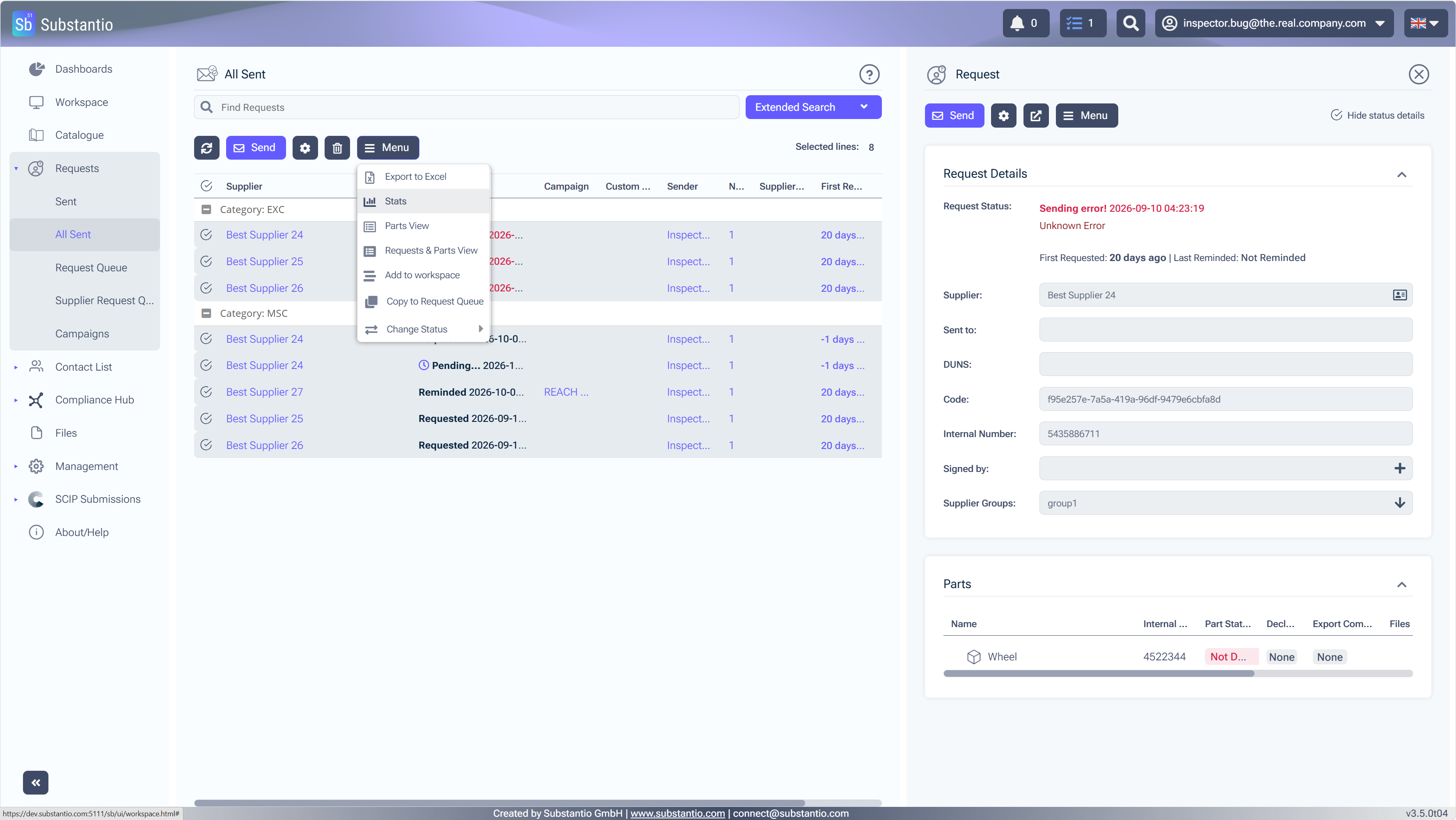
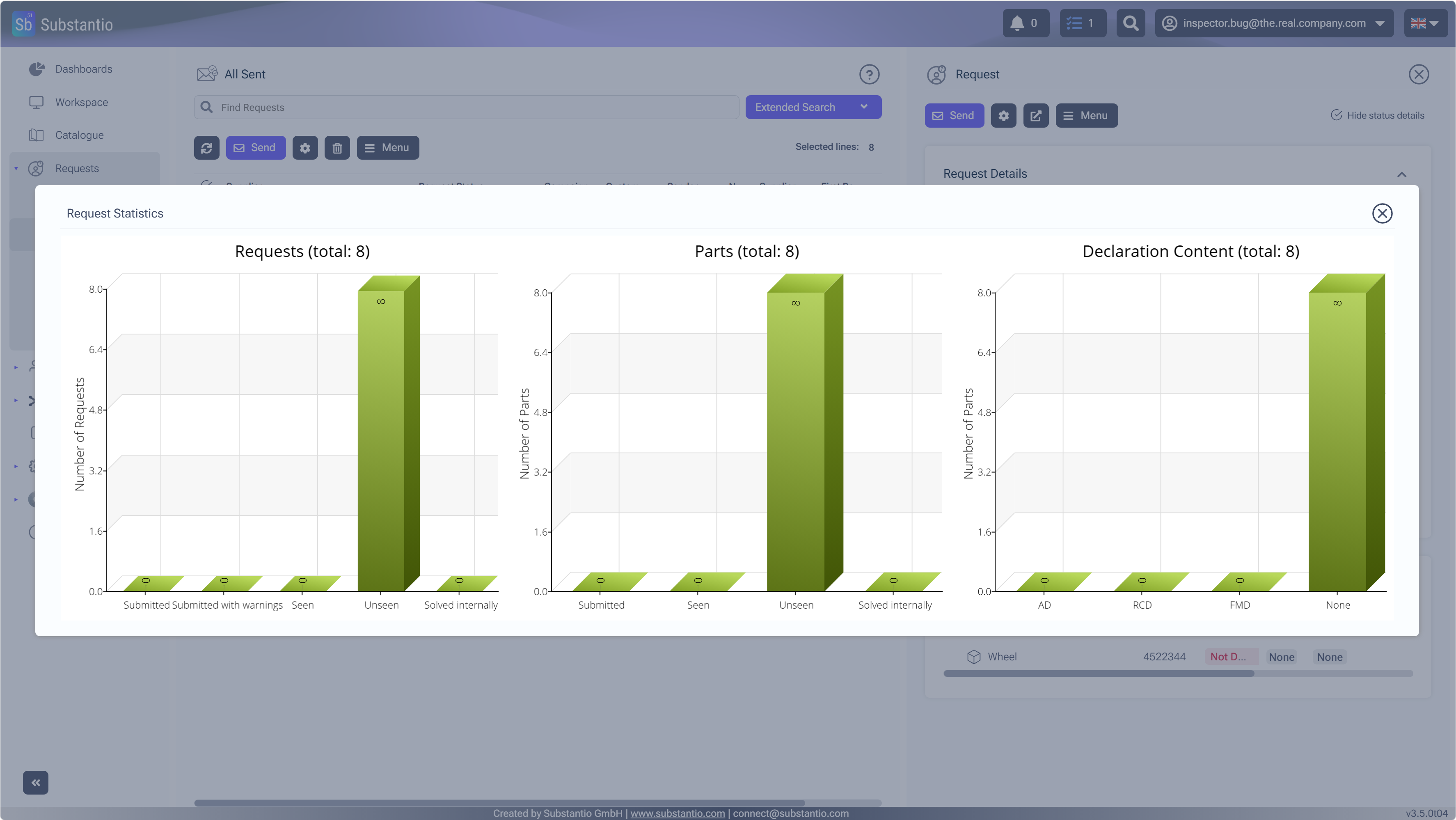
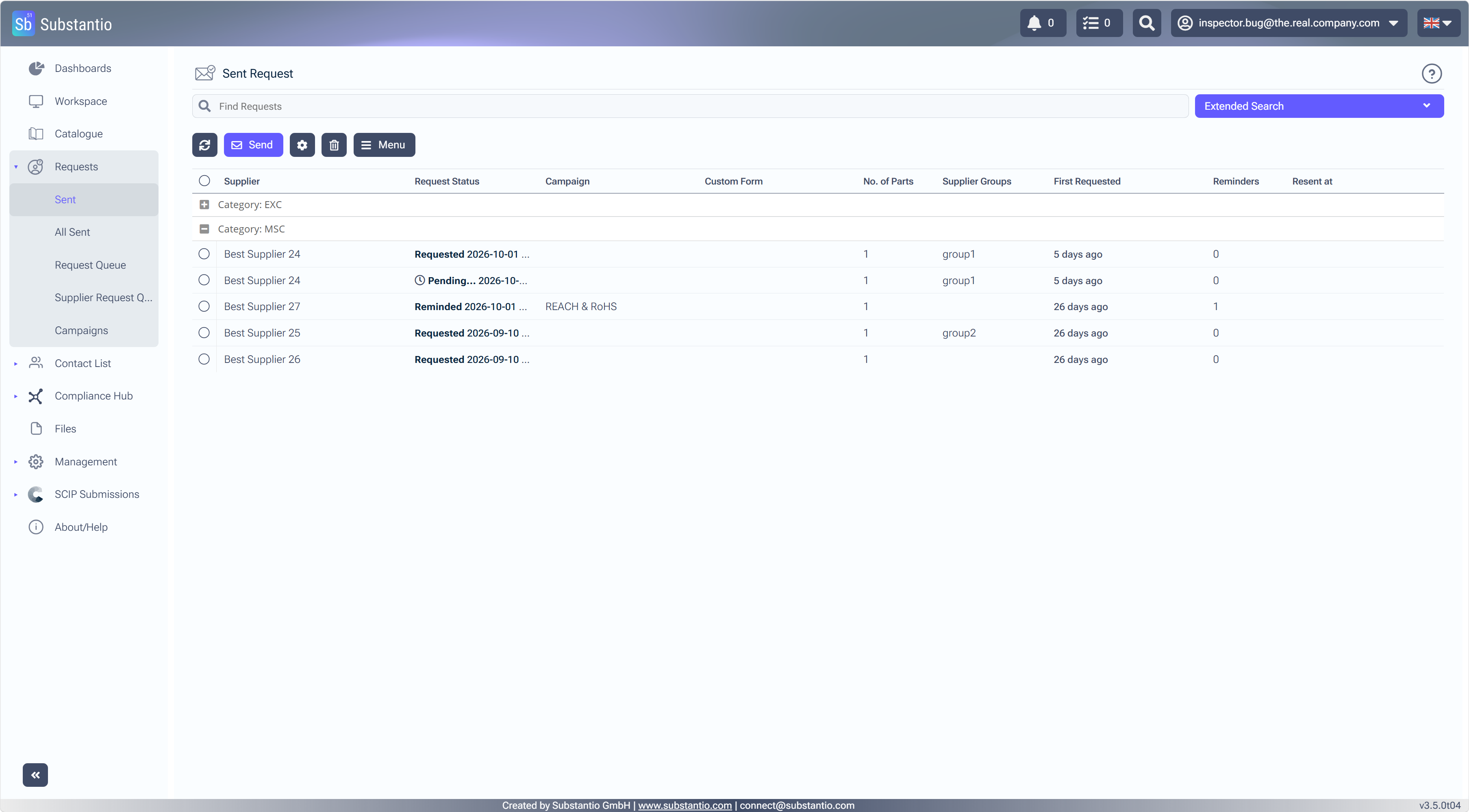
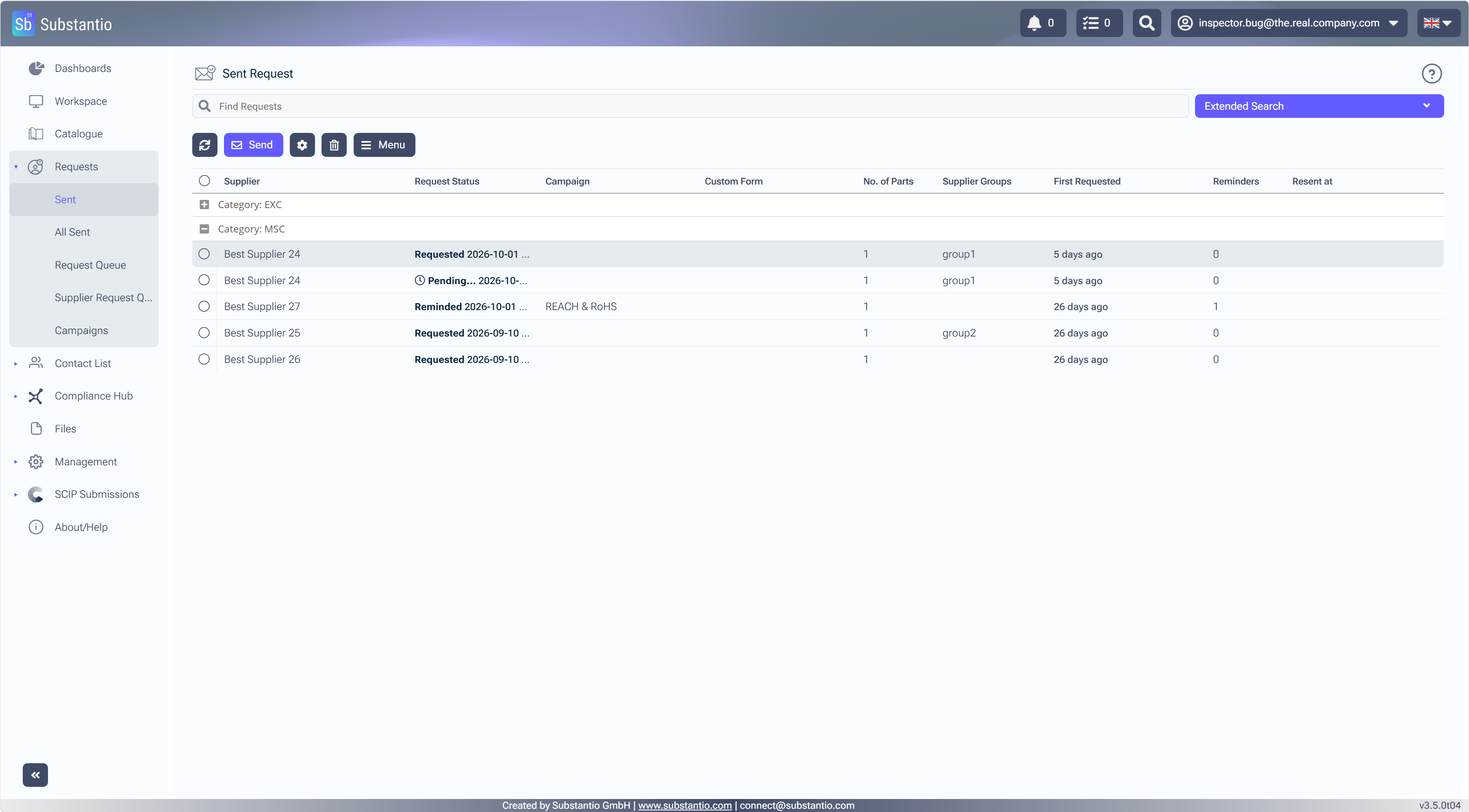
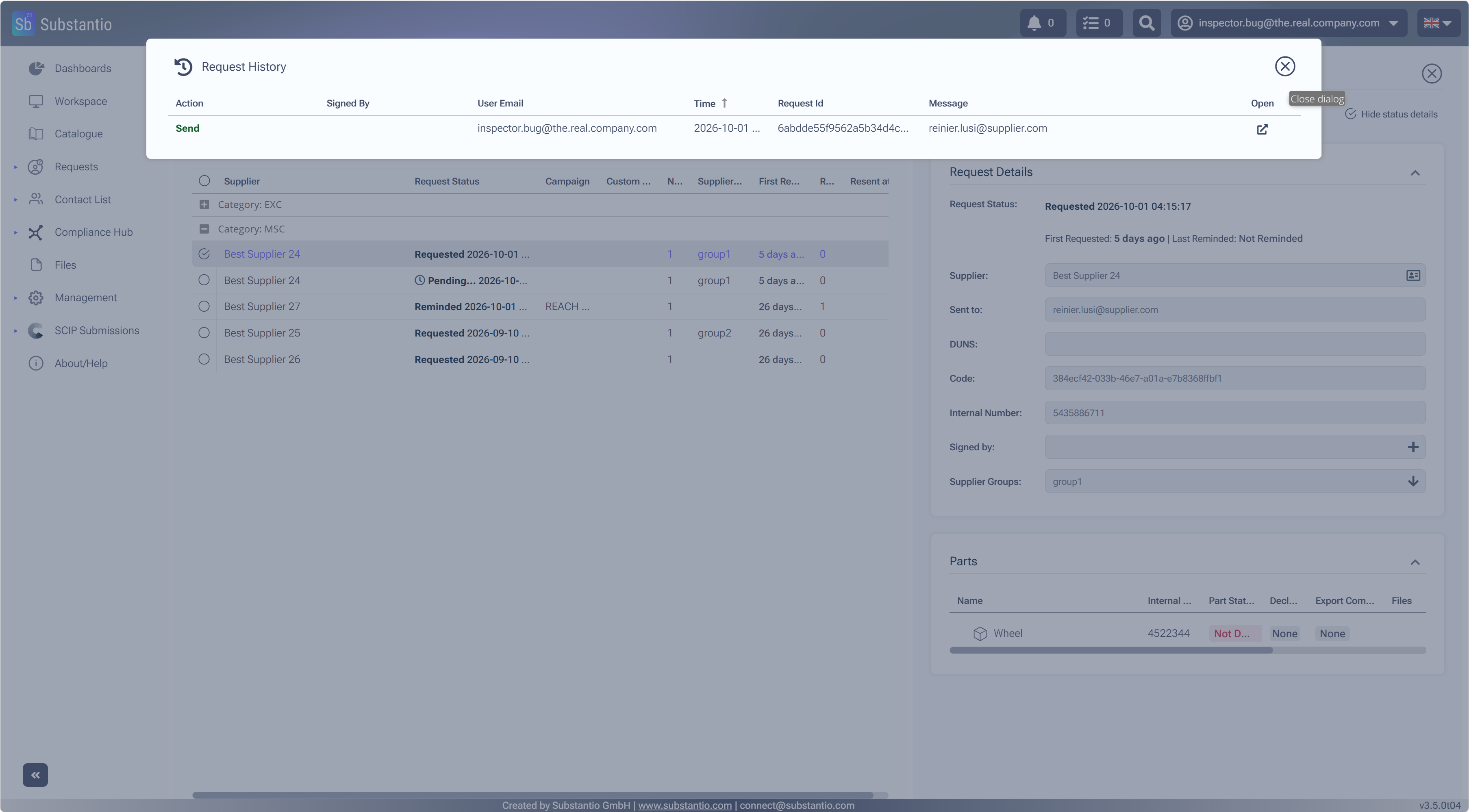
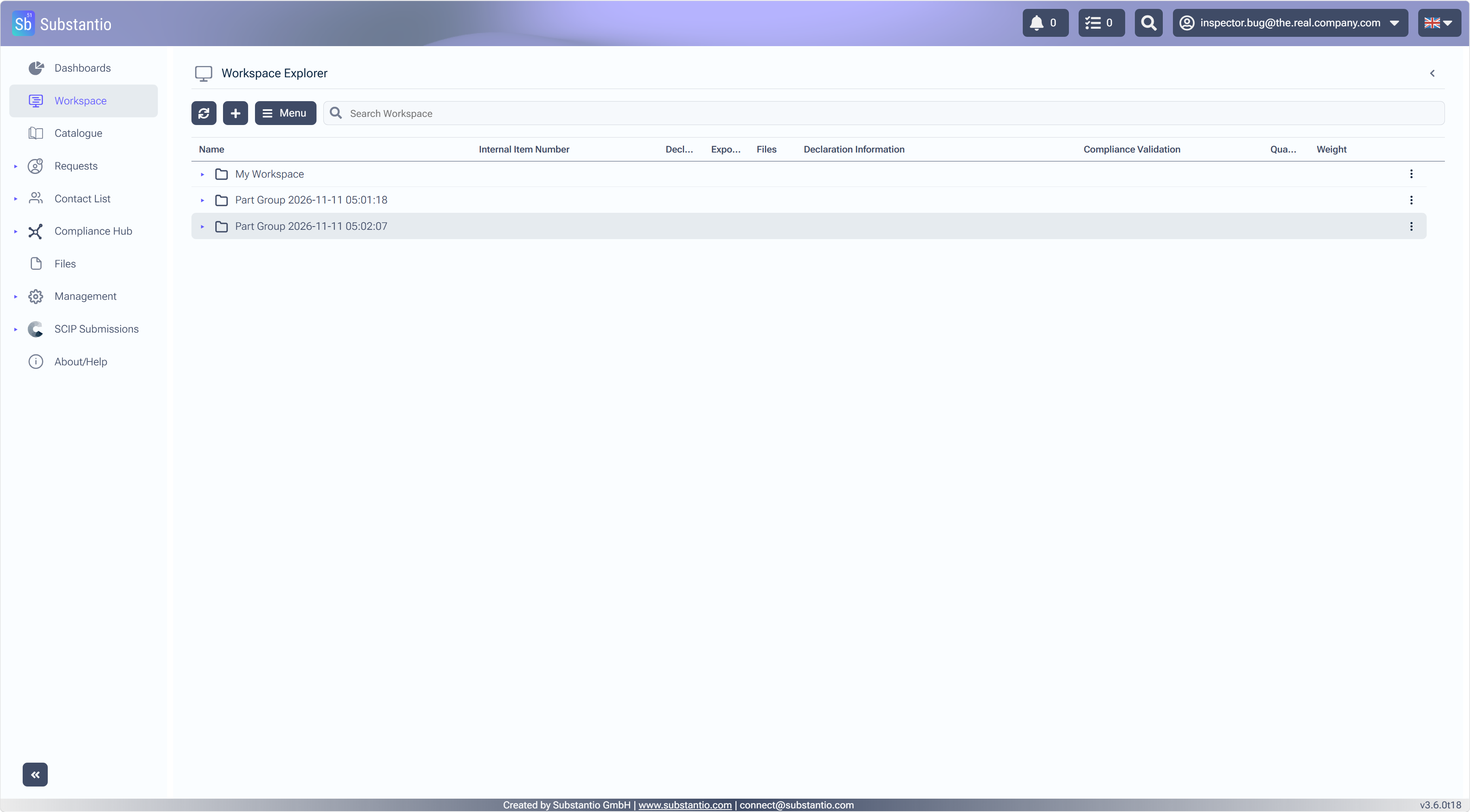
In Workspace section click on your part.
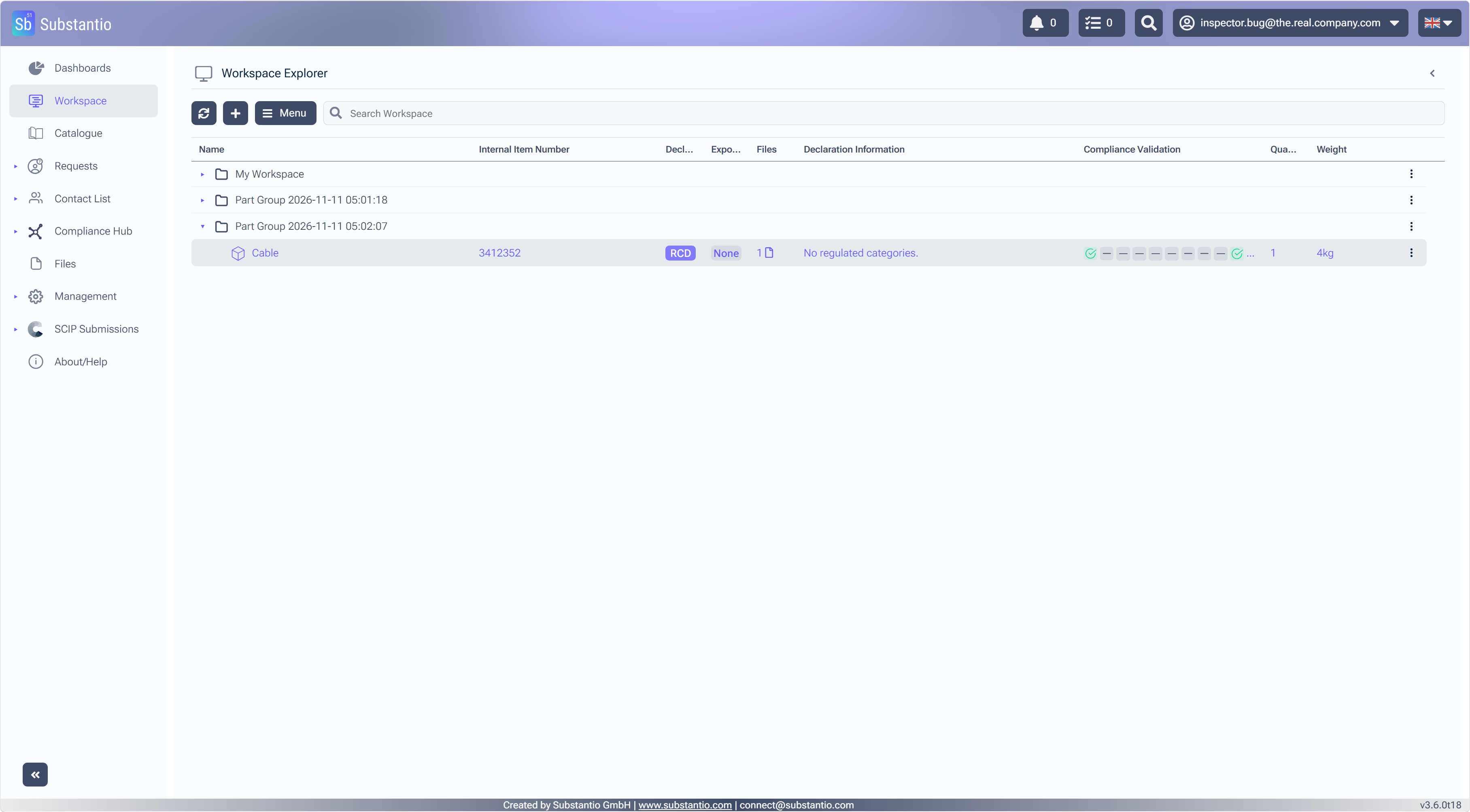
Double click it.
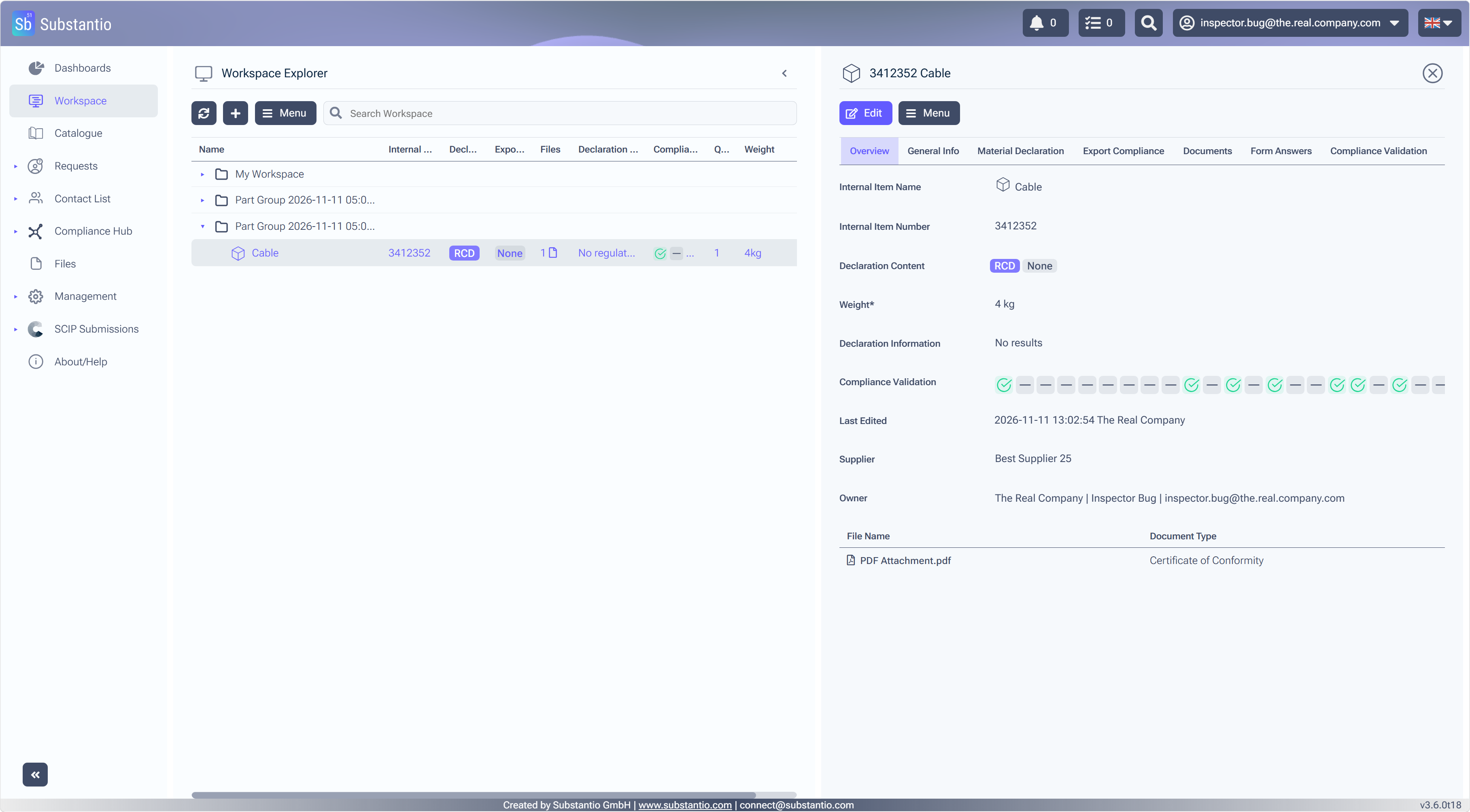
Choose Menu button to view menu options.
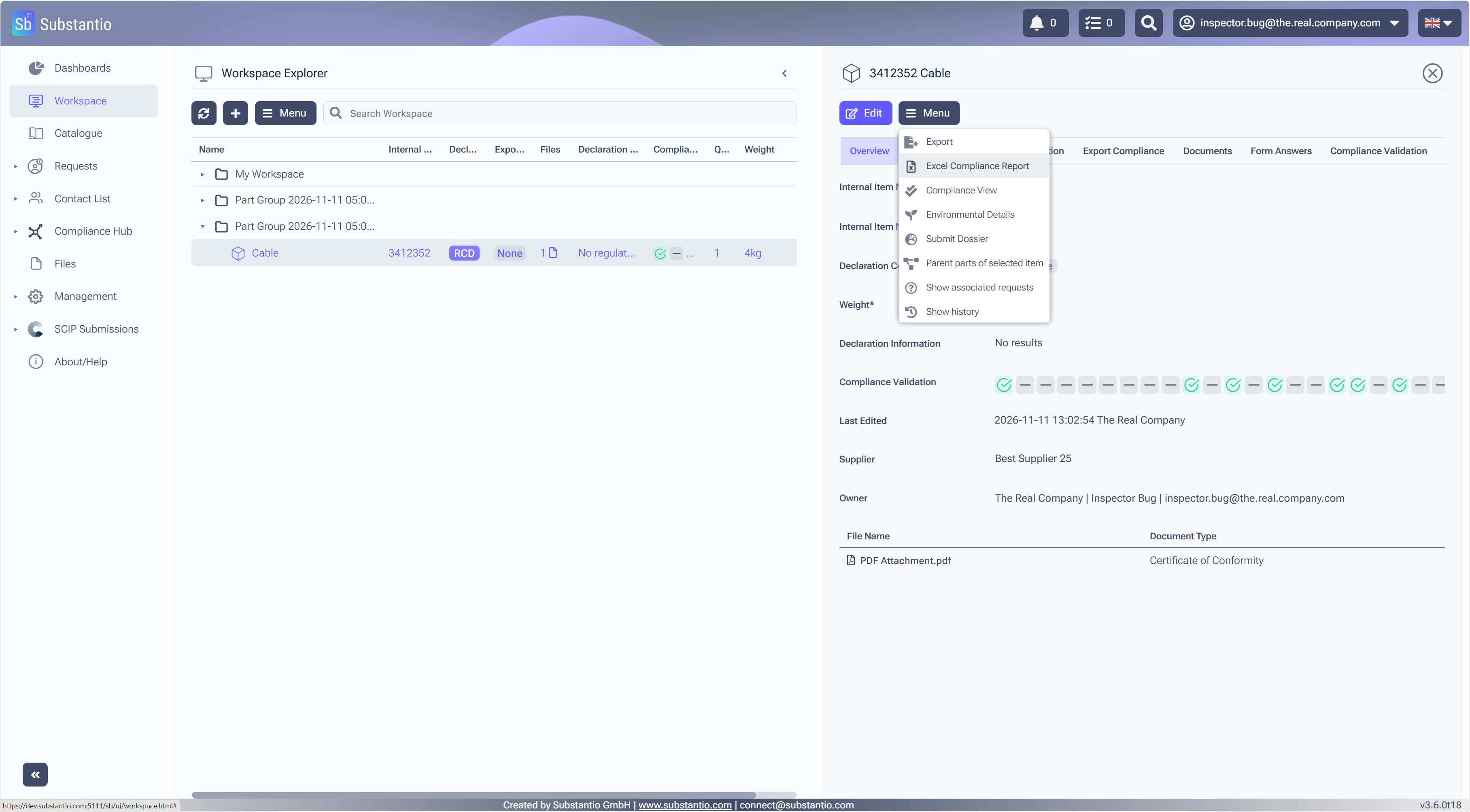
Select Excel Compliance Report from the menu to generate a compliance report in Excel.
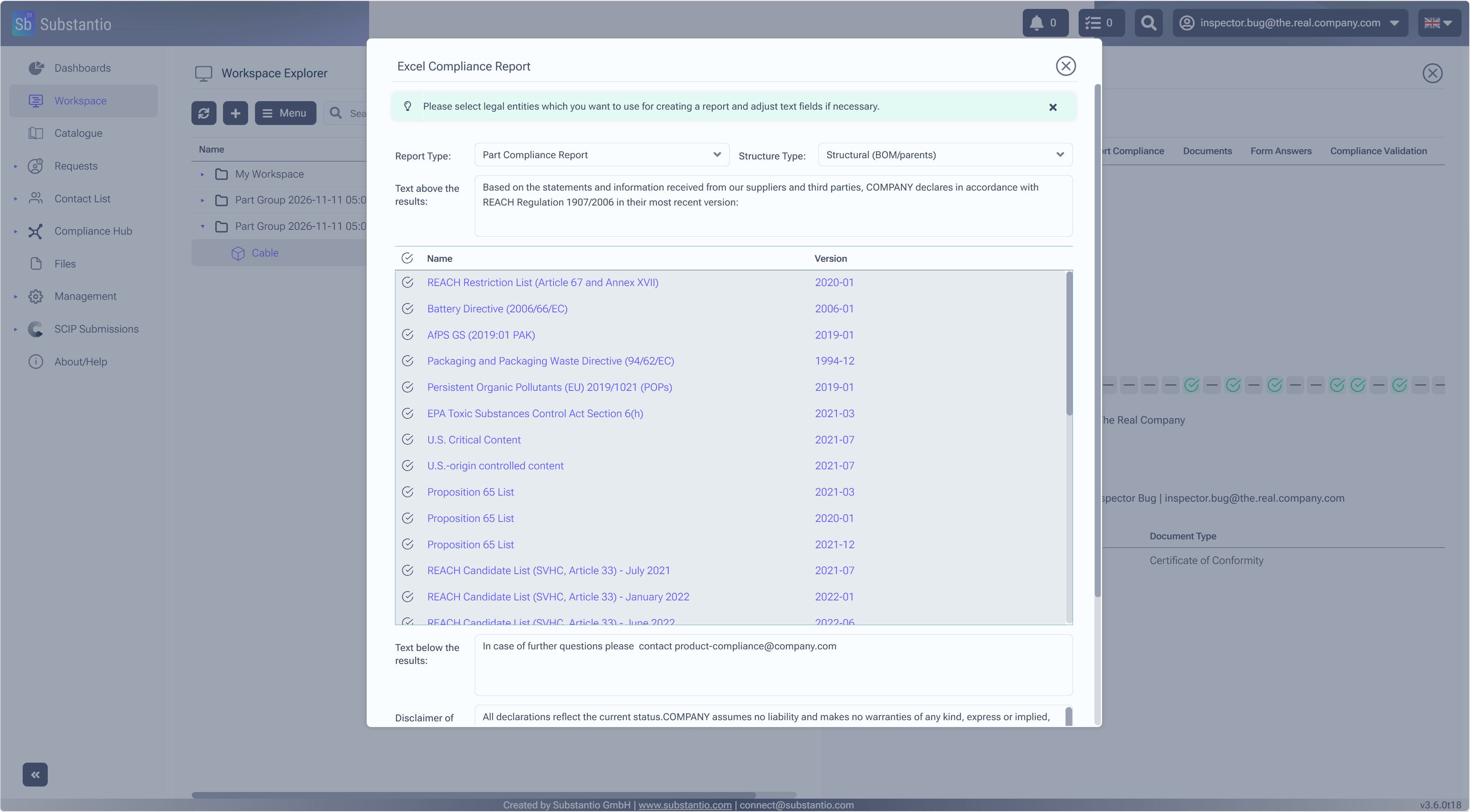
You can choose the Regulations you want to add to your Report.
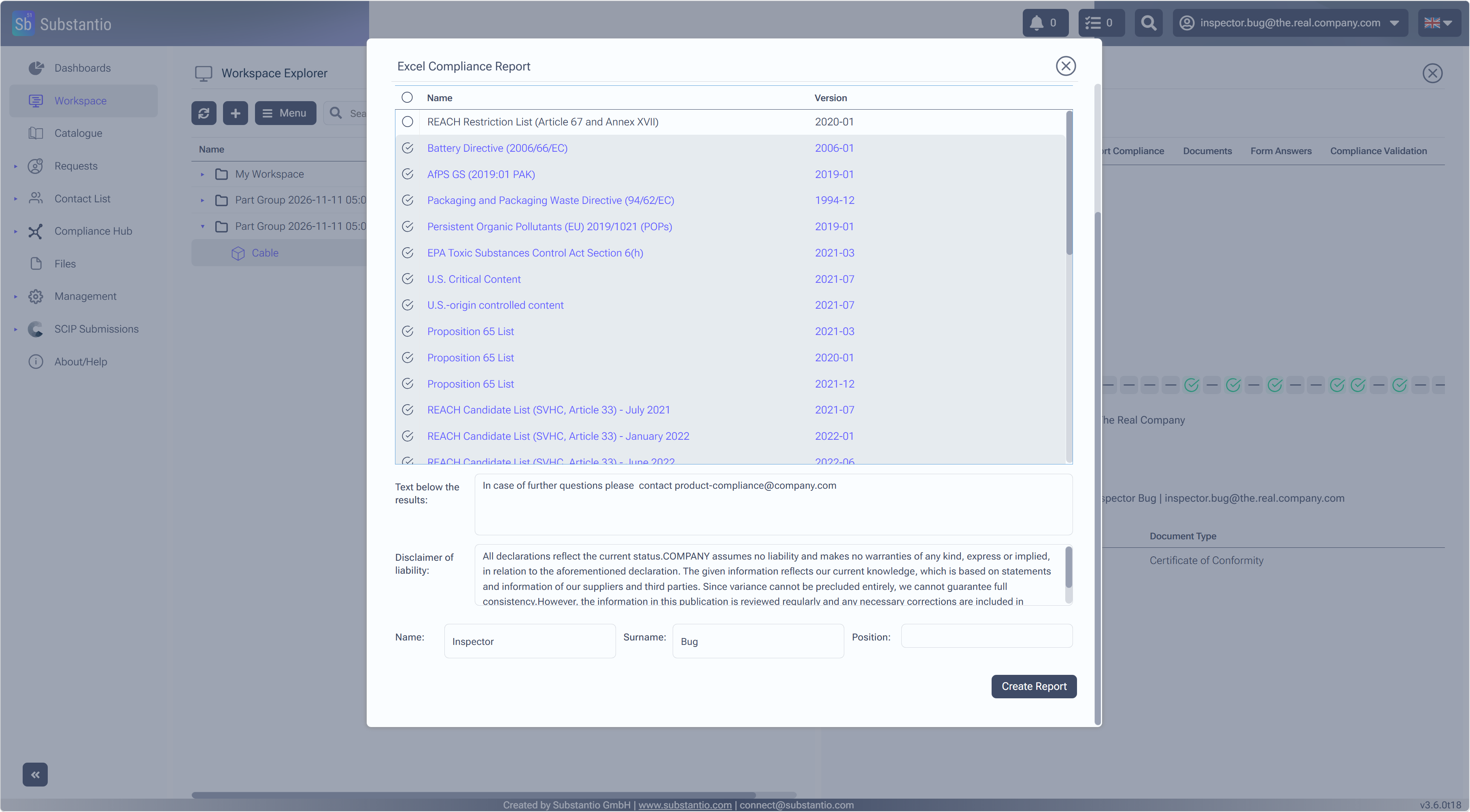
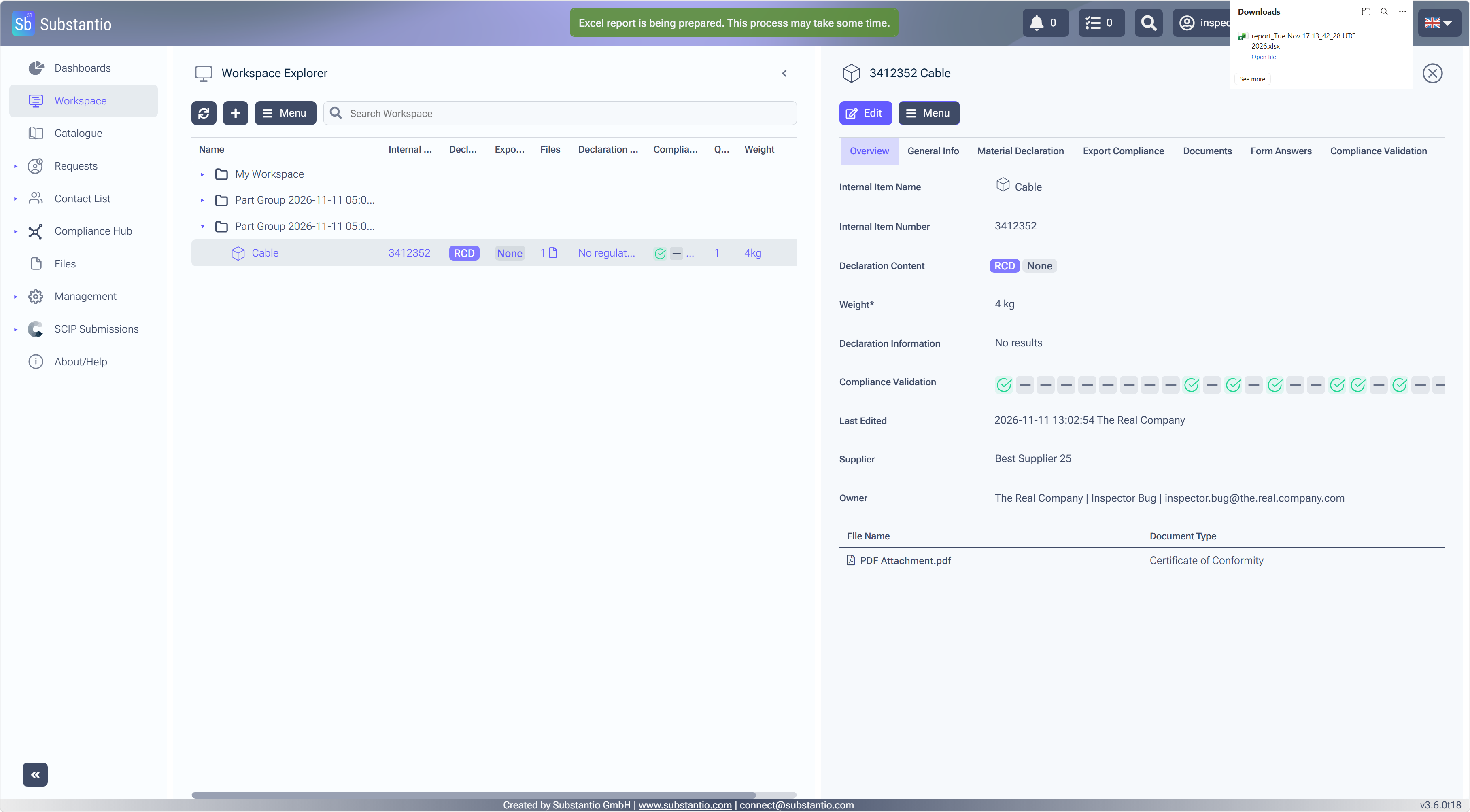
Than click Create Report to start making your report.
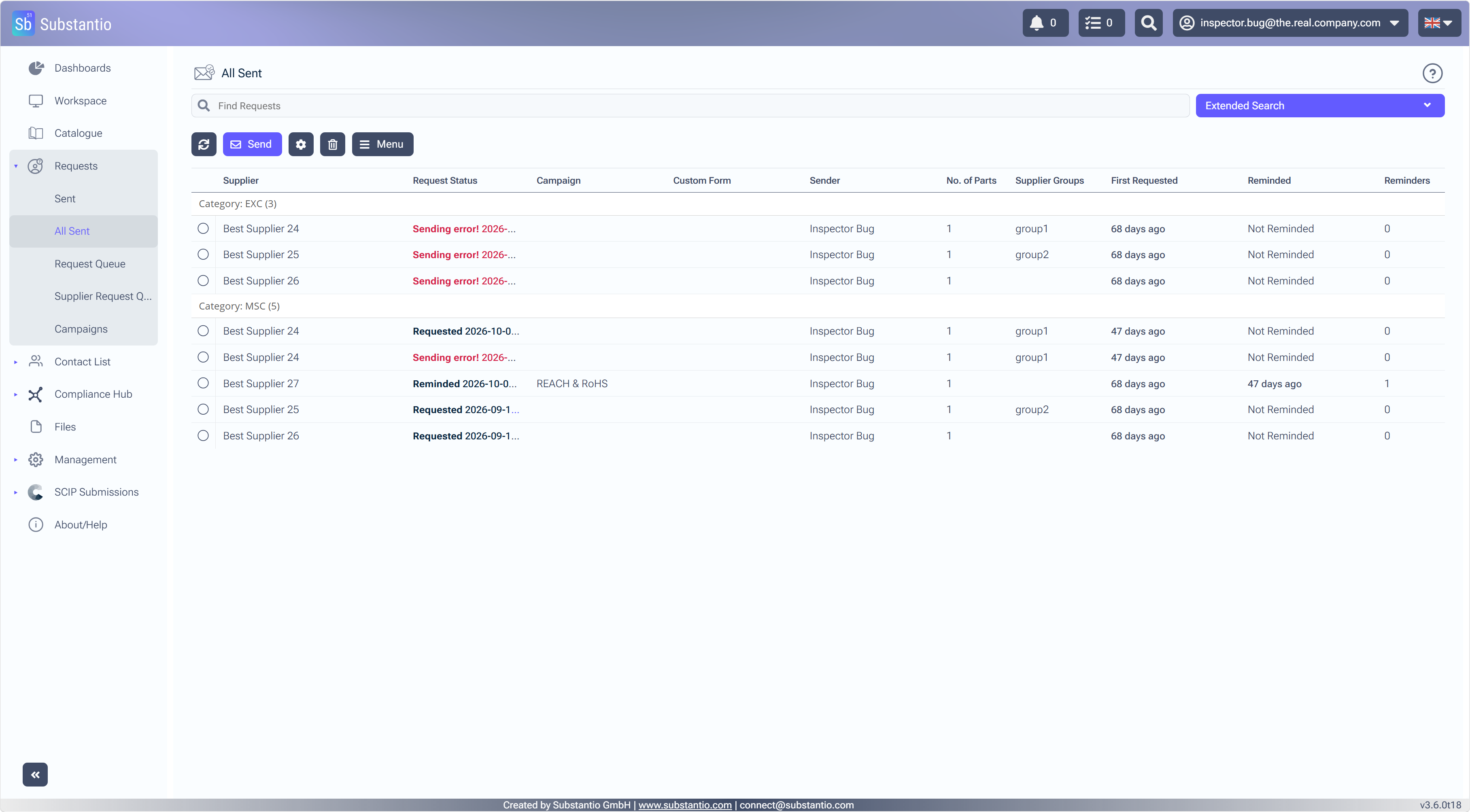
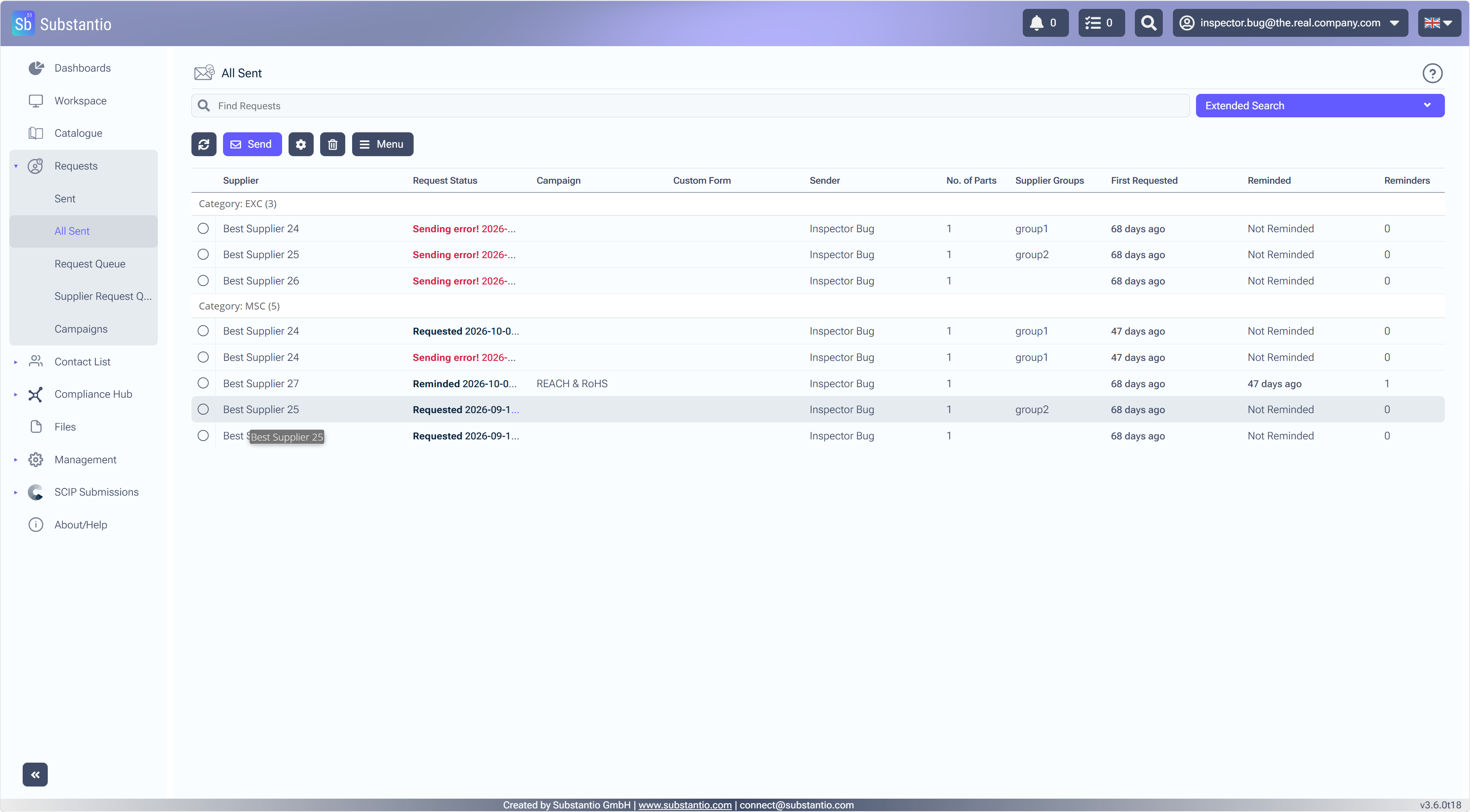
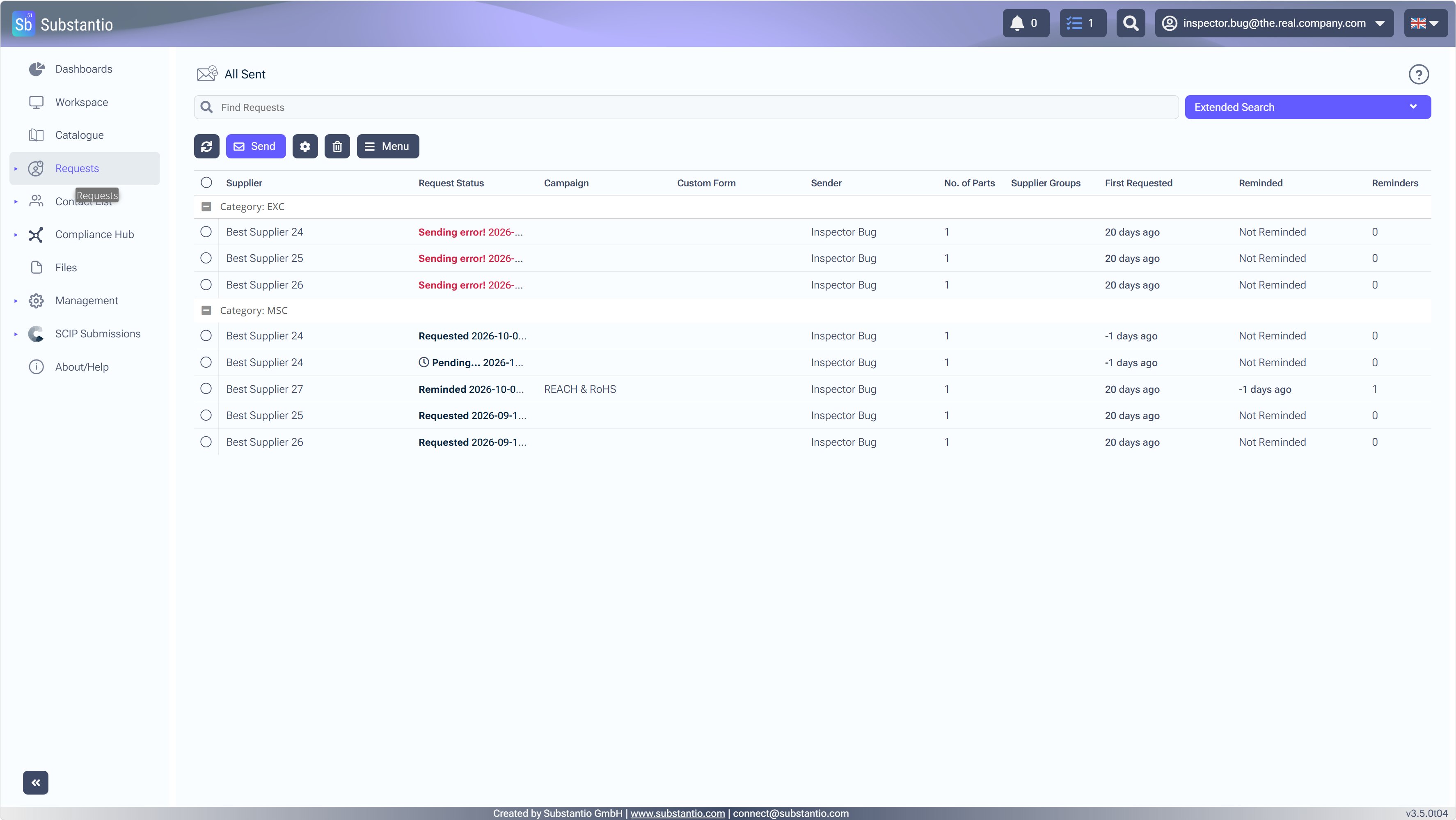
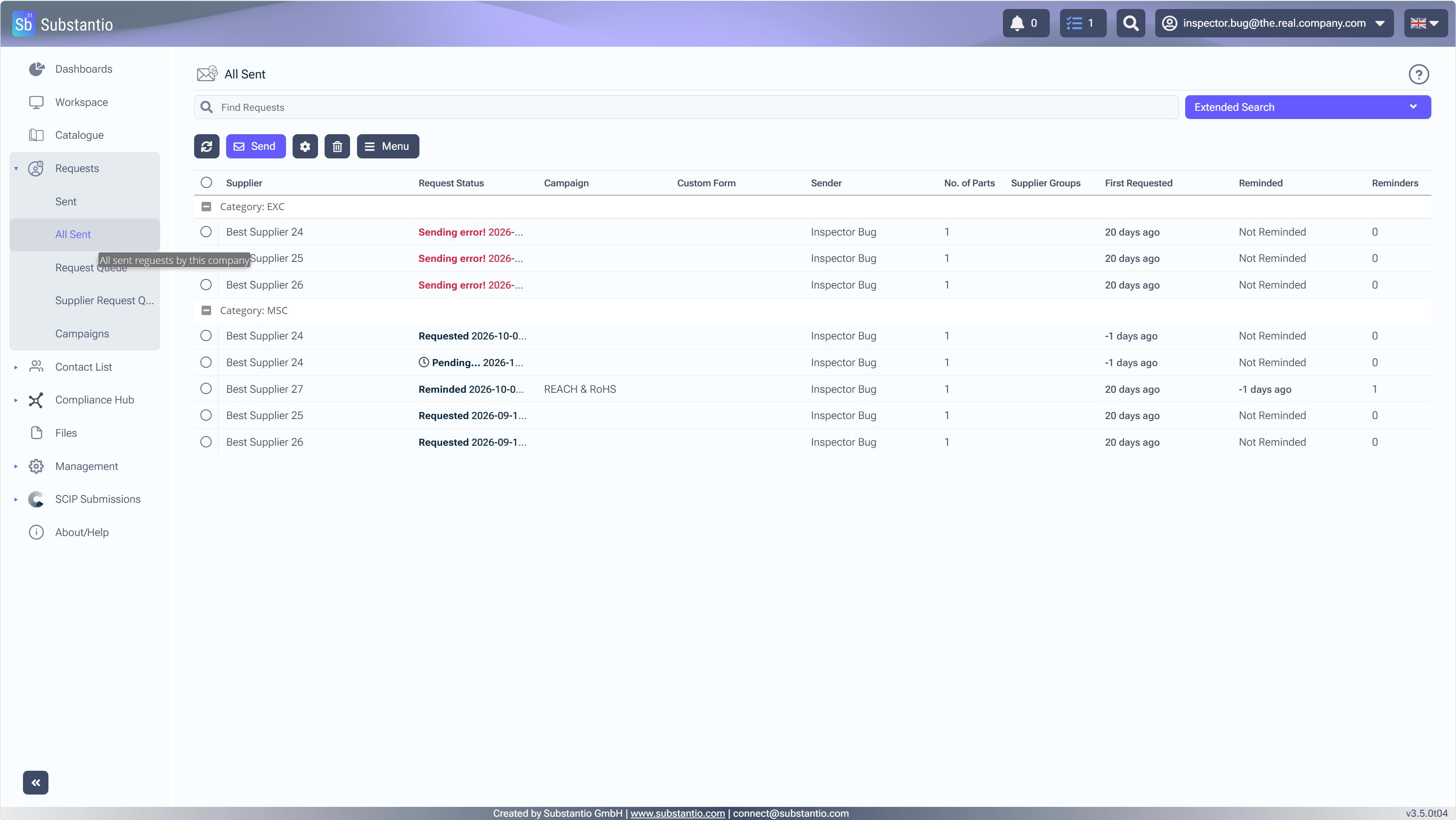
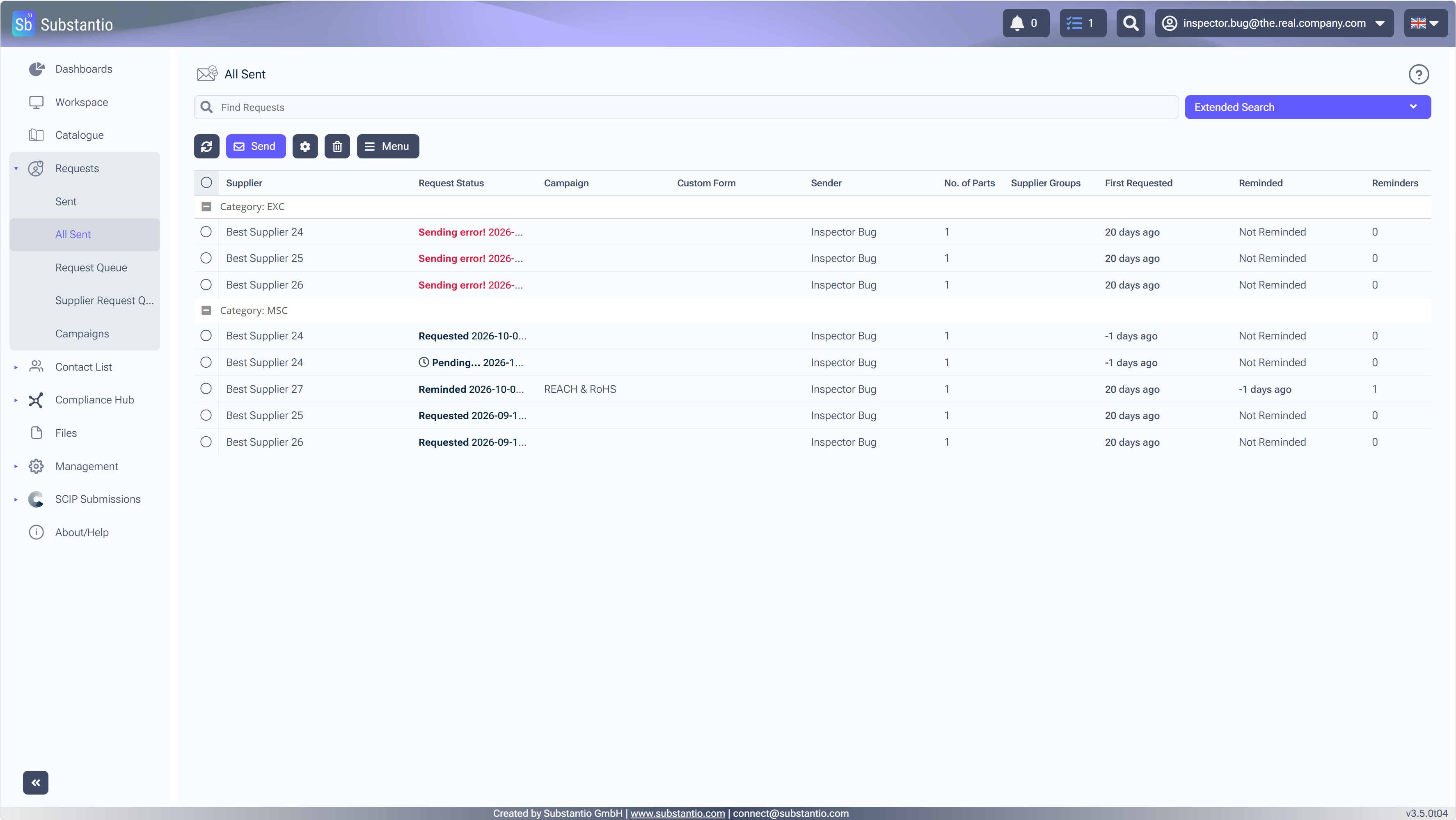
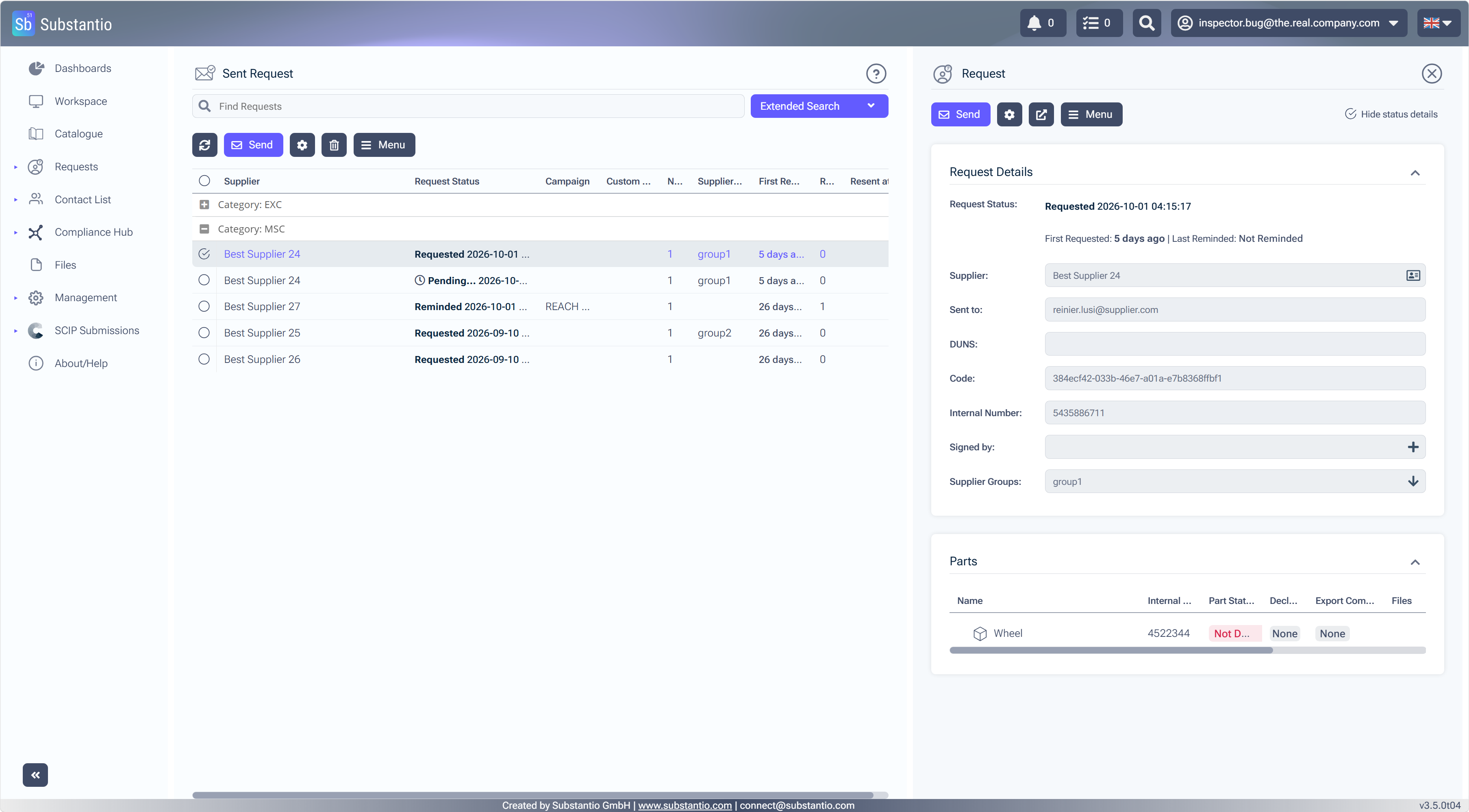
In All Sent section choose a Supplier.
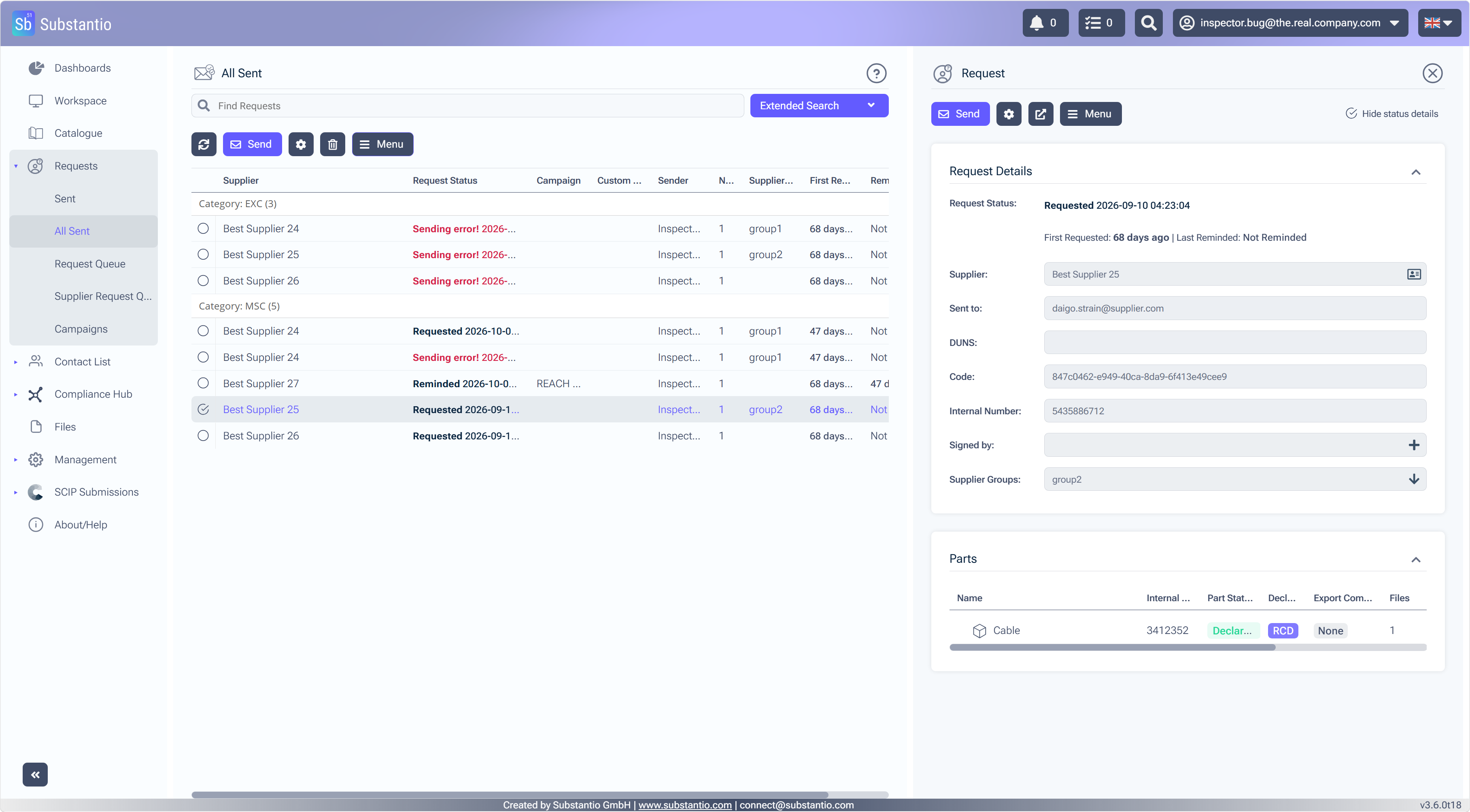
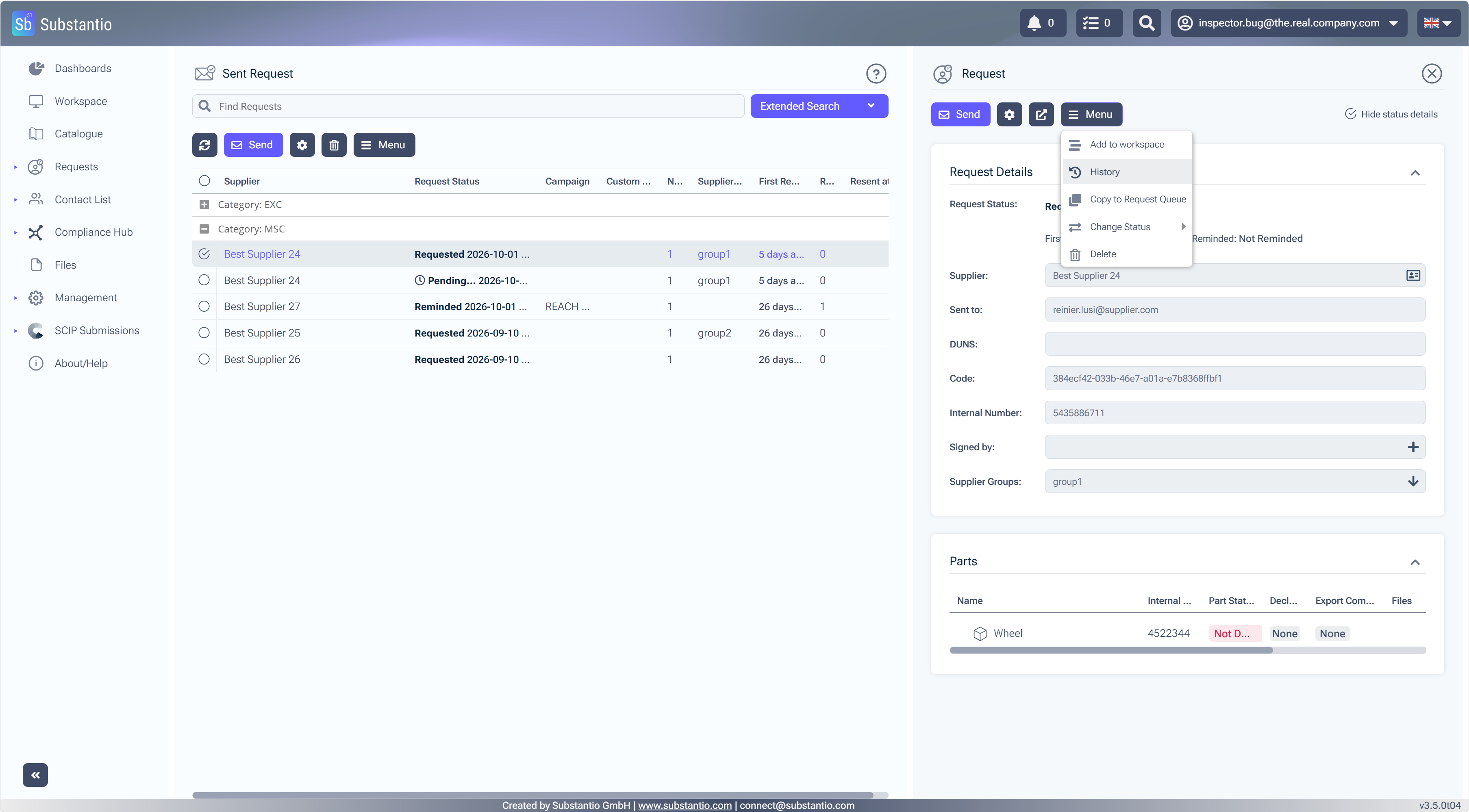
Go to Menu for more options.
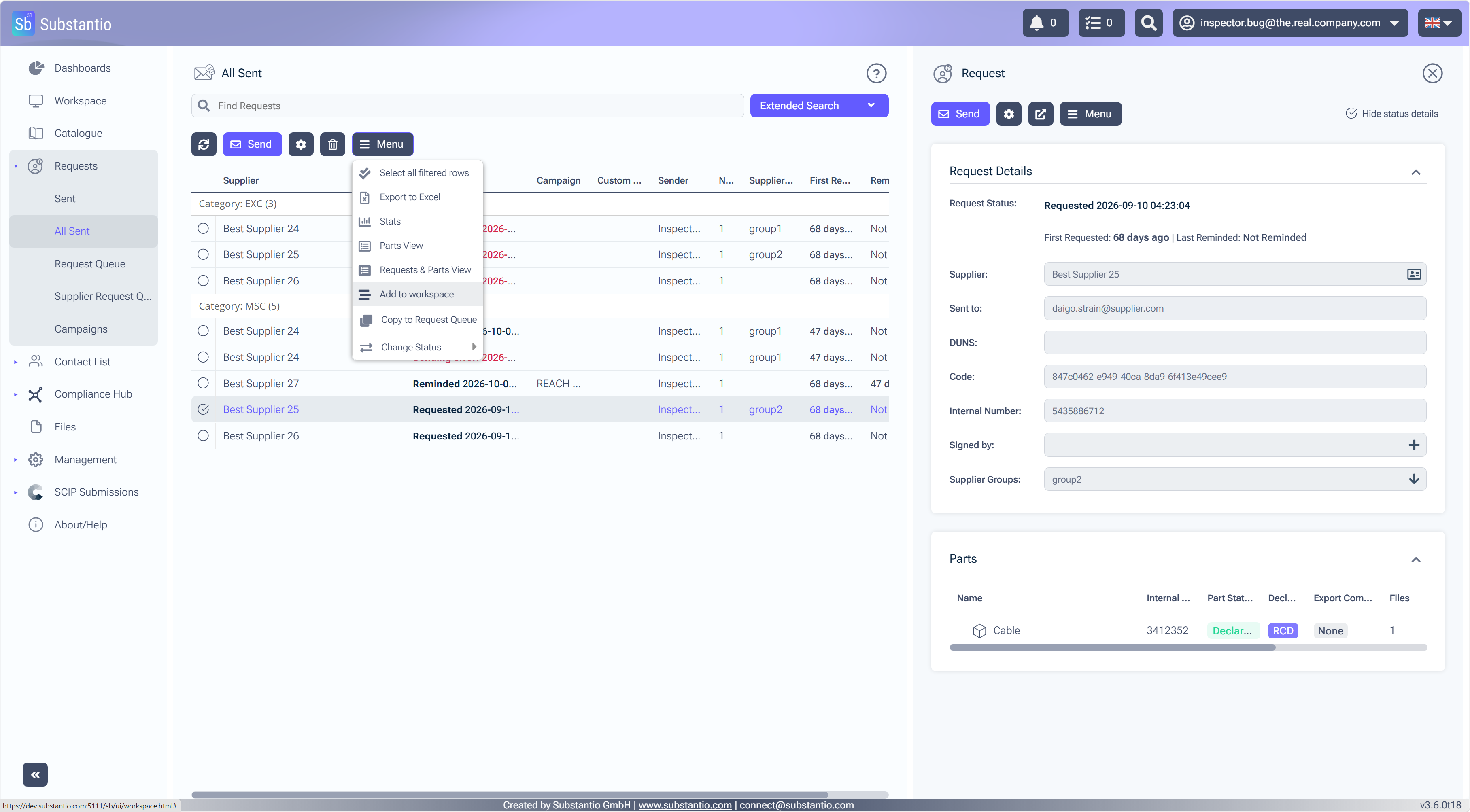
Add him to the Workspace.
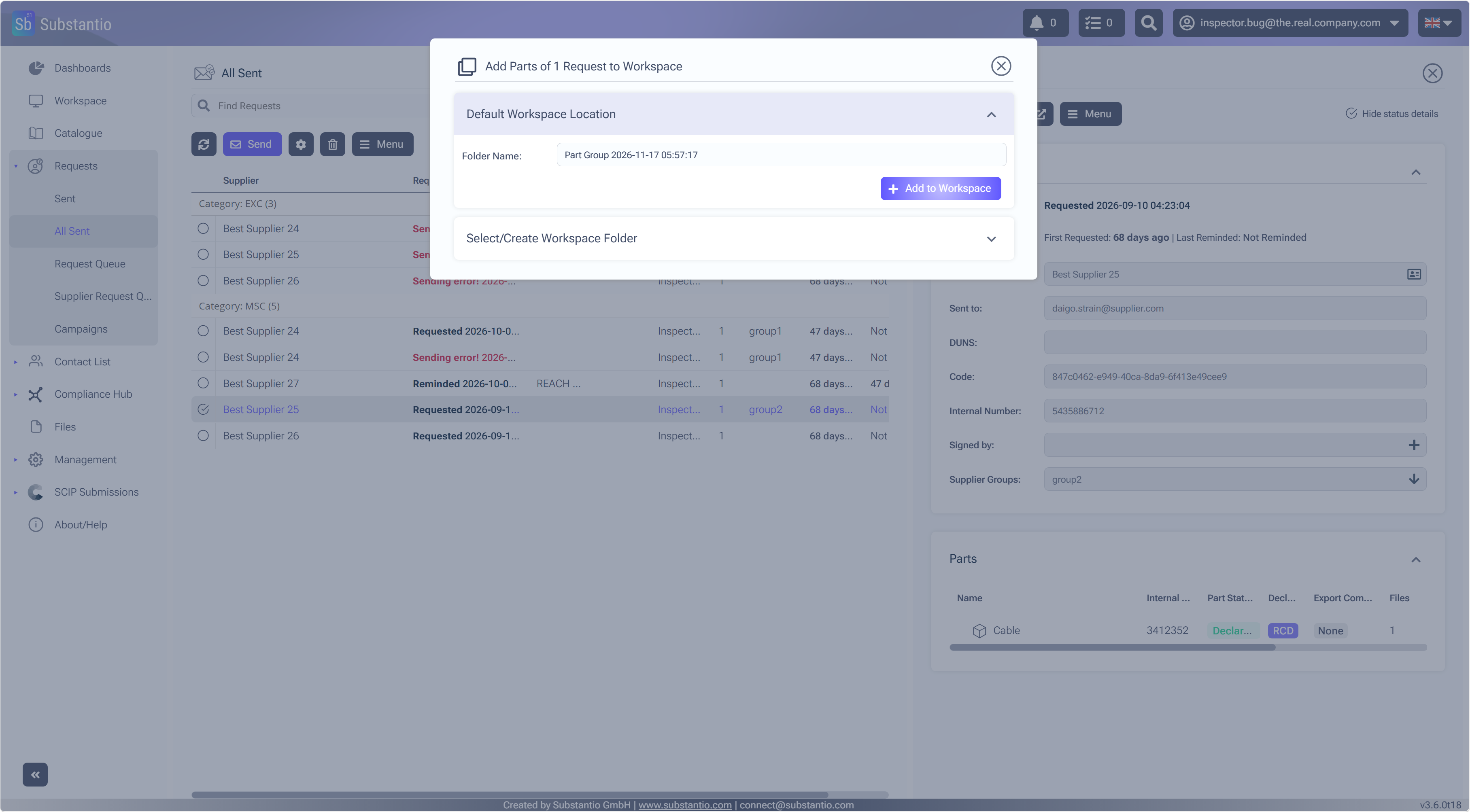
Click Add to Workspace once again.
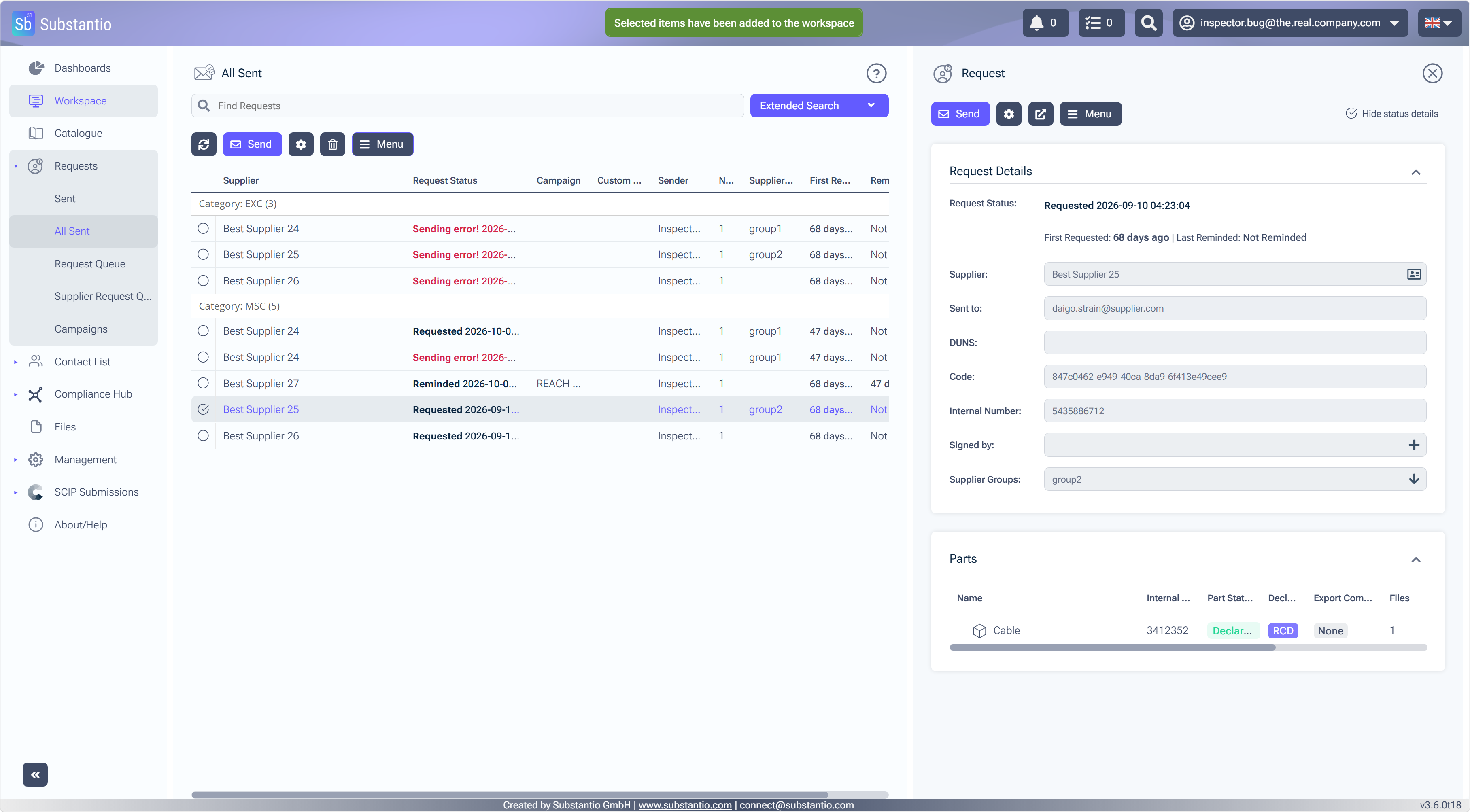
Go to the Workspace section.
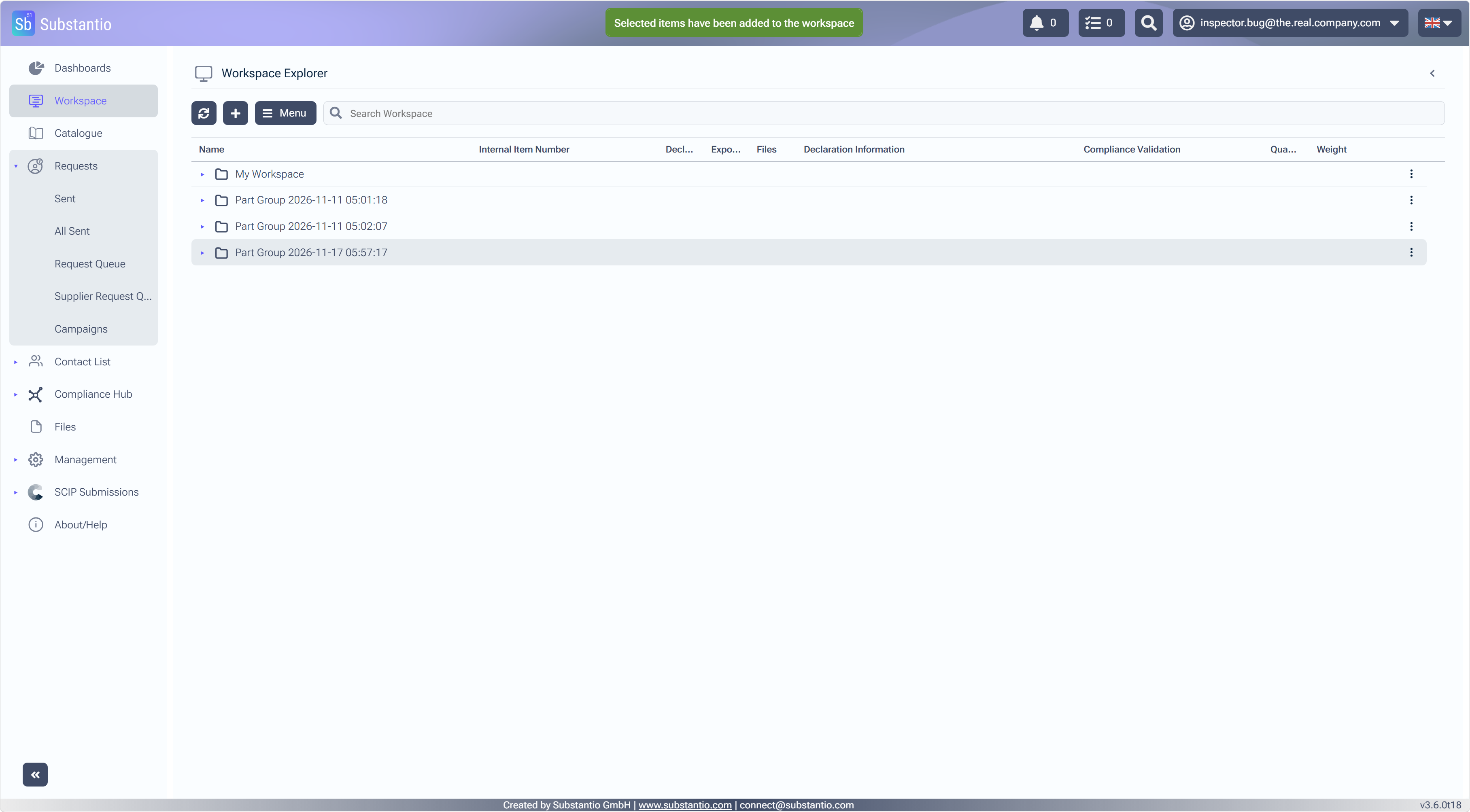
Choose your Part.
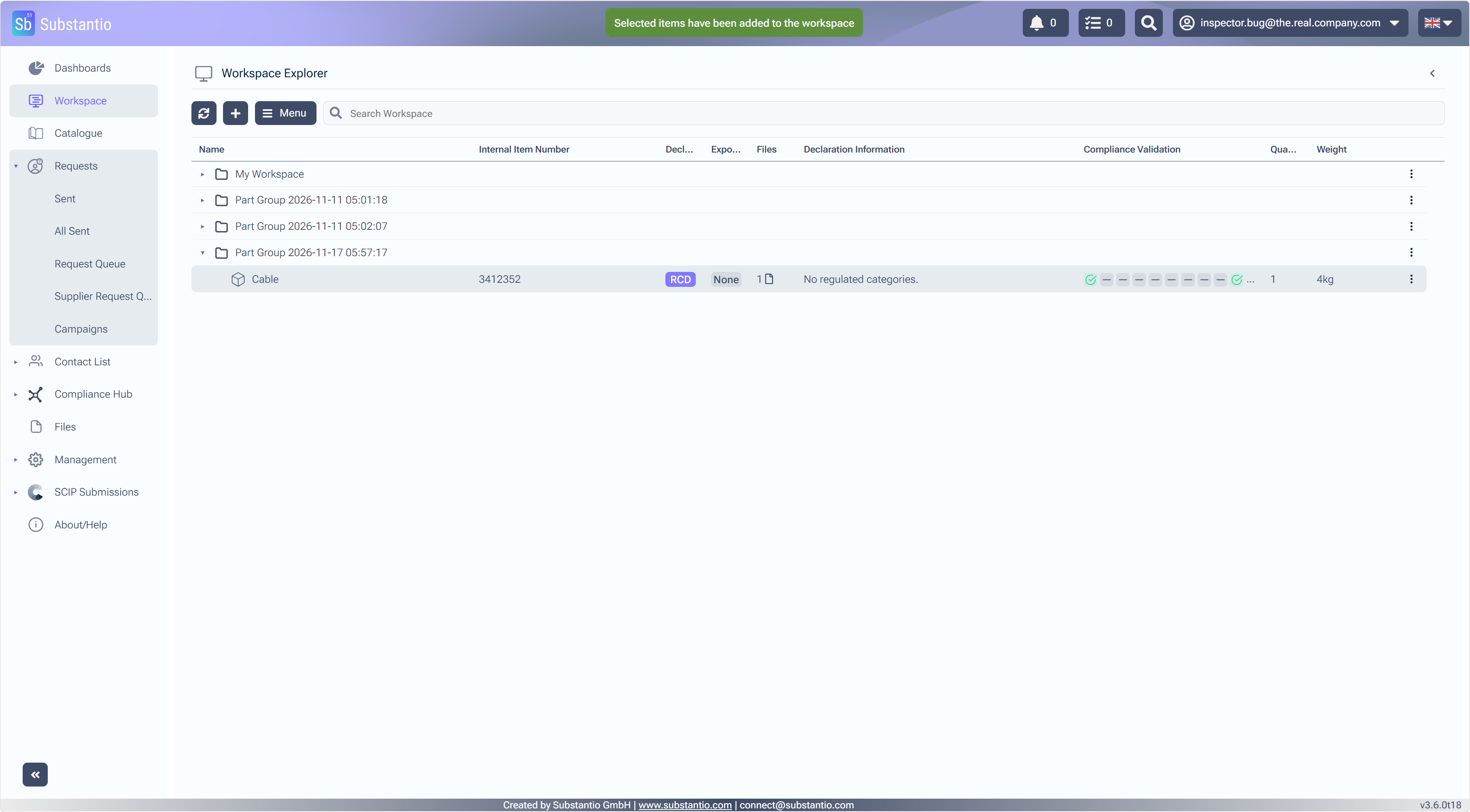
Double click it.
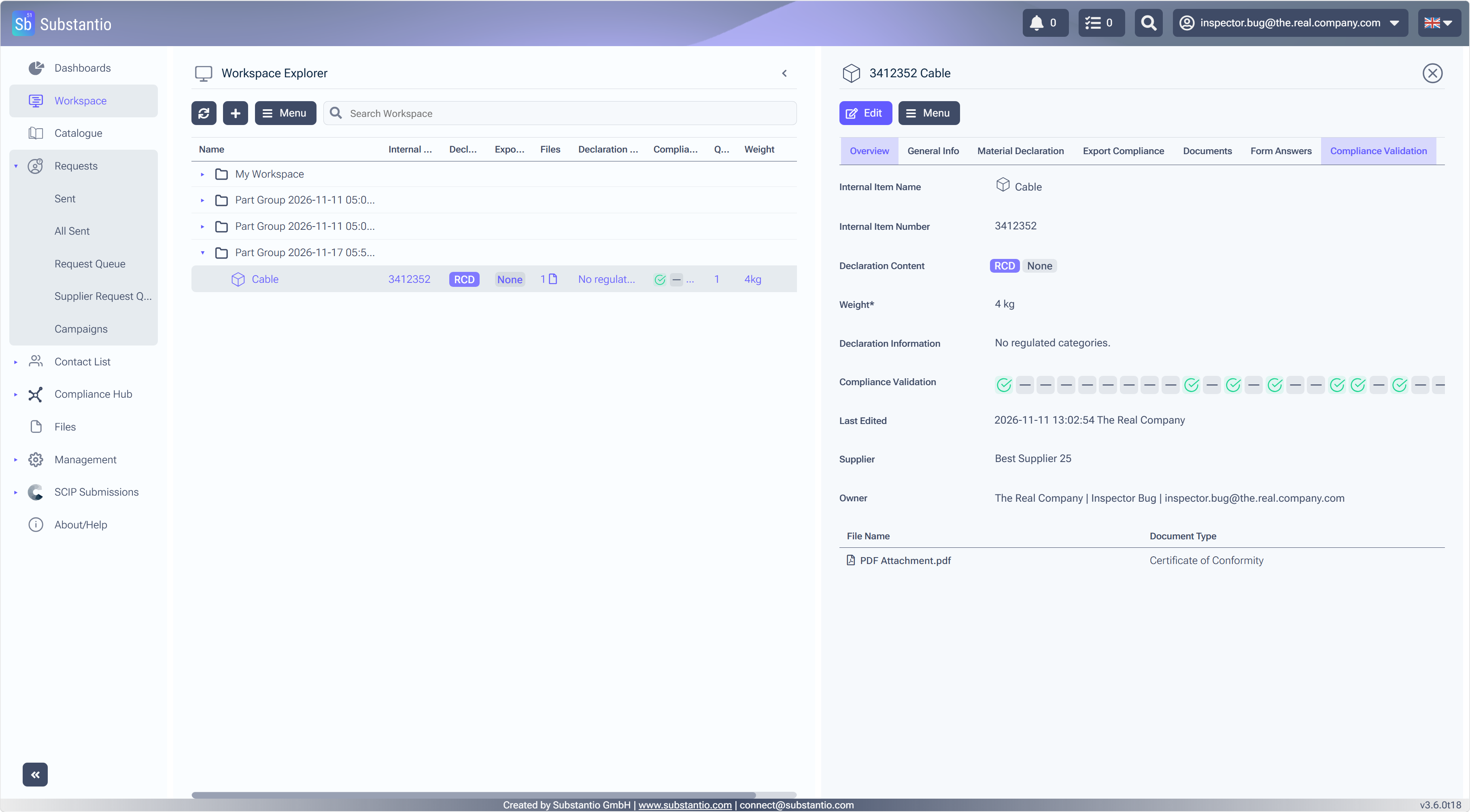
Switch to the tab Compliance Validation to check compliance details for the selected part.

