Start
1
/10
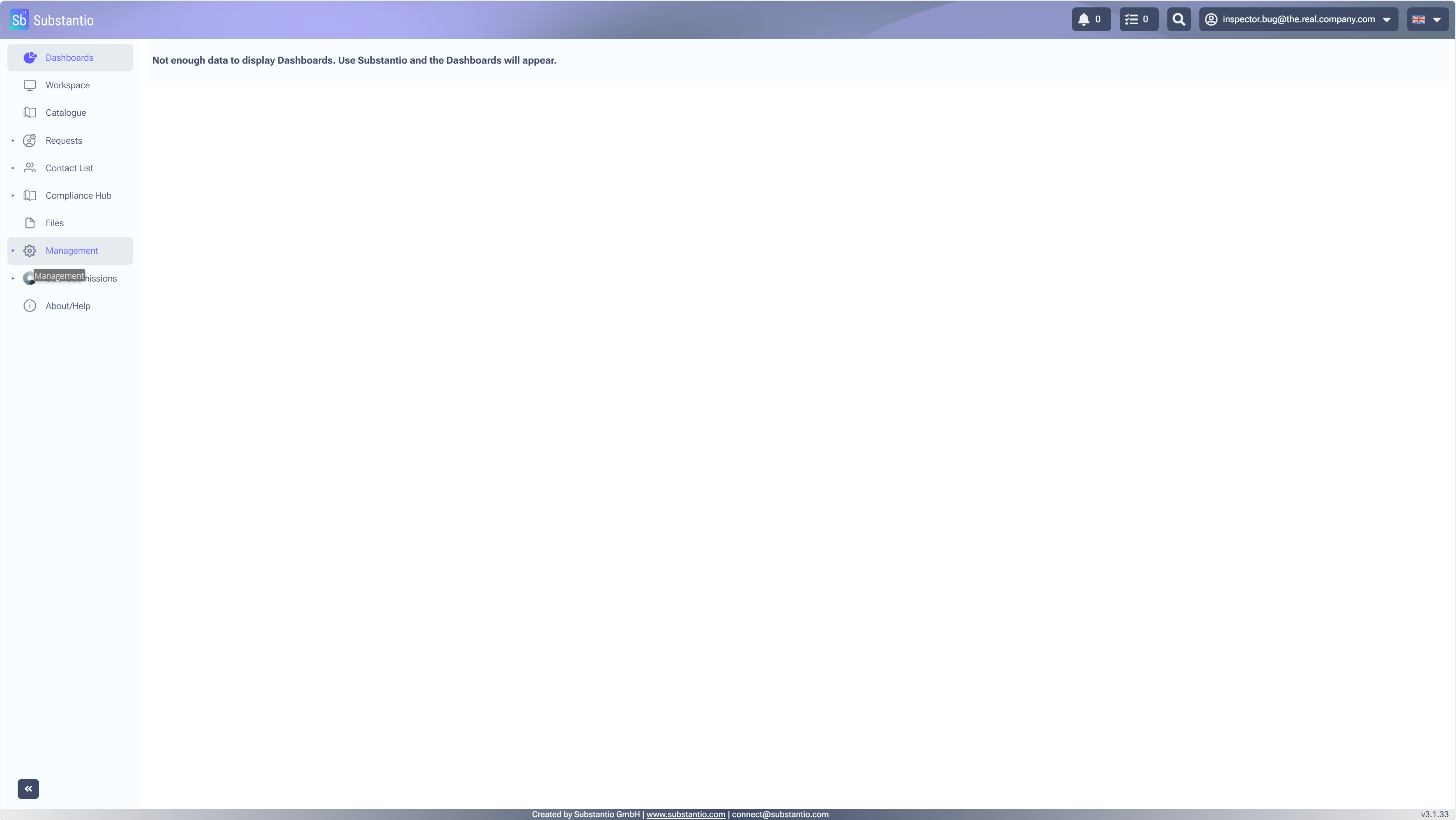
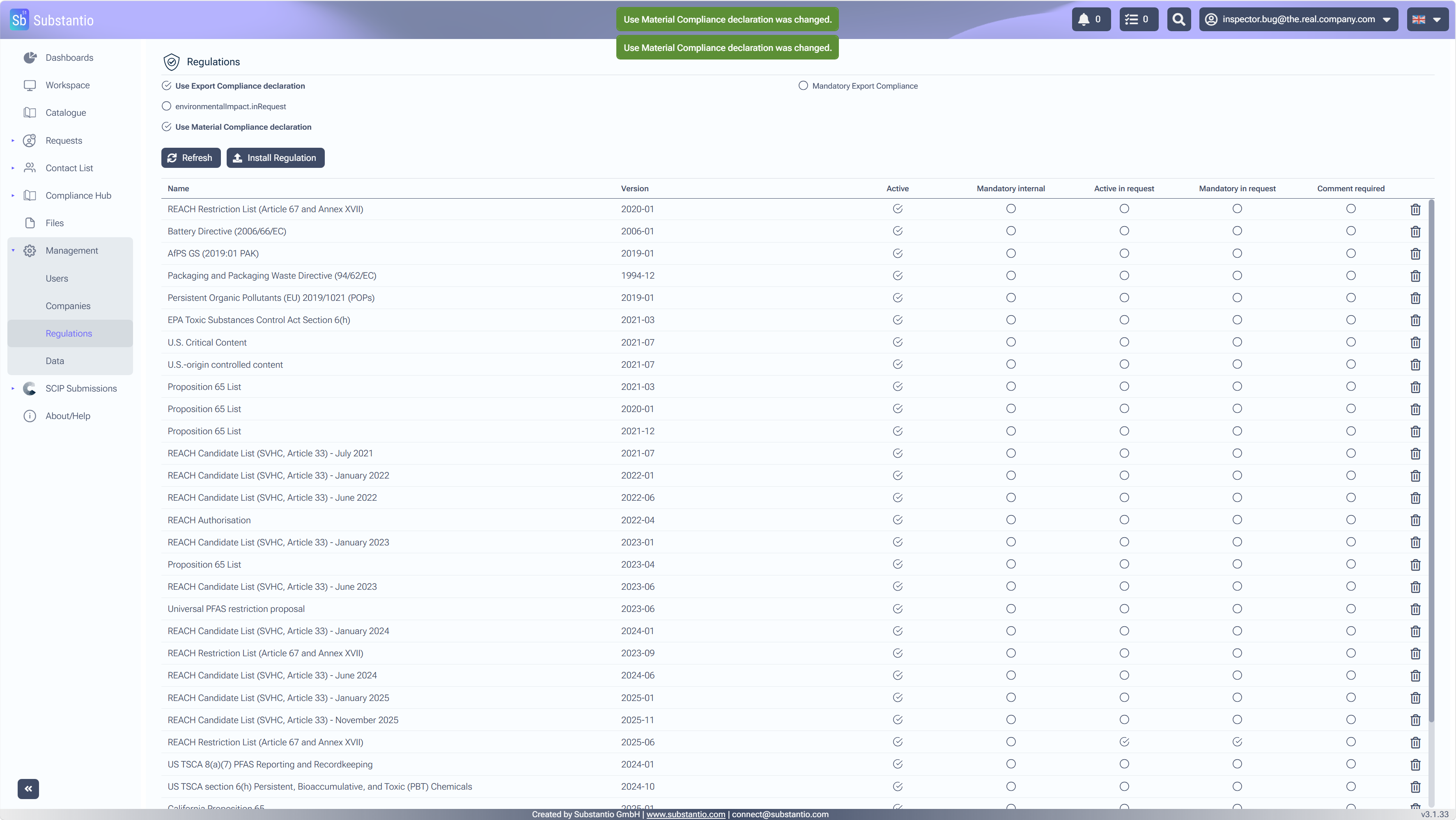
Open the dropbox on
Management
menu to make the necessary regulatory changes.
2
/10
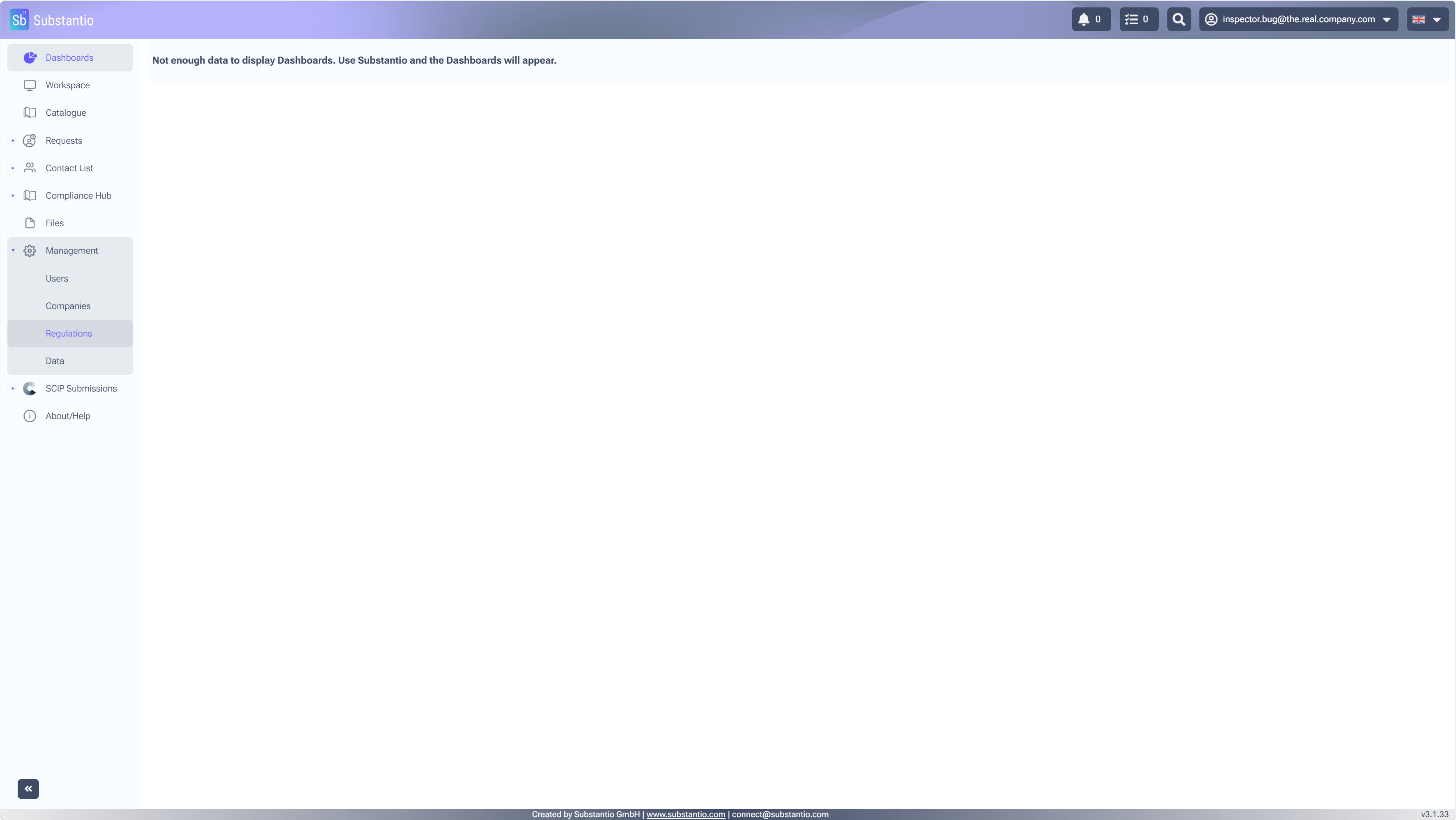
Choose
Regulations.
3
/10
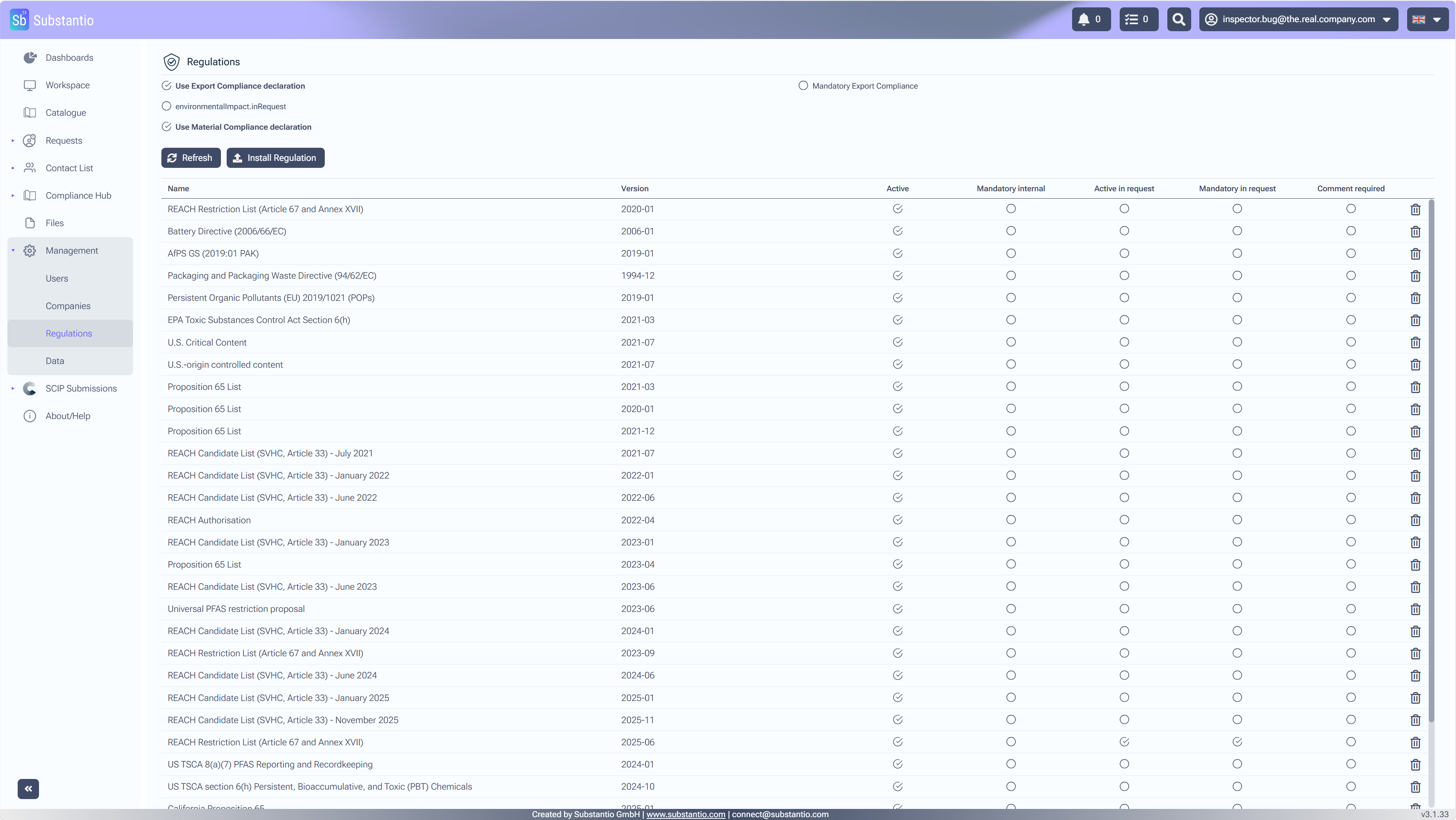
When you select
Use Material Compliance declaration
check box you enable material compliance declarations.
4
/10
By selecting
Use Export Compliance declaration
box you can activate export compliance declarations.
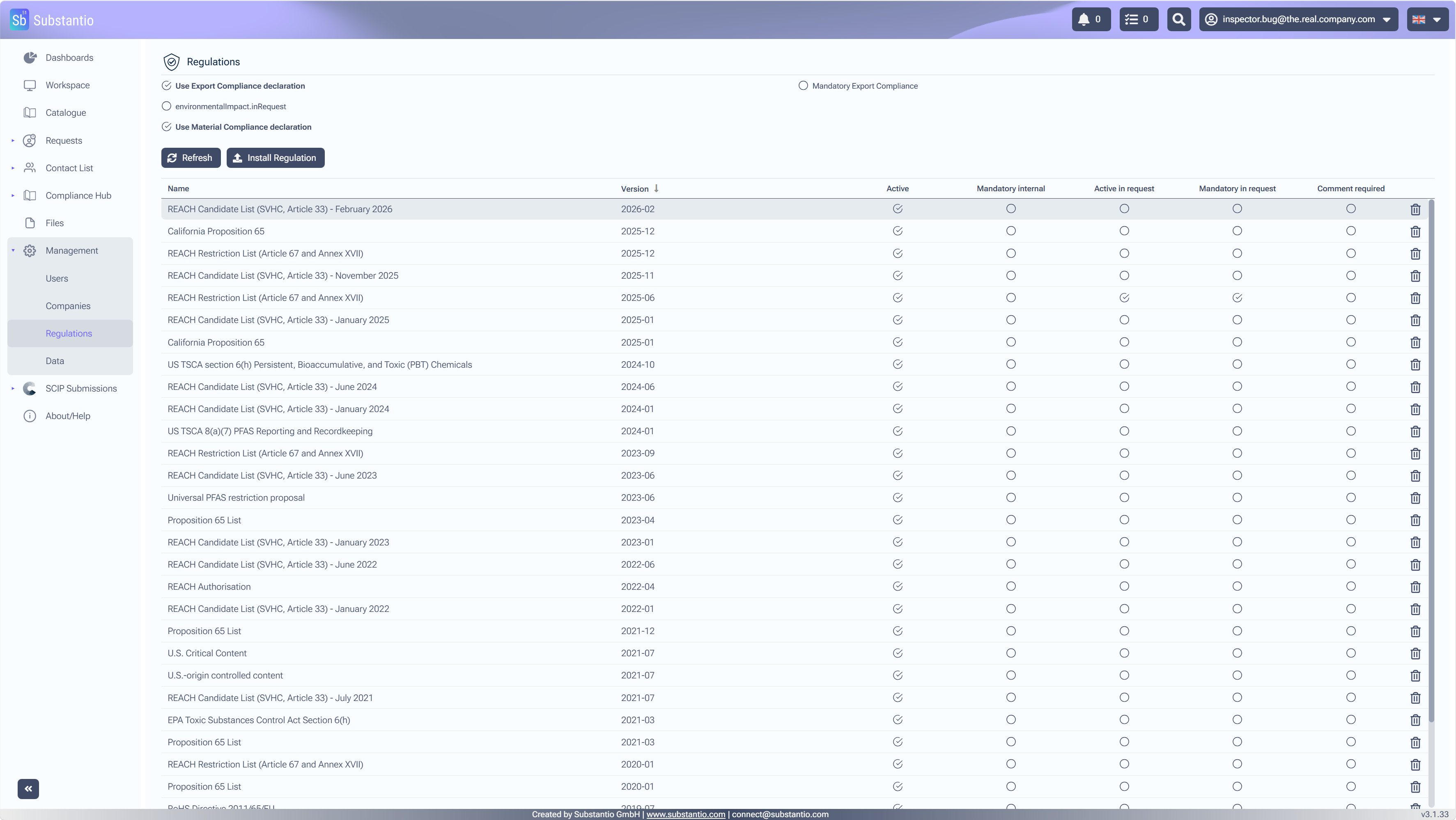
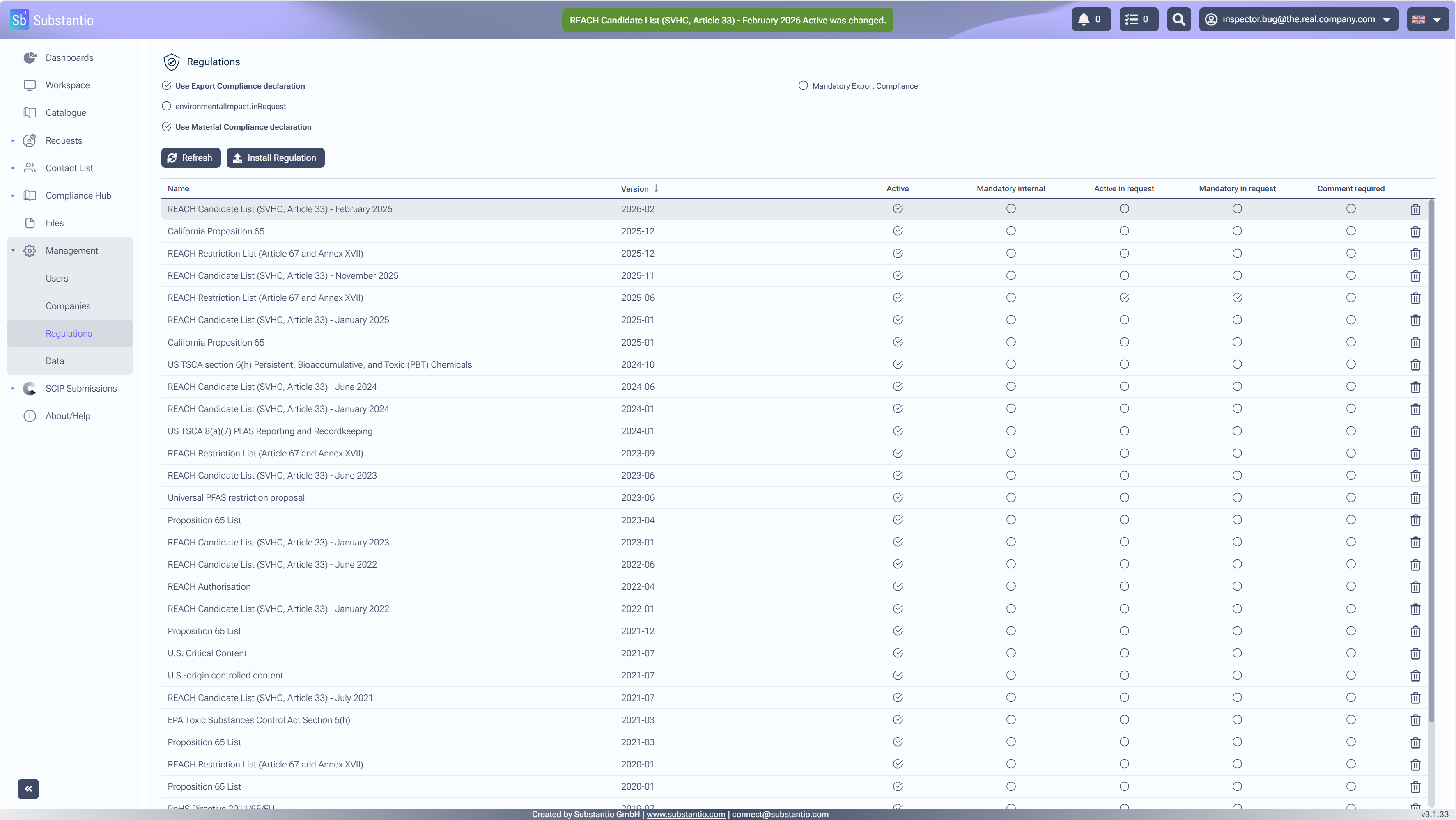
5
/10
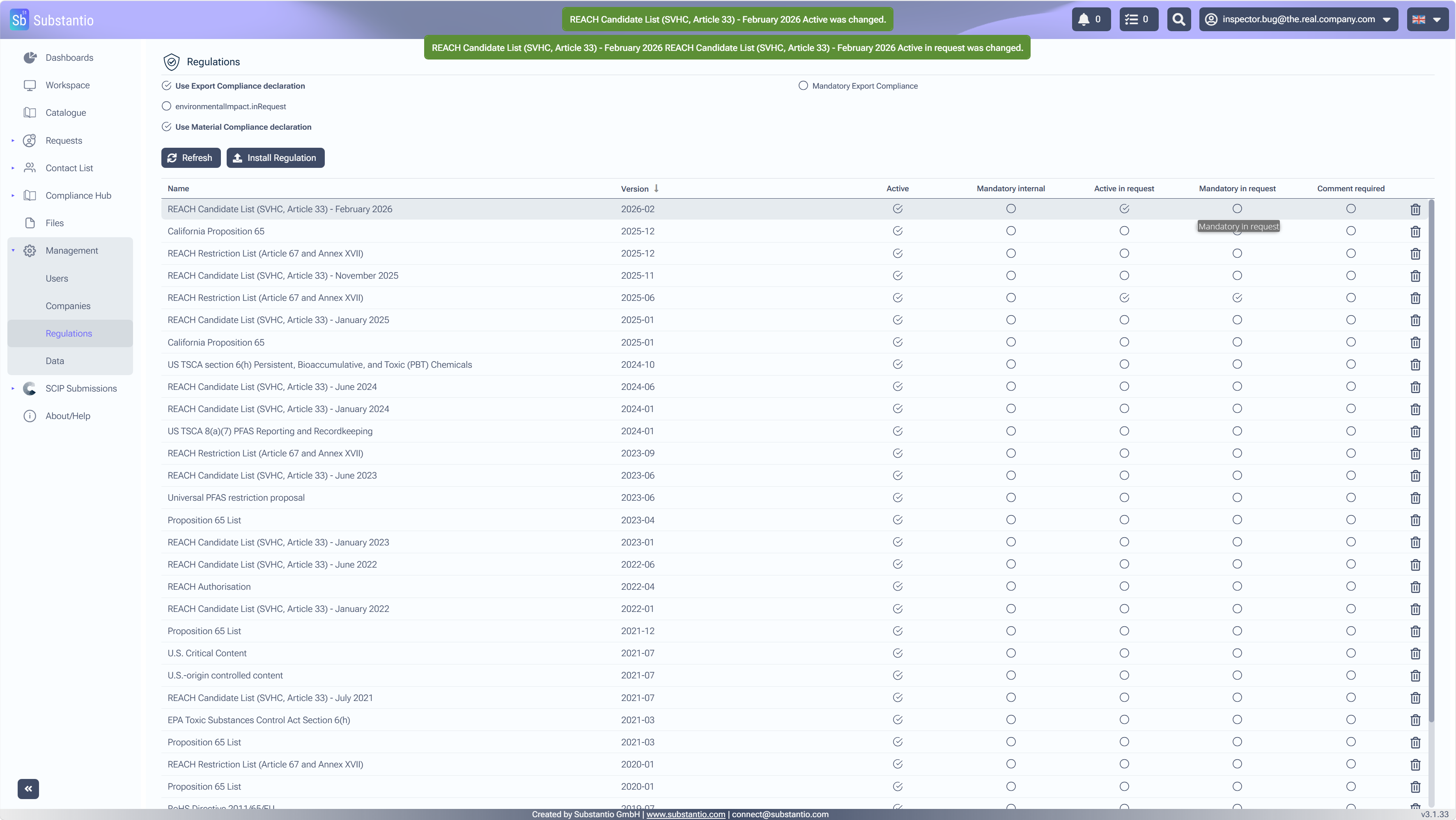
When the
Active
box is selected the regulation will be shown in the declaration request for your costumer.
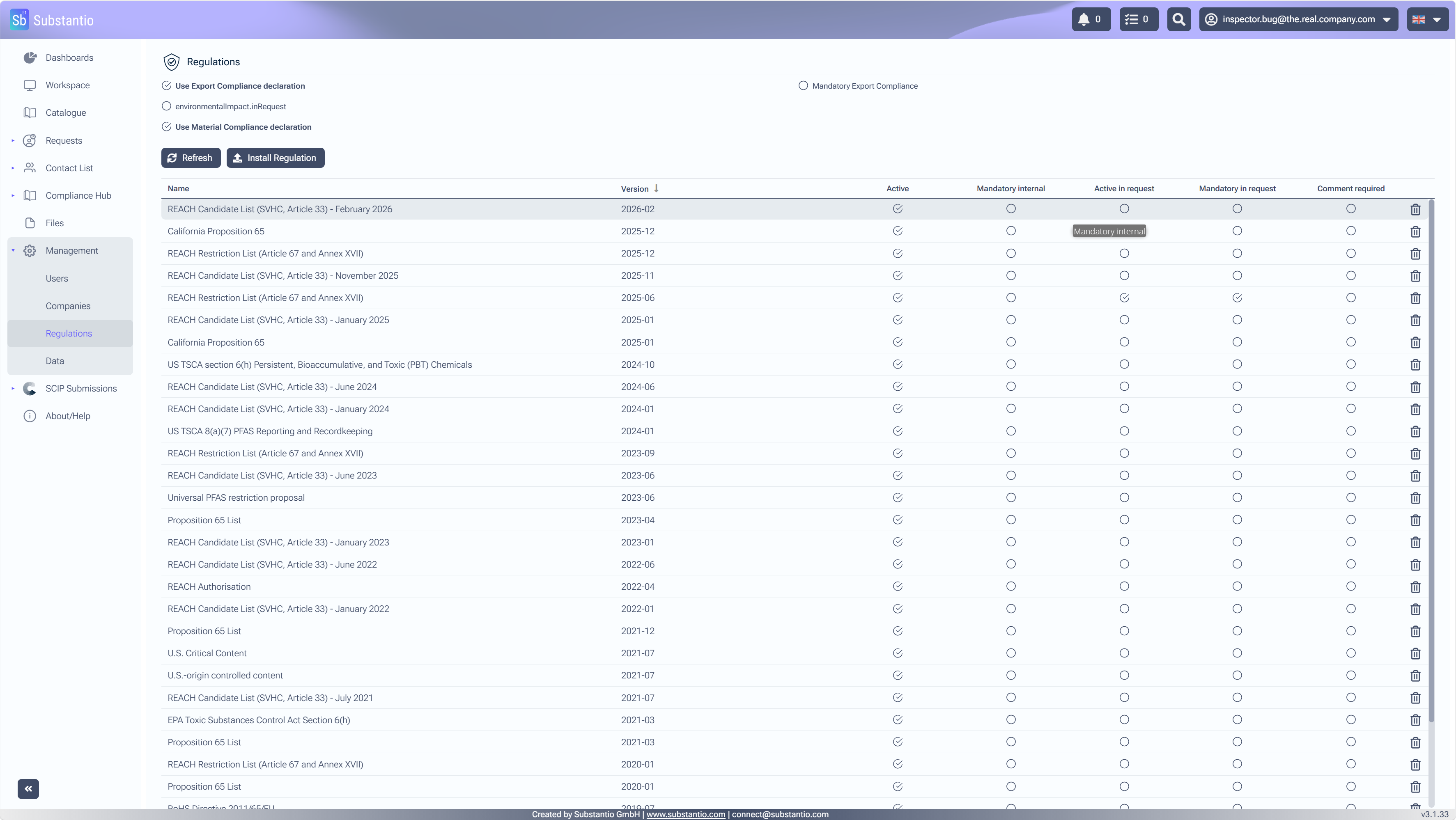
6
/10
If the
Mandatory internal
checkbox is activated, this means the regulation has to be declared internally.
7
/10
If the
Active in request
checkbox is activated, this means that the regulation is displayed in the declaration request.
8
/10
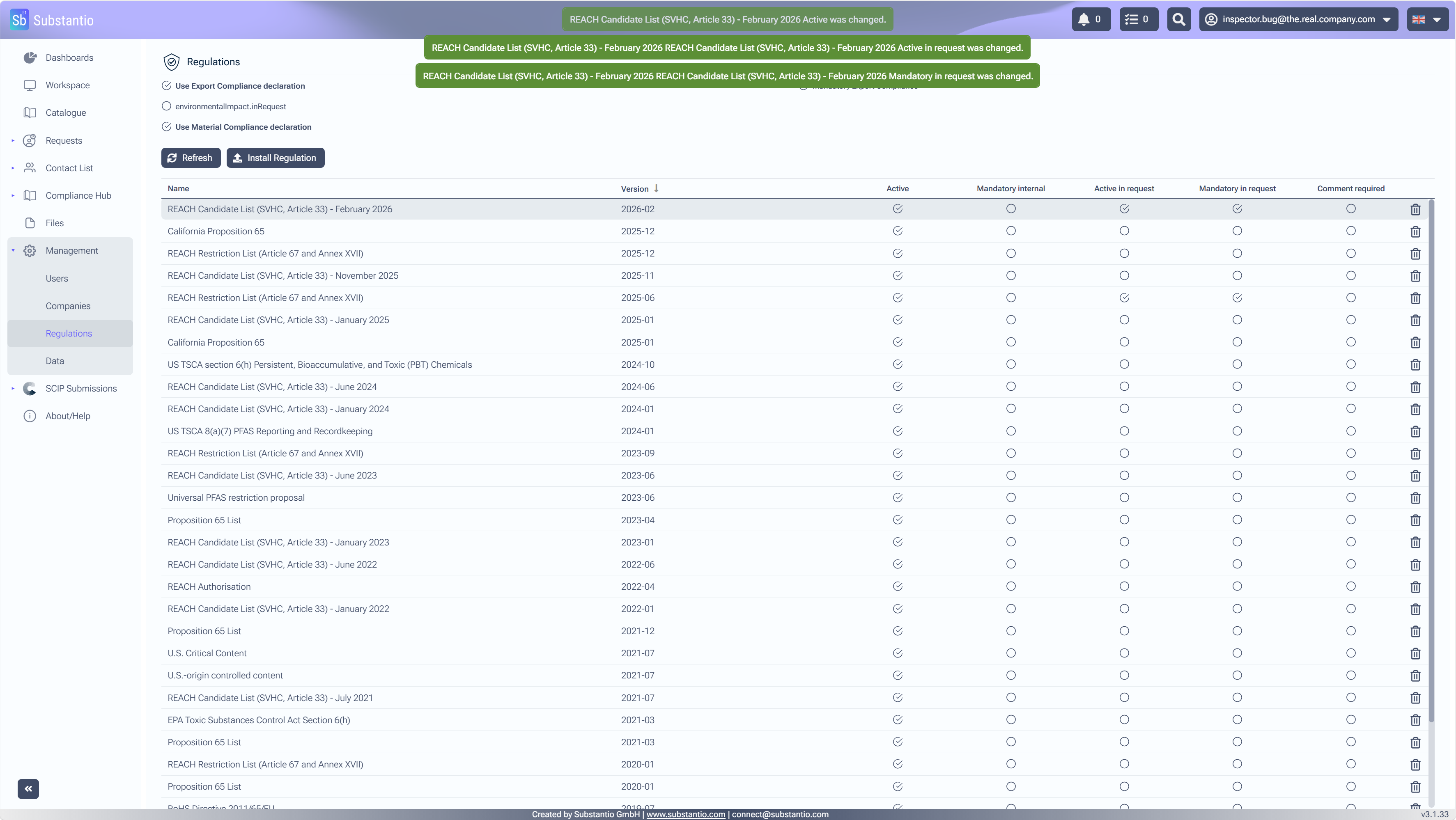
If the
Mandatory in request
checkbox is activated, this means that the regulation must be adressed in the declaration request.
9
/10
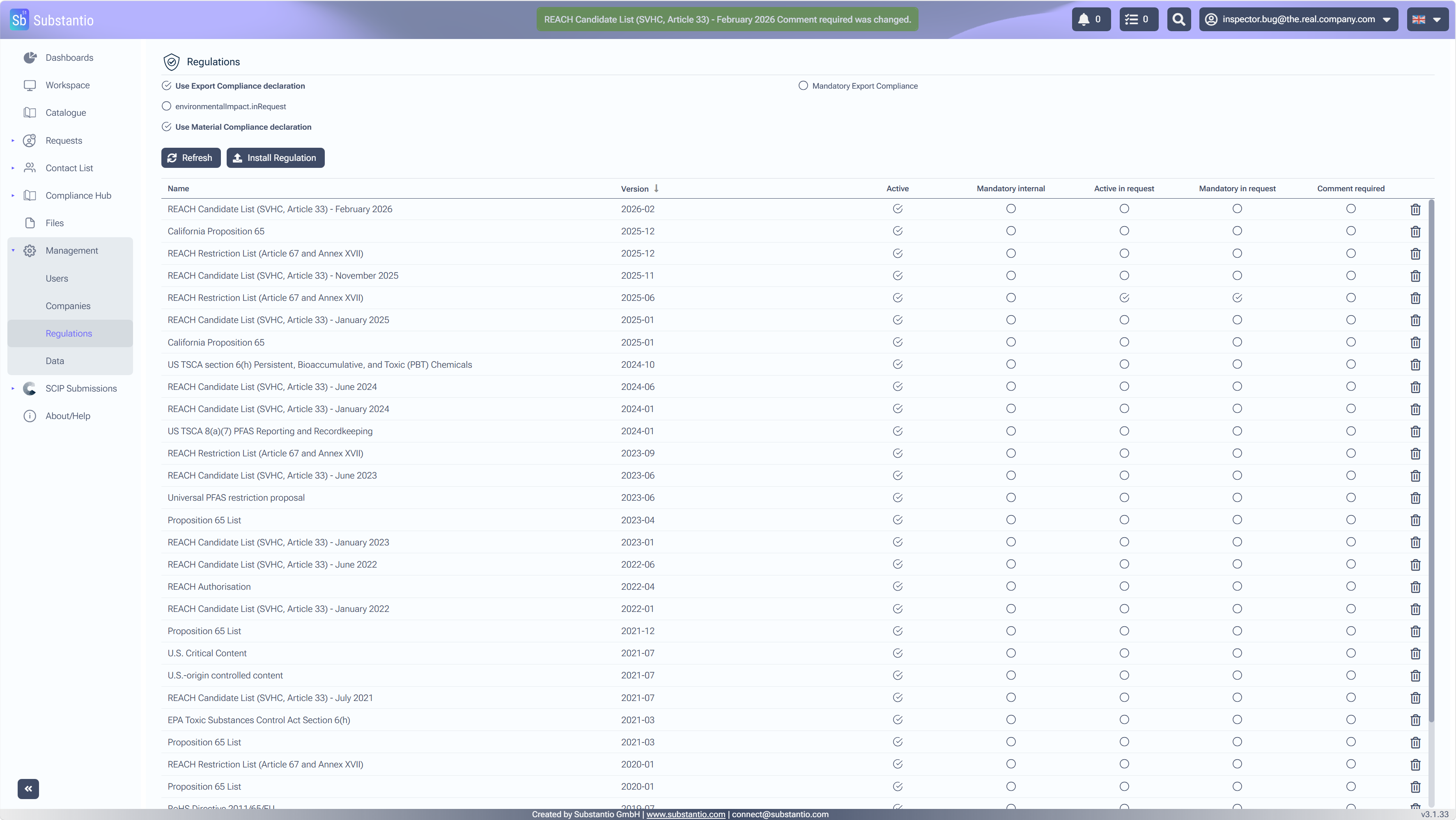
Comment
section can be only choosen for the PFAS-Regulation and has no impact on other regulations.
10
/10
Please ask Substantio Team for the installation of new regulations into your Substantio area.
Thank you!
Restart Tour