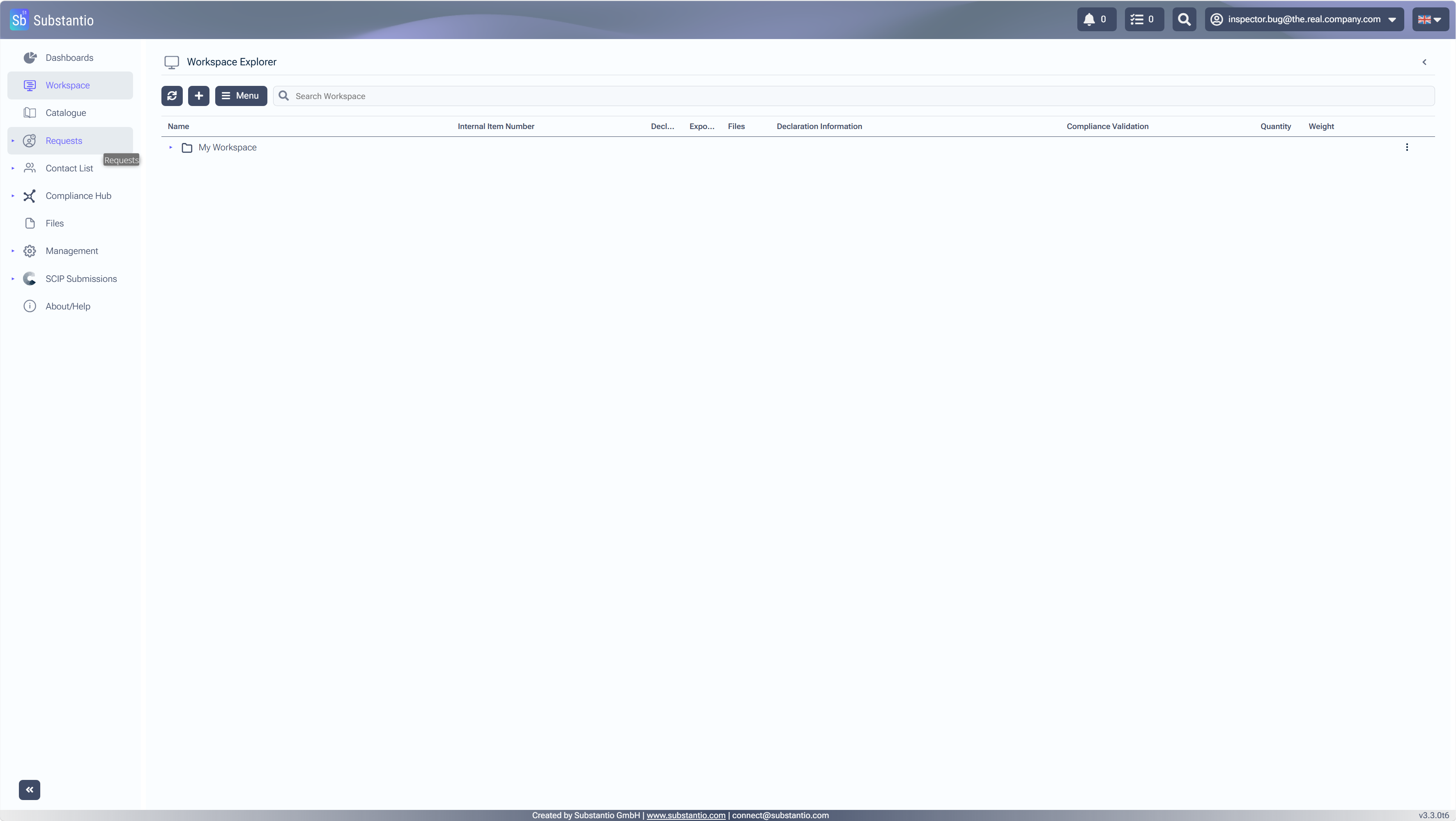
SelectRequeststo access the Campaign Management section, where you can view and manage ongoing campaigns.
2
/34
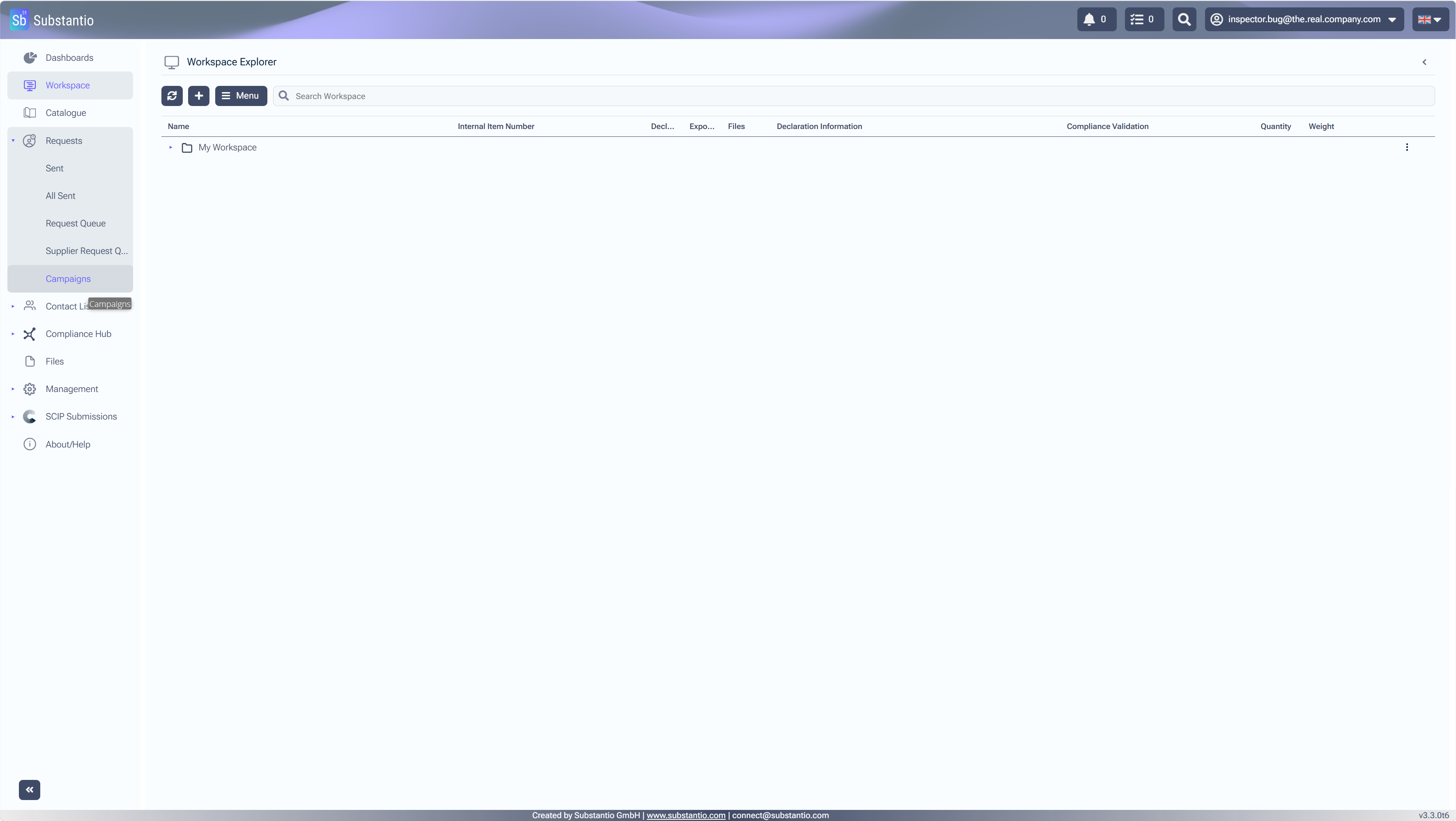
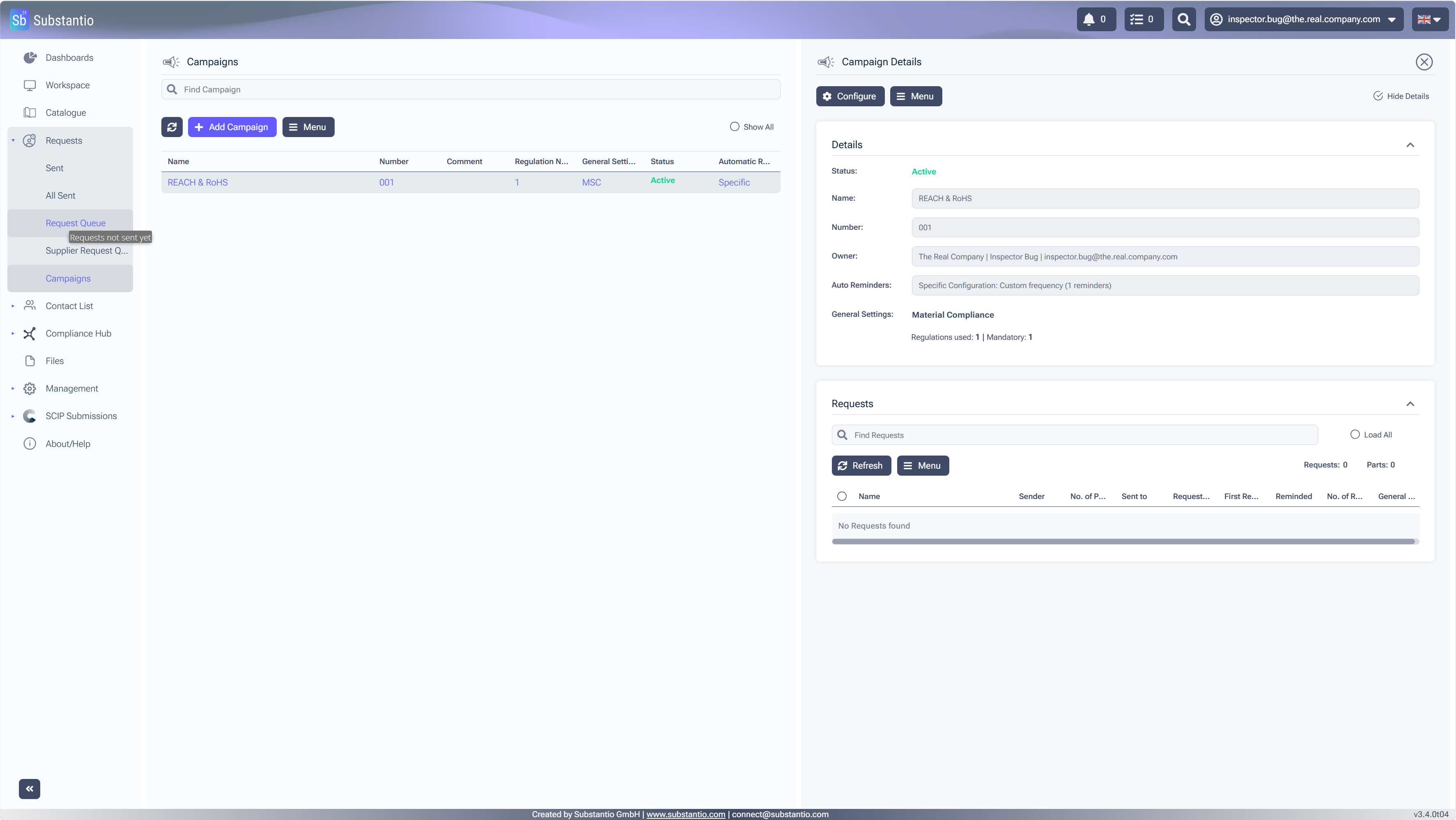
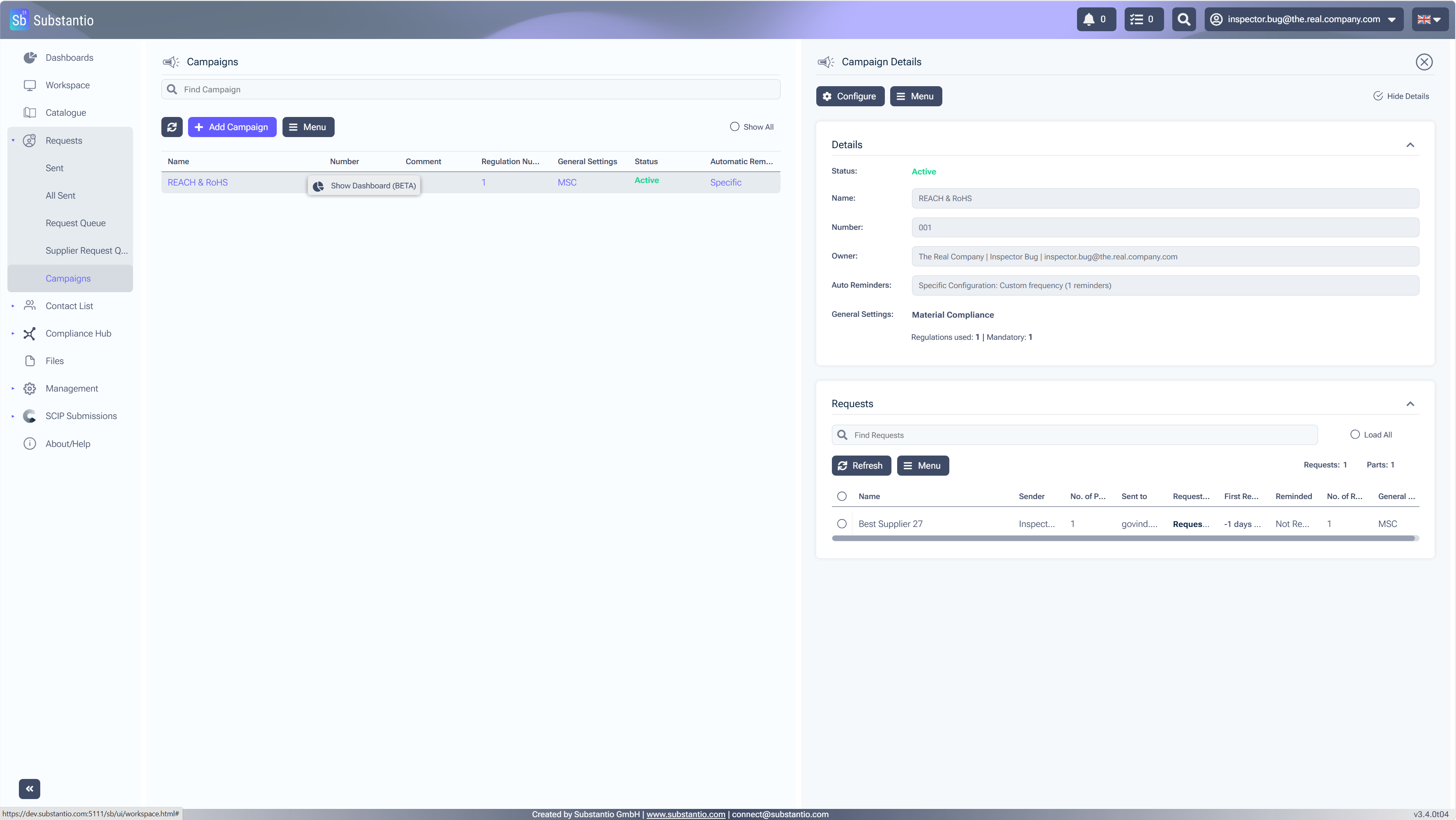
SelectCampaignsto access to the campaign management section where you can view or manage ongoing campaigns.
3
/34
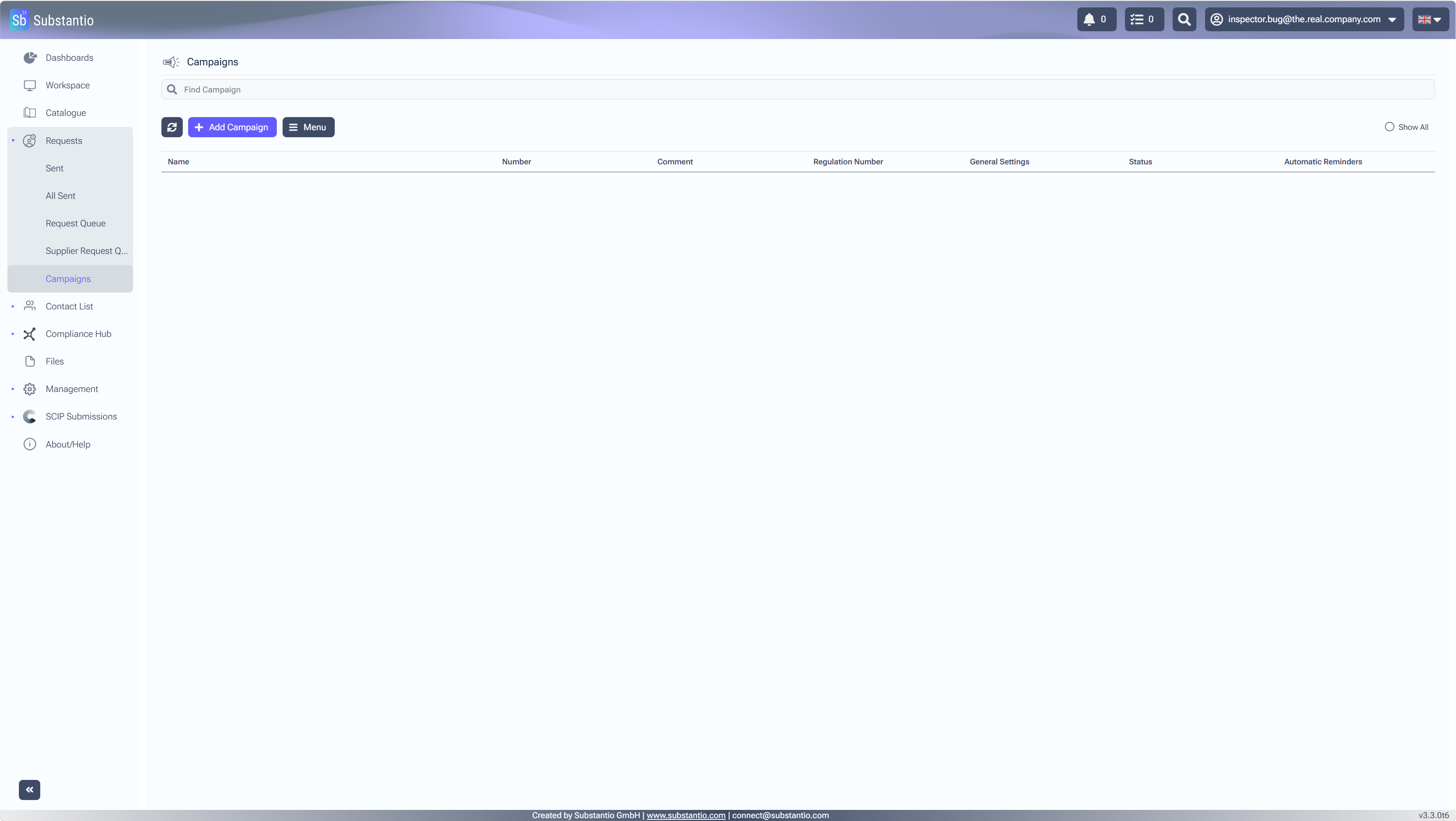
SelectAdd Campaignto create a new campaign.
4
/34
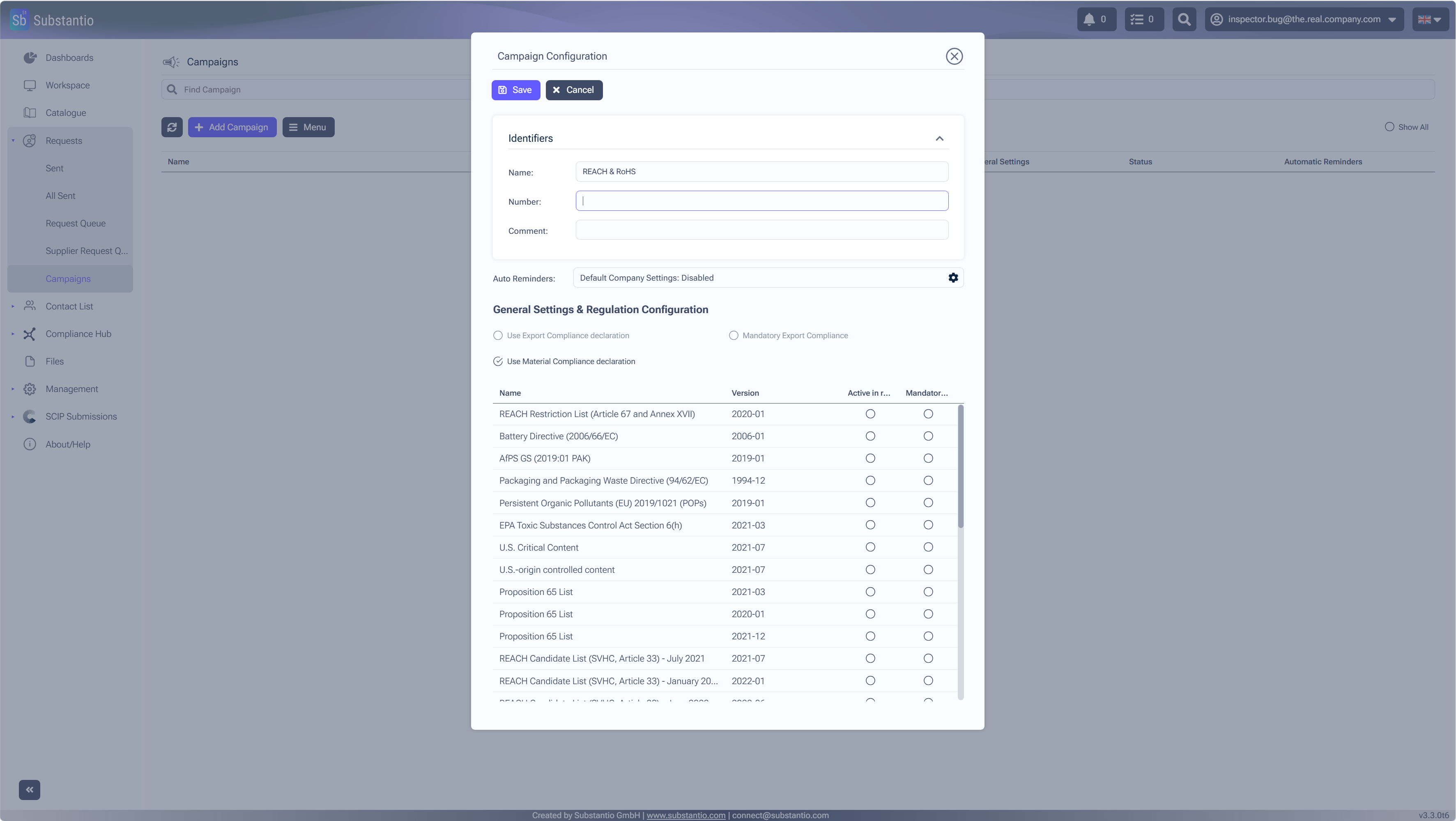
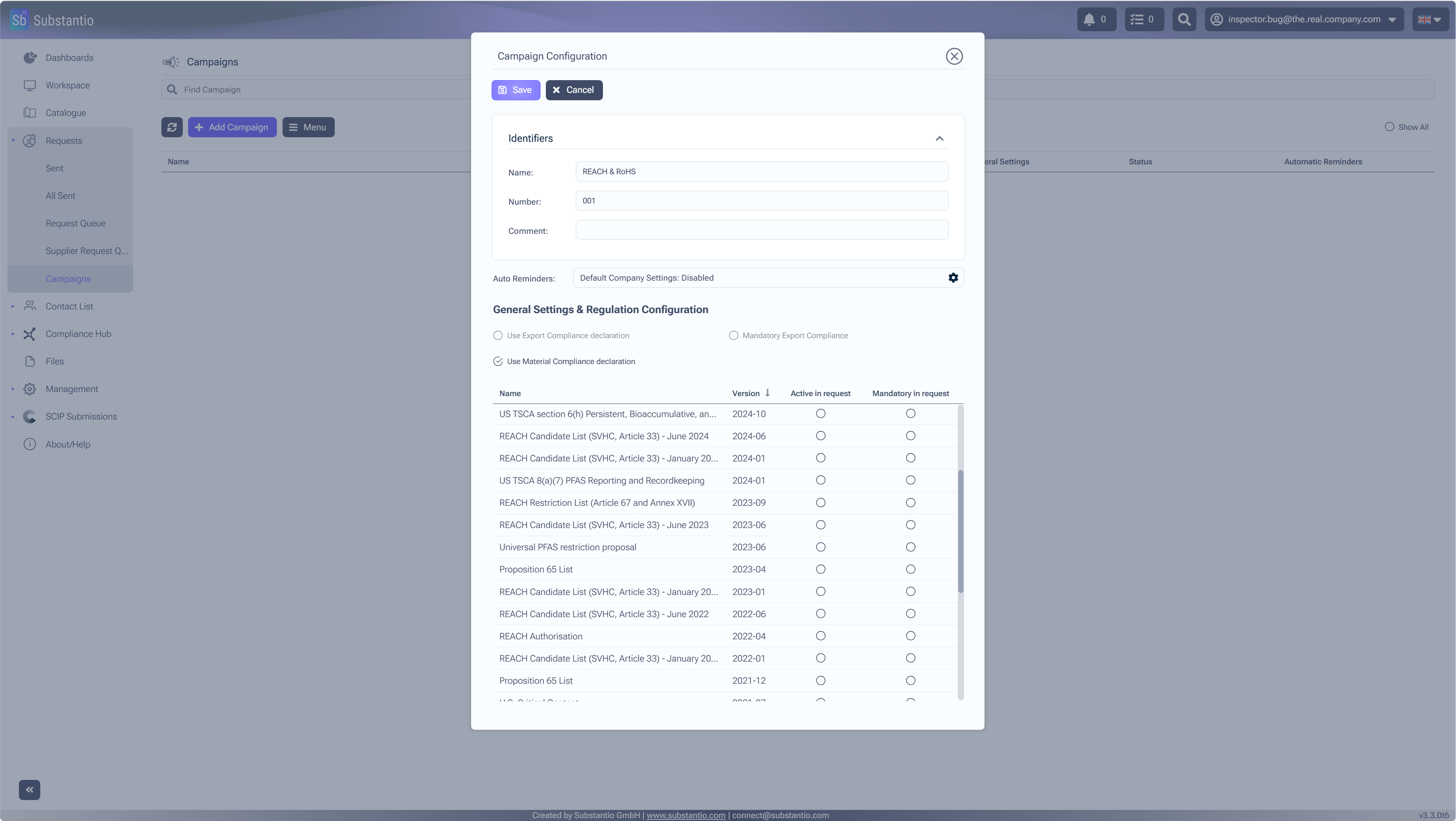
InsertName and Numberto assign them to your campaign.
>
5
/34
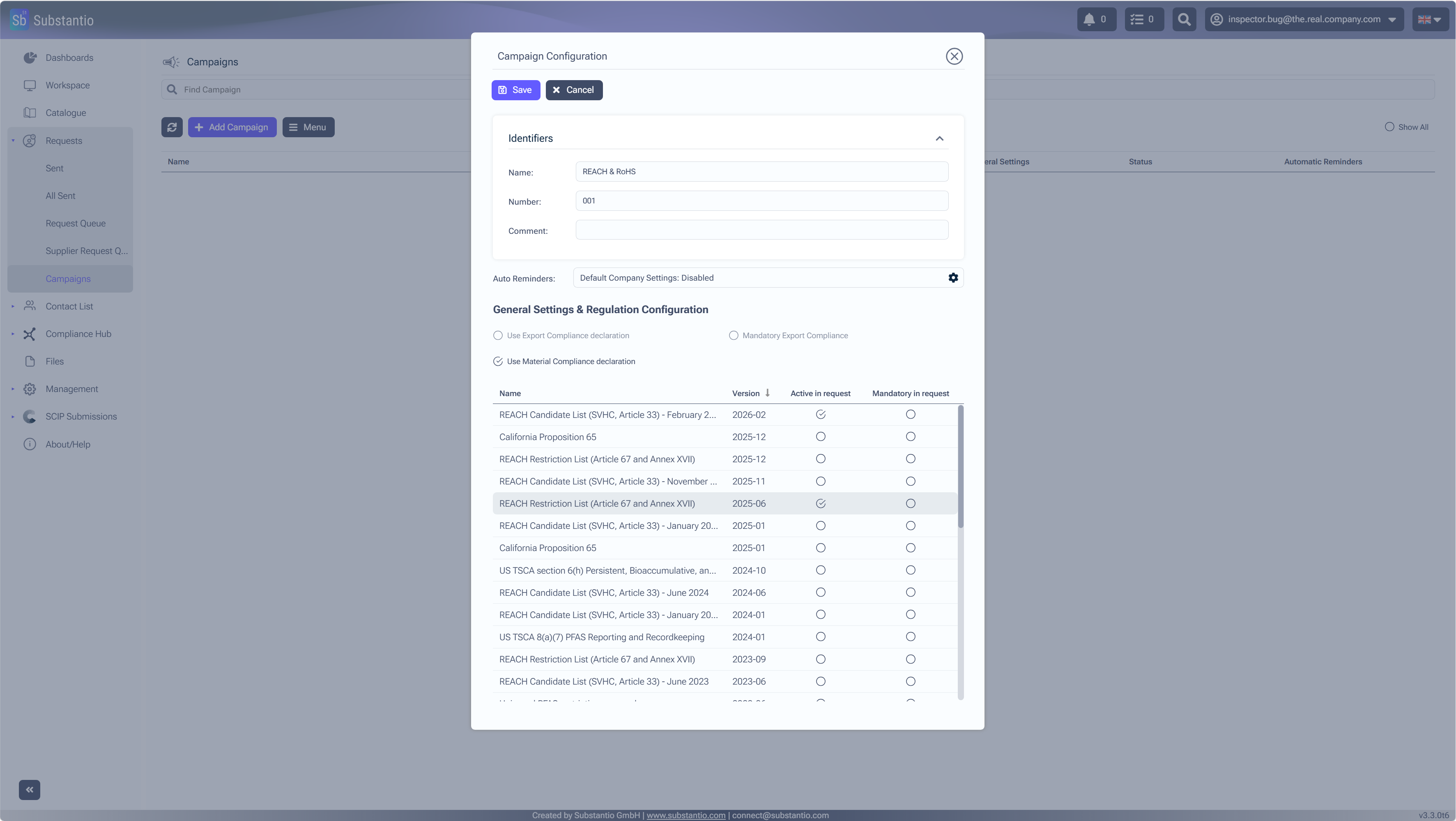
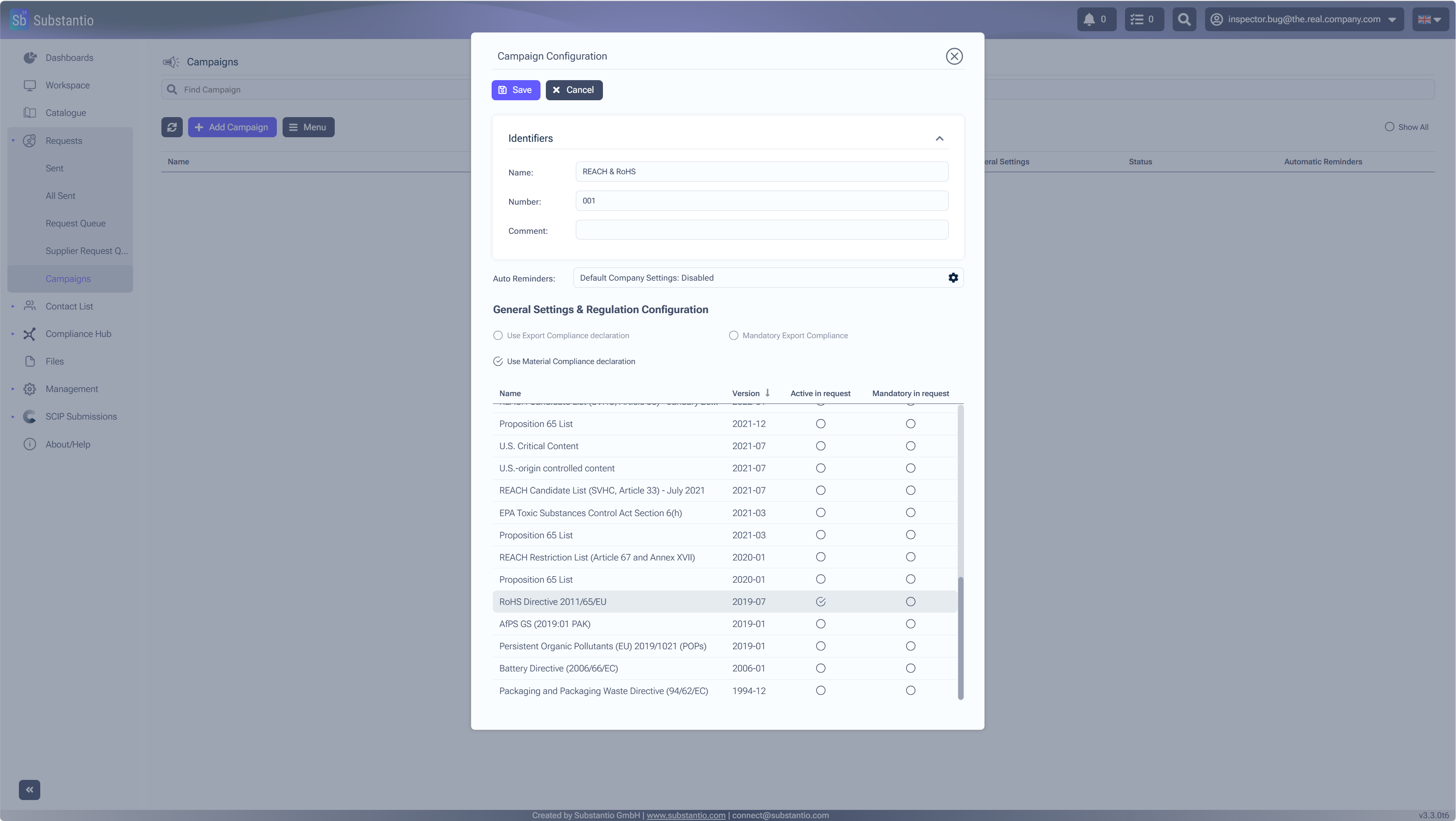
Select the relevant checkboxesto specify.
6
/34
Mandatory means that this field must be filled out in the request.
7
/34
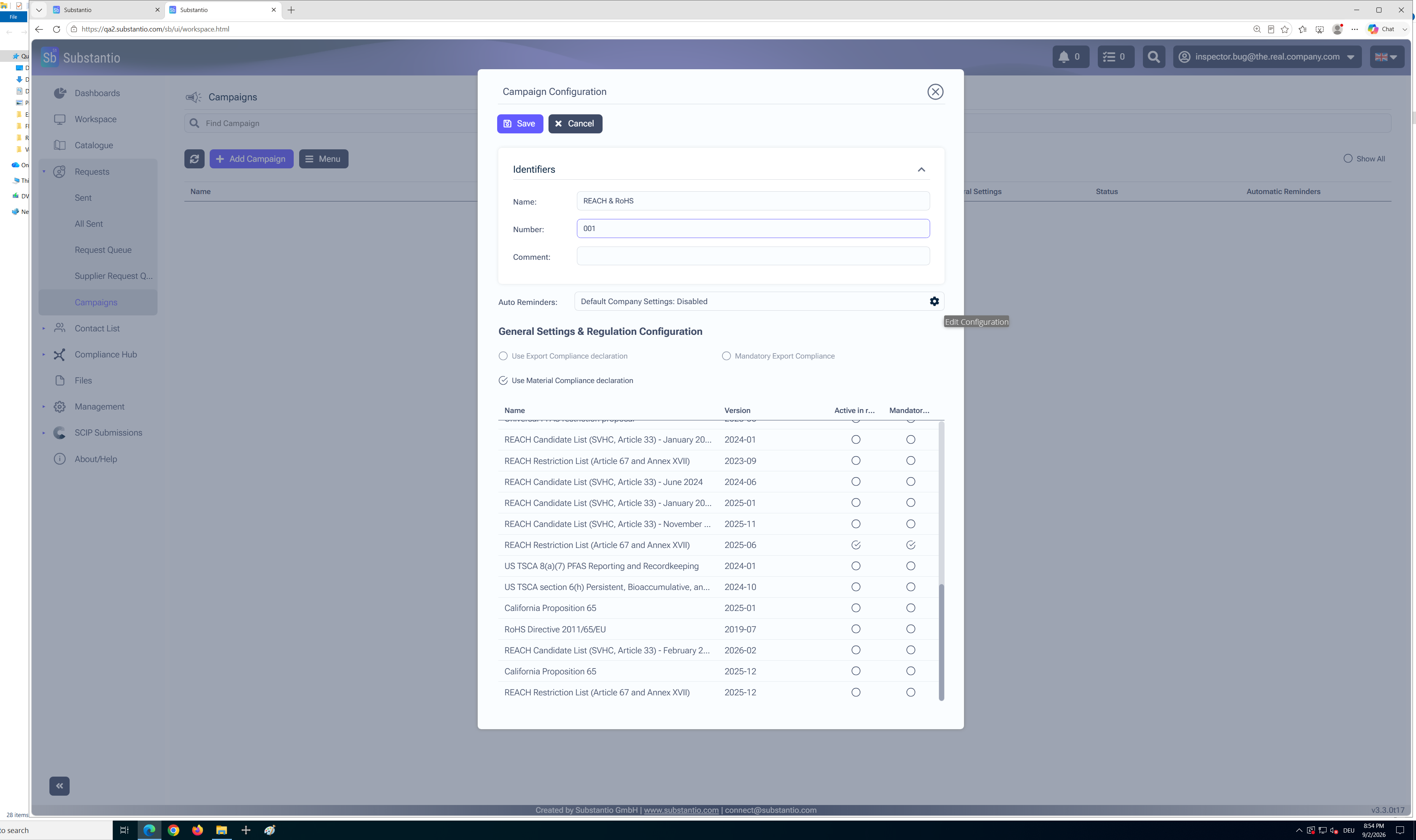
KASTEN To set up automatic reminders, select the Settingsicon.
8
/34
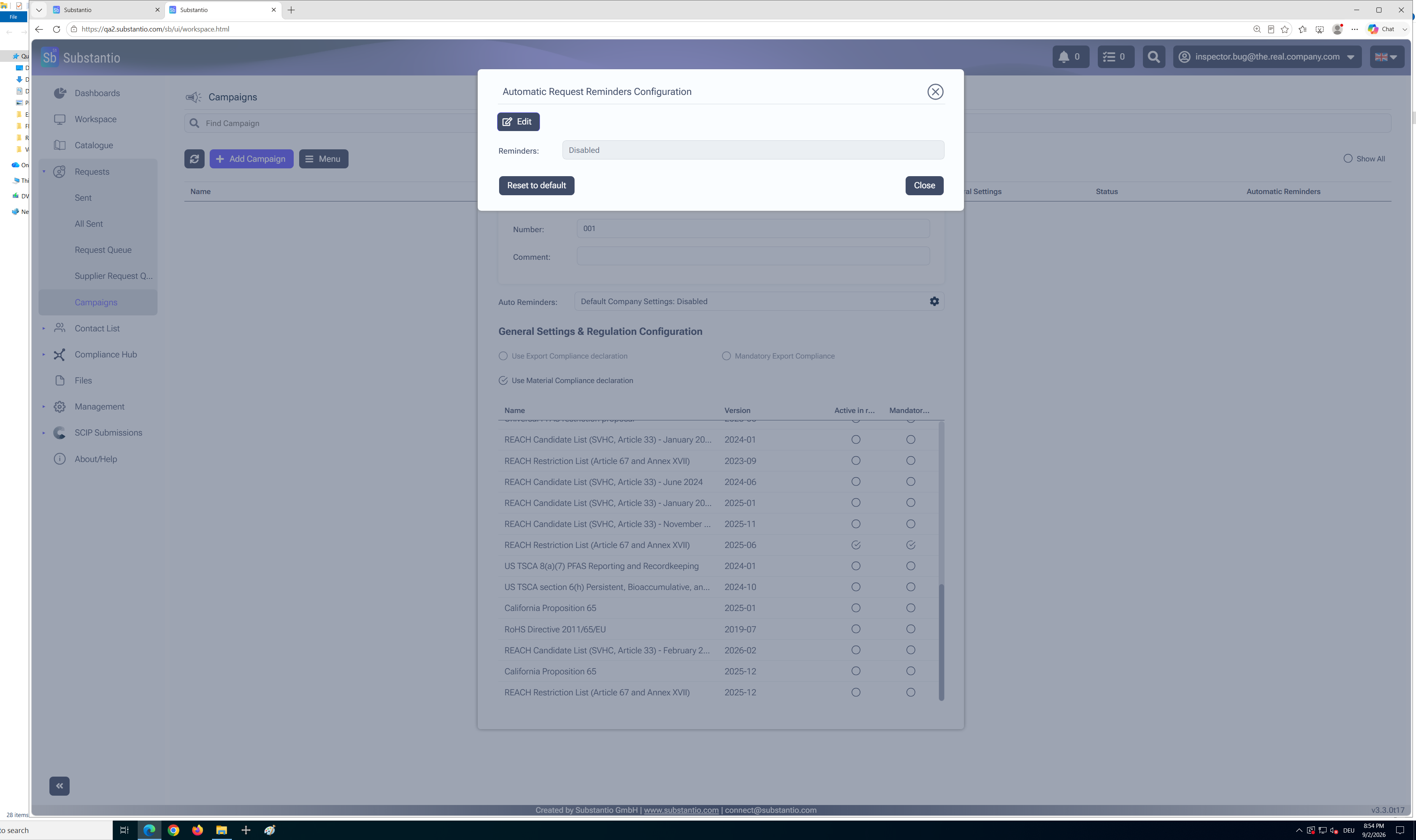
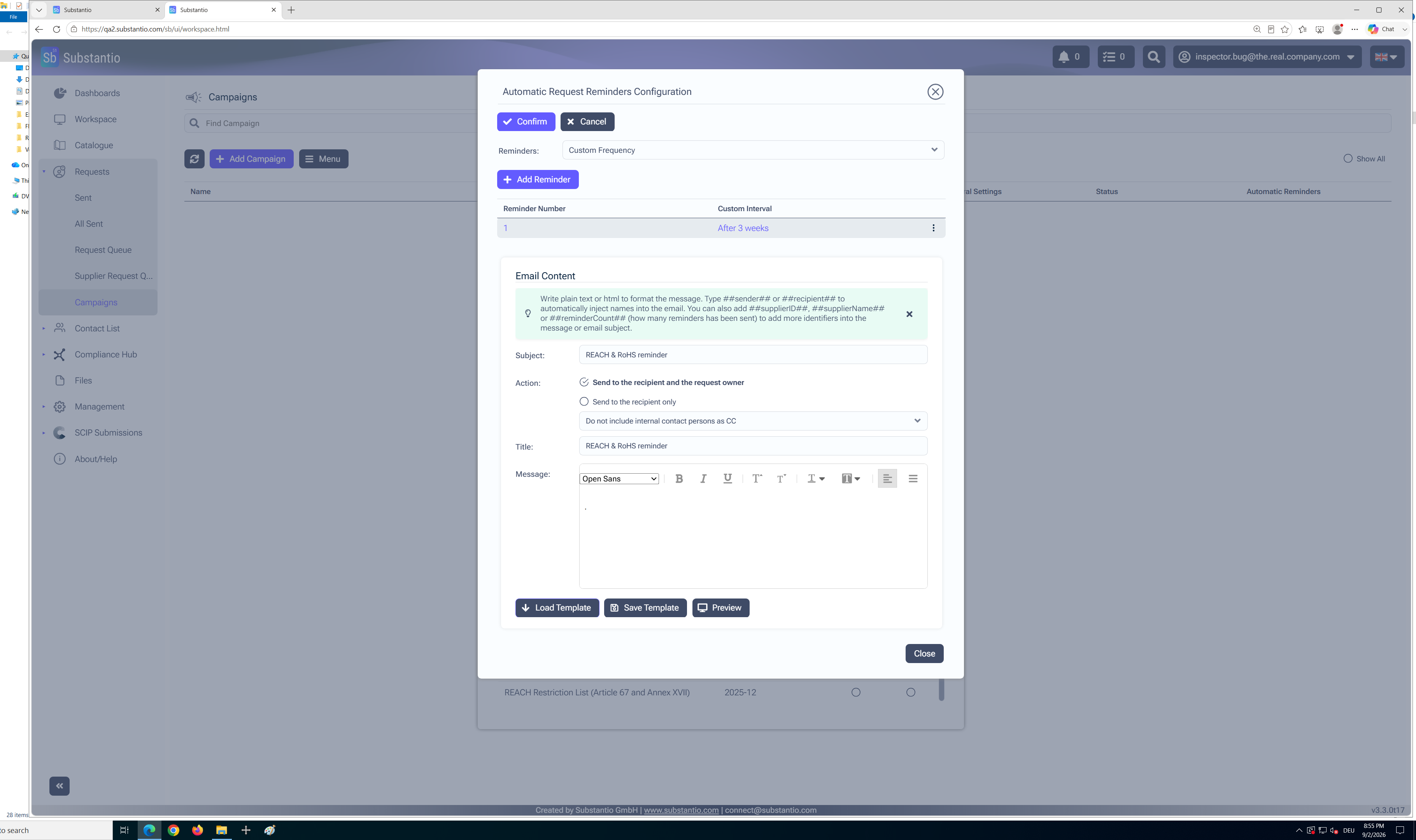
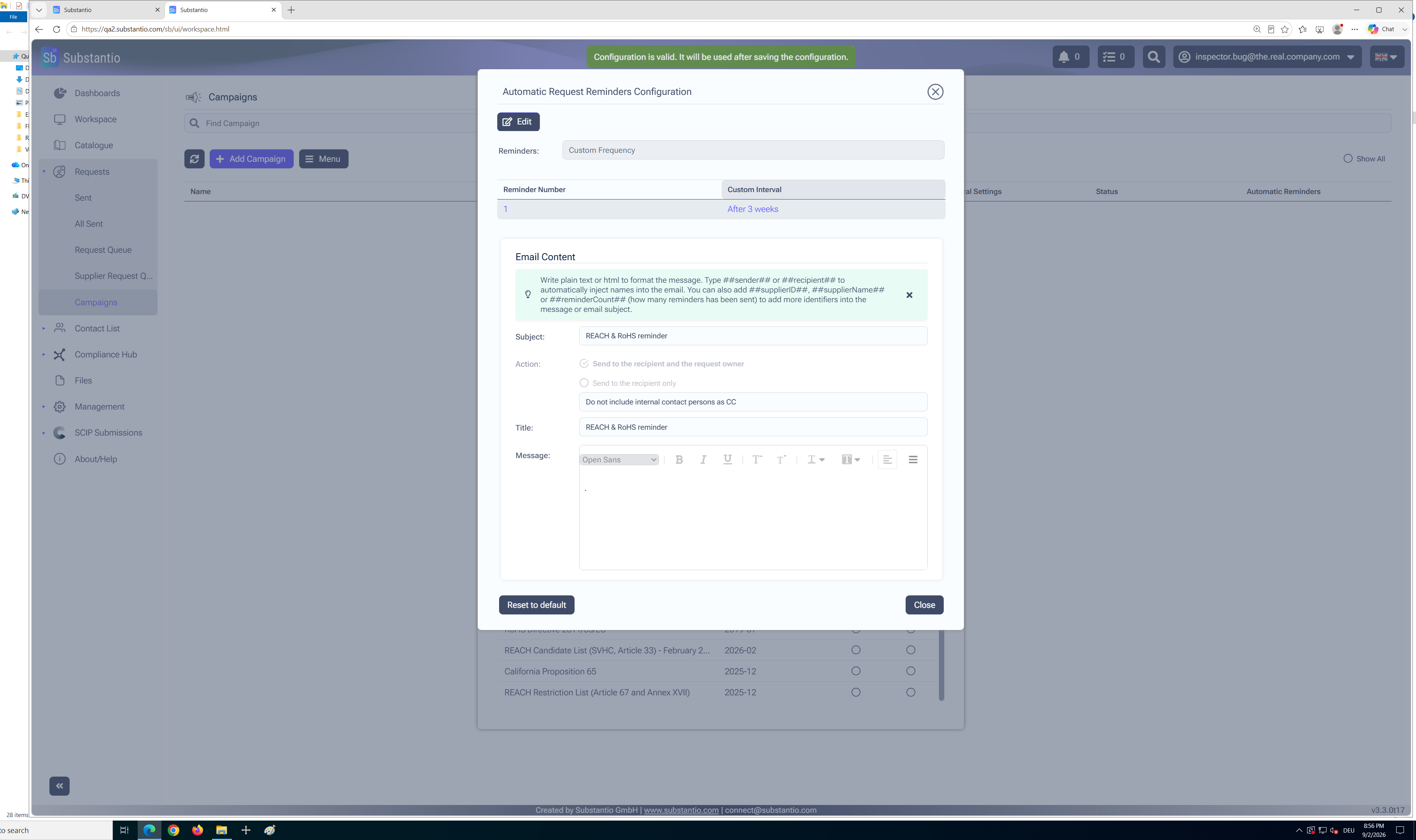
To configure the reminder, select theEditbutton.
9
/34
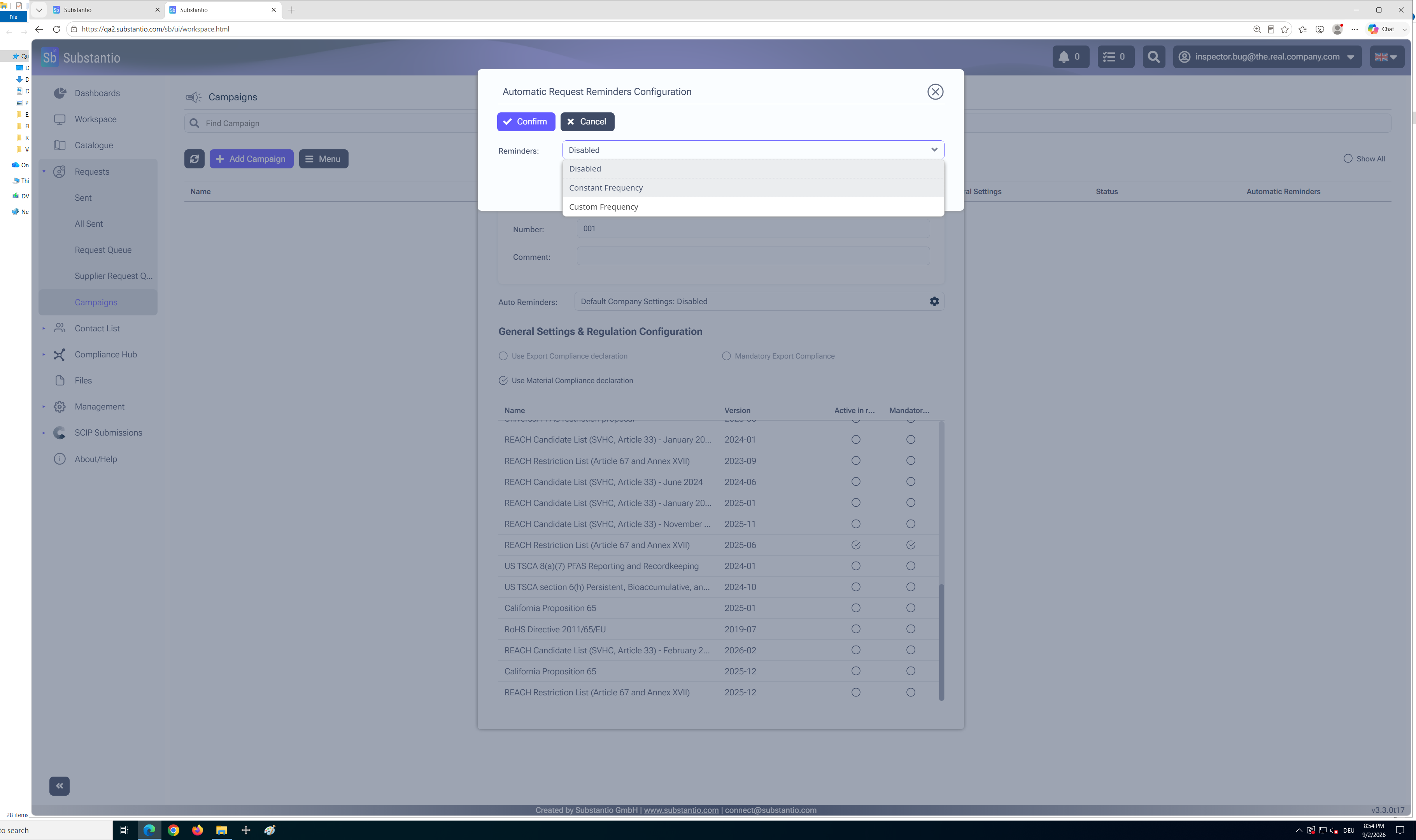
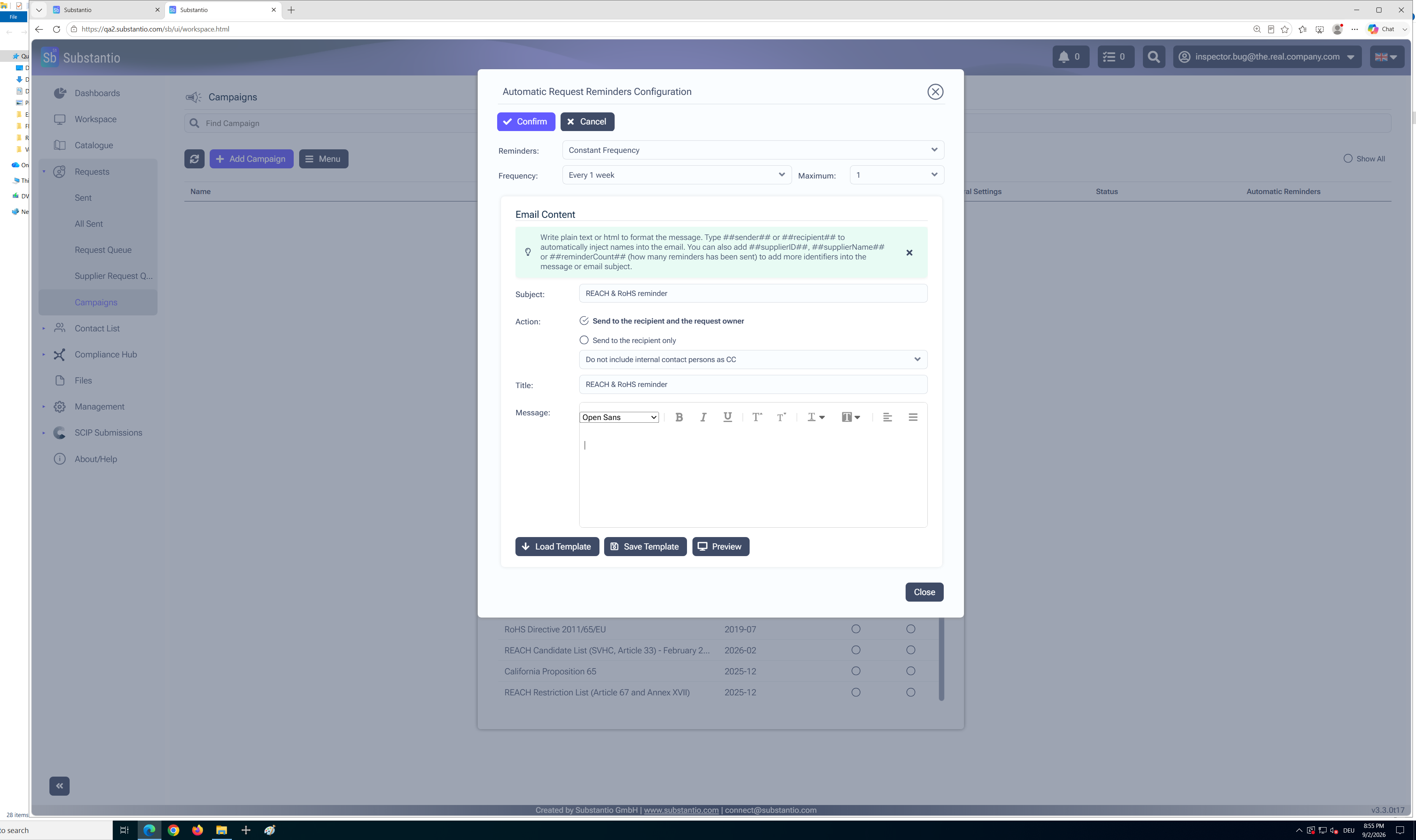
Select the required option from thedrop-down menu.
10
/34
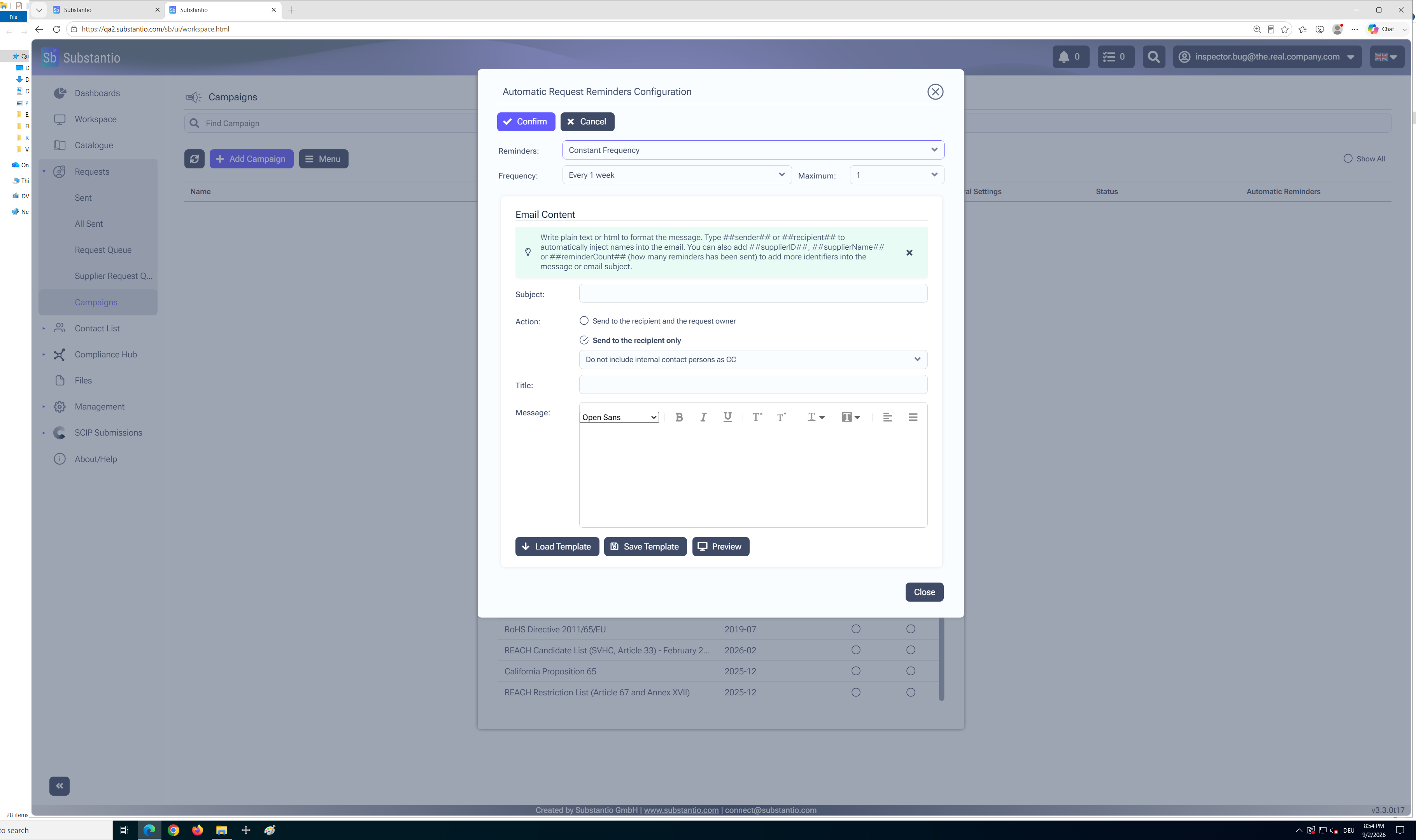
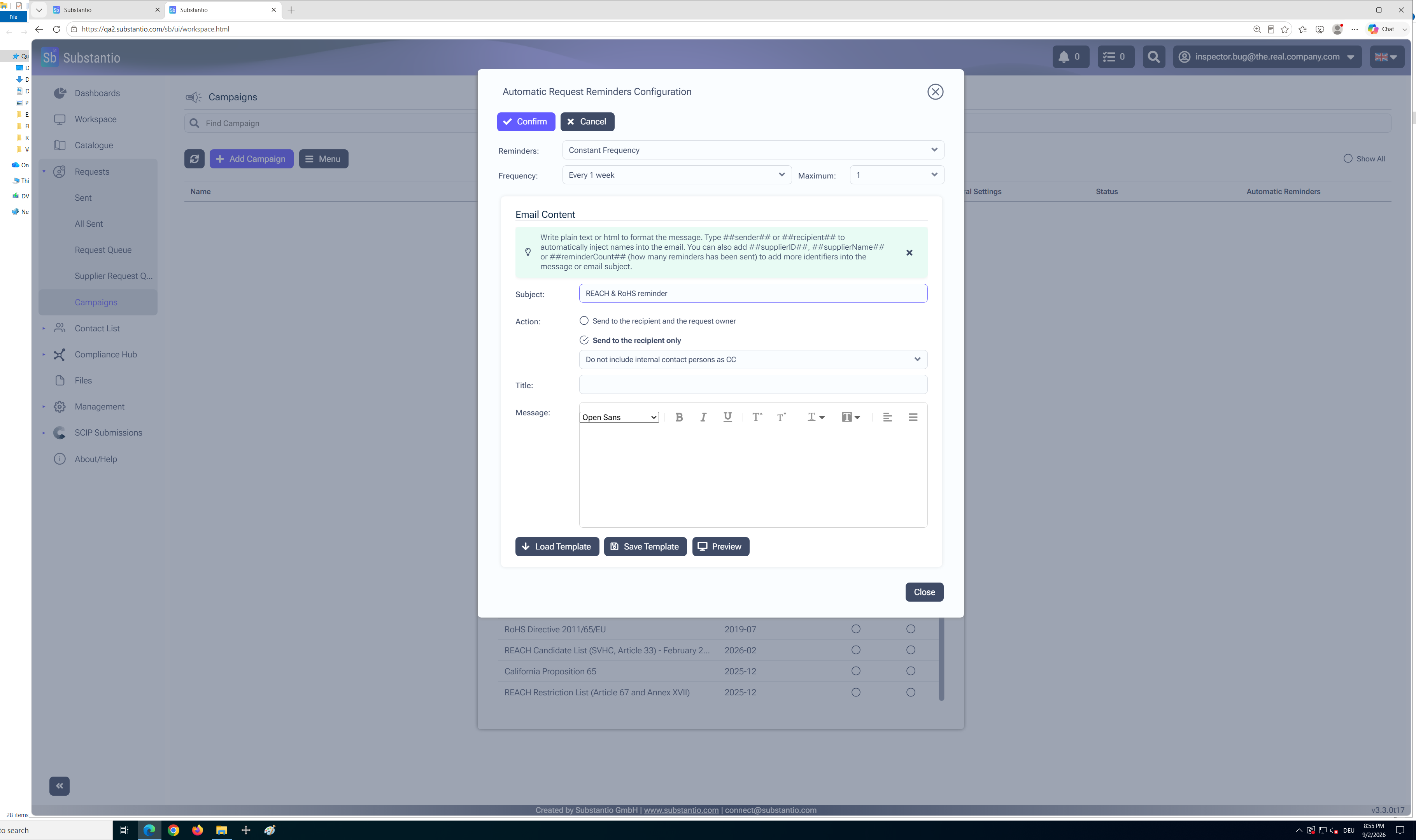
Insert a headline in the Subjectfield.
11
/34
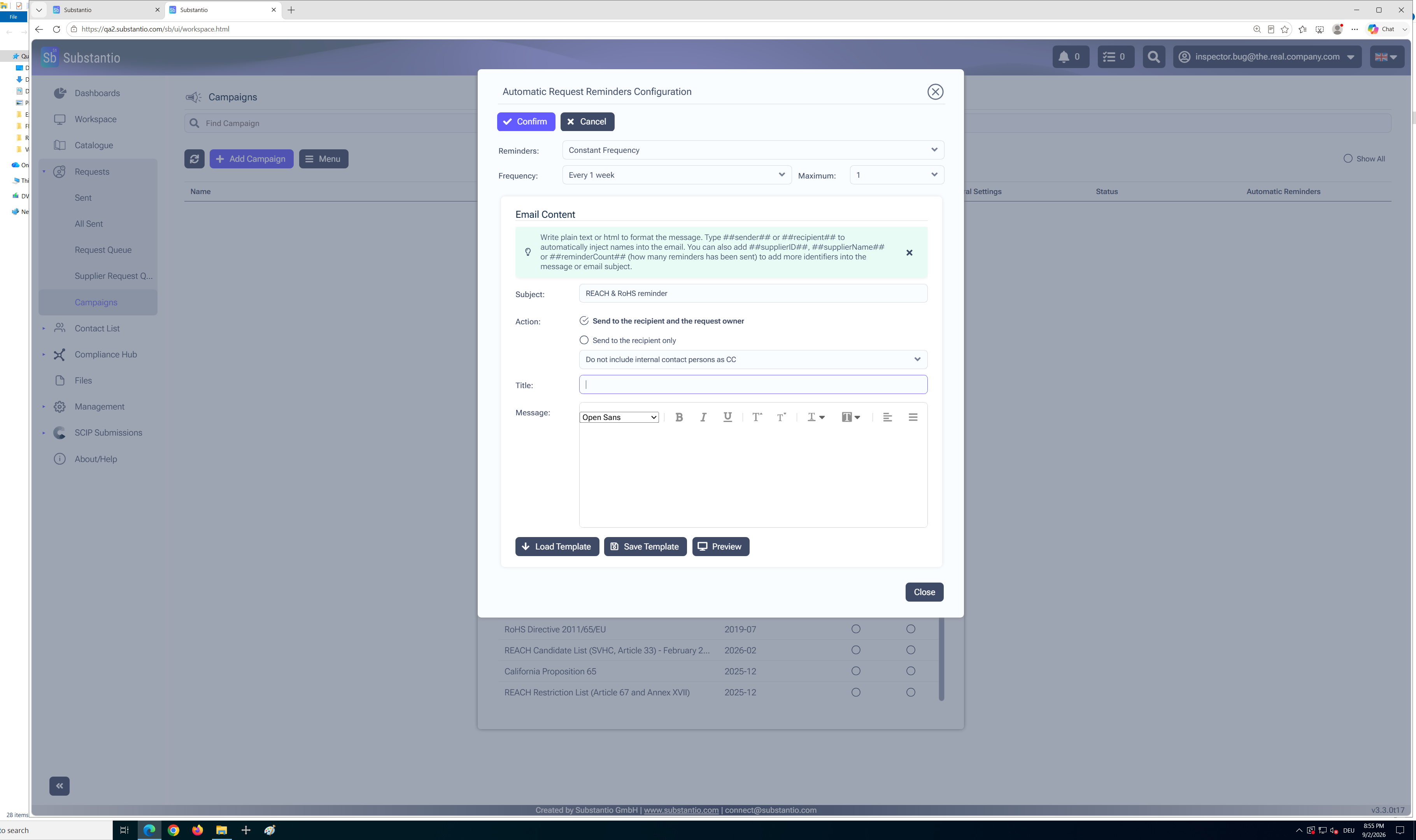
Select the desired setting.
12
/34
Insert theTitle.
13
/34
Enter the text that will be displayed to the supplier in the email.
14
/34
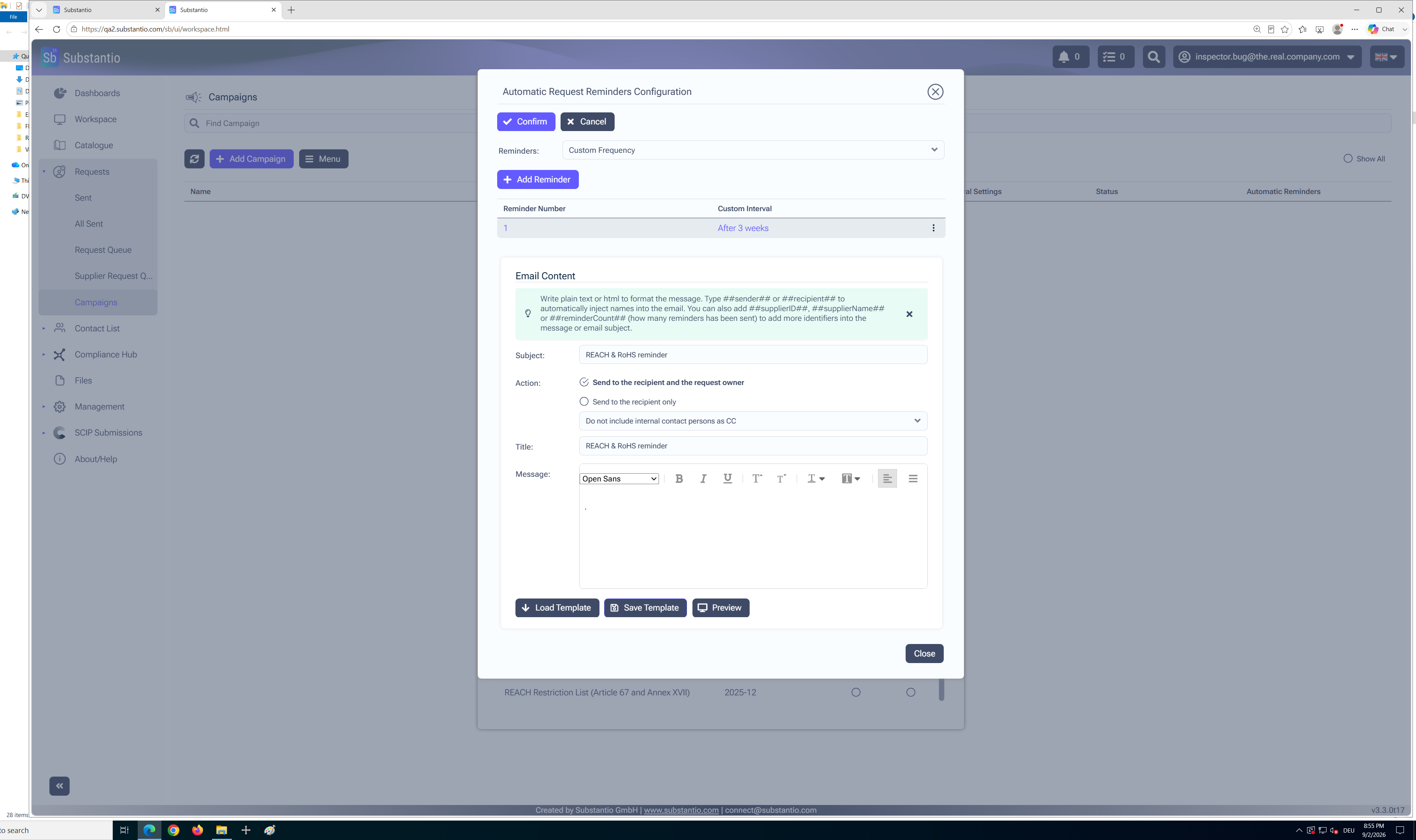
Alternatively, selectLoad Templateto use a templatethat you have previously prepared.
15
/34
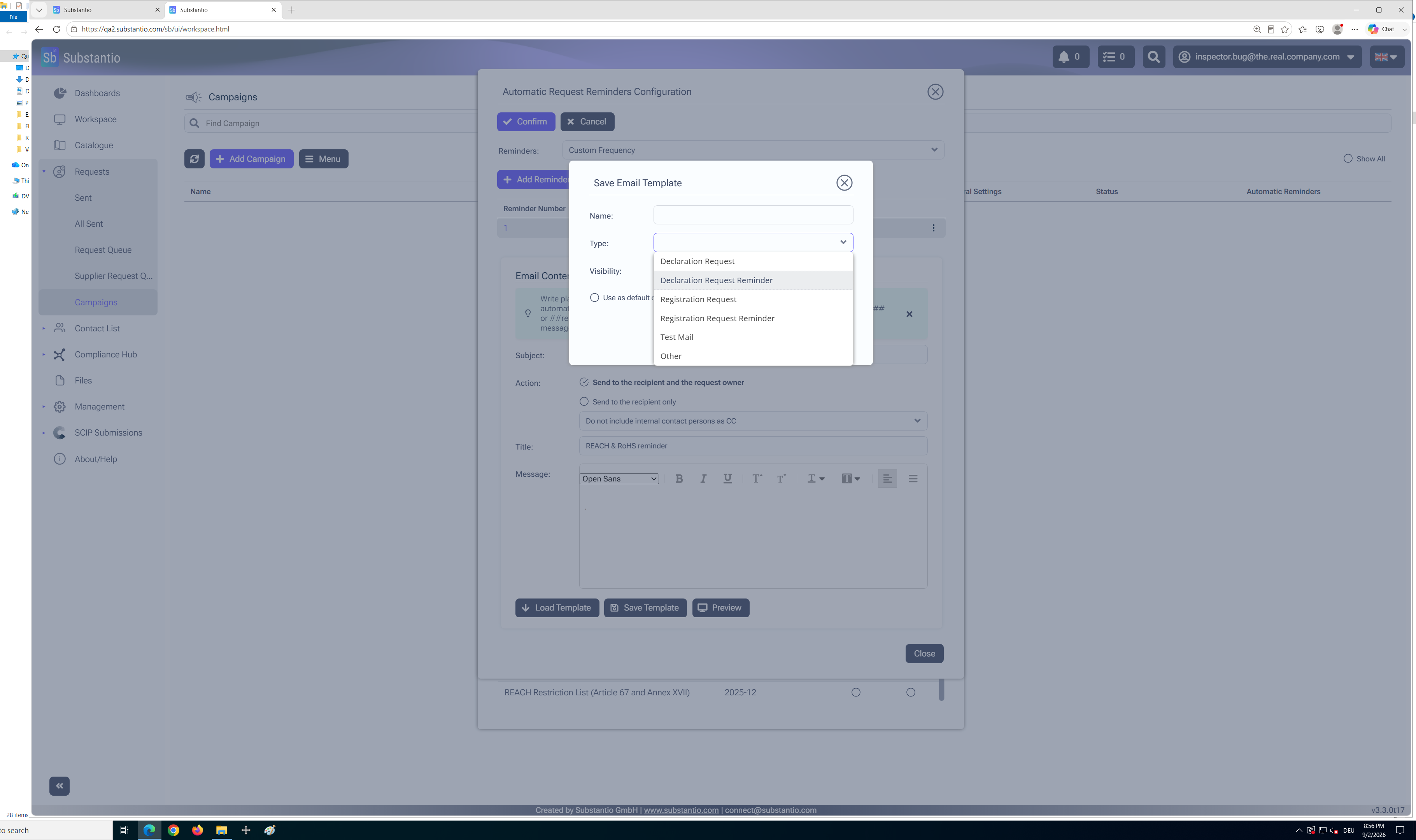
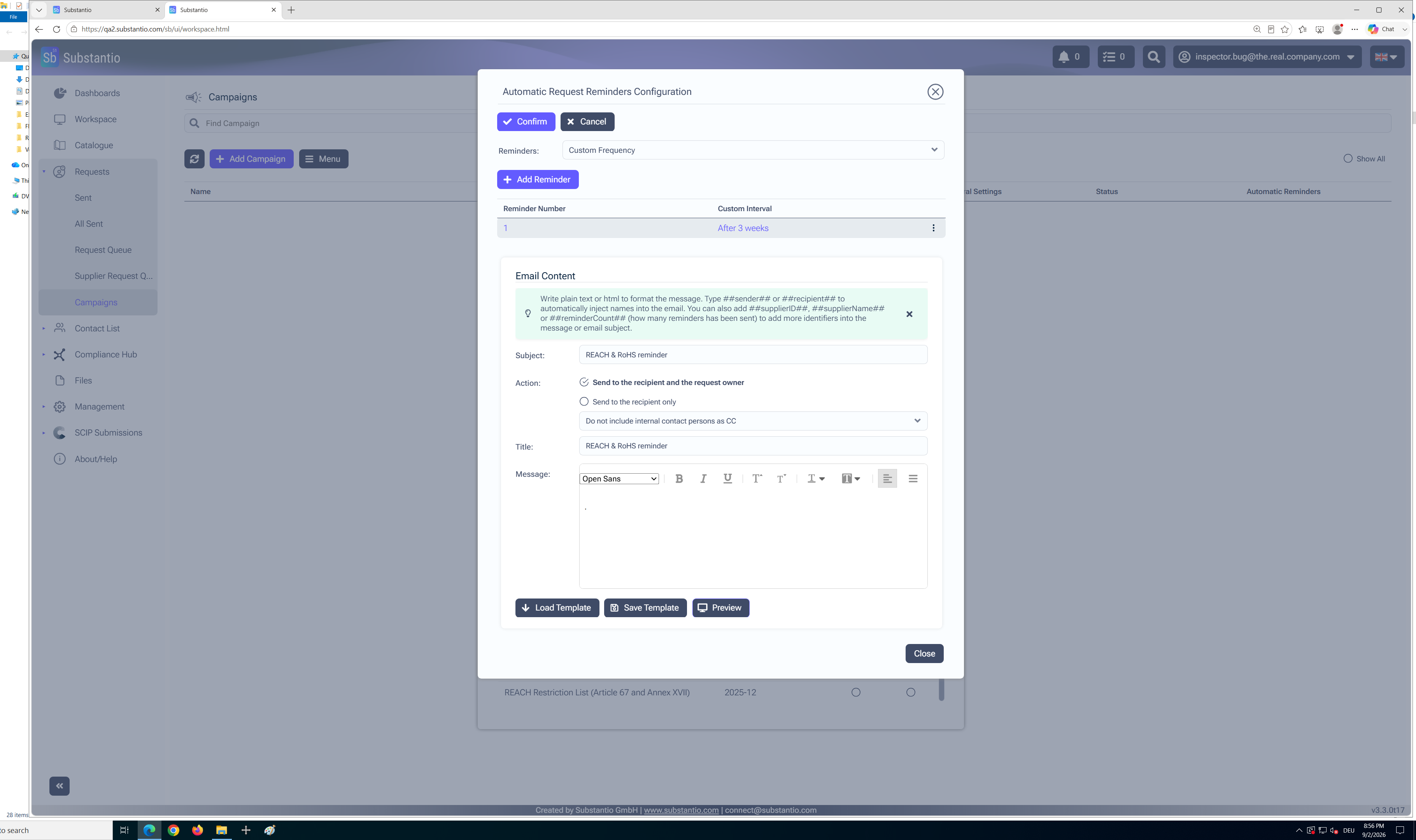
If you want to use the same text multiple times, selectSave Templateto save it as a new template. You can then easily reuse the template whenever needed.
16
/34
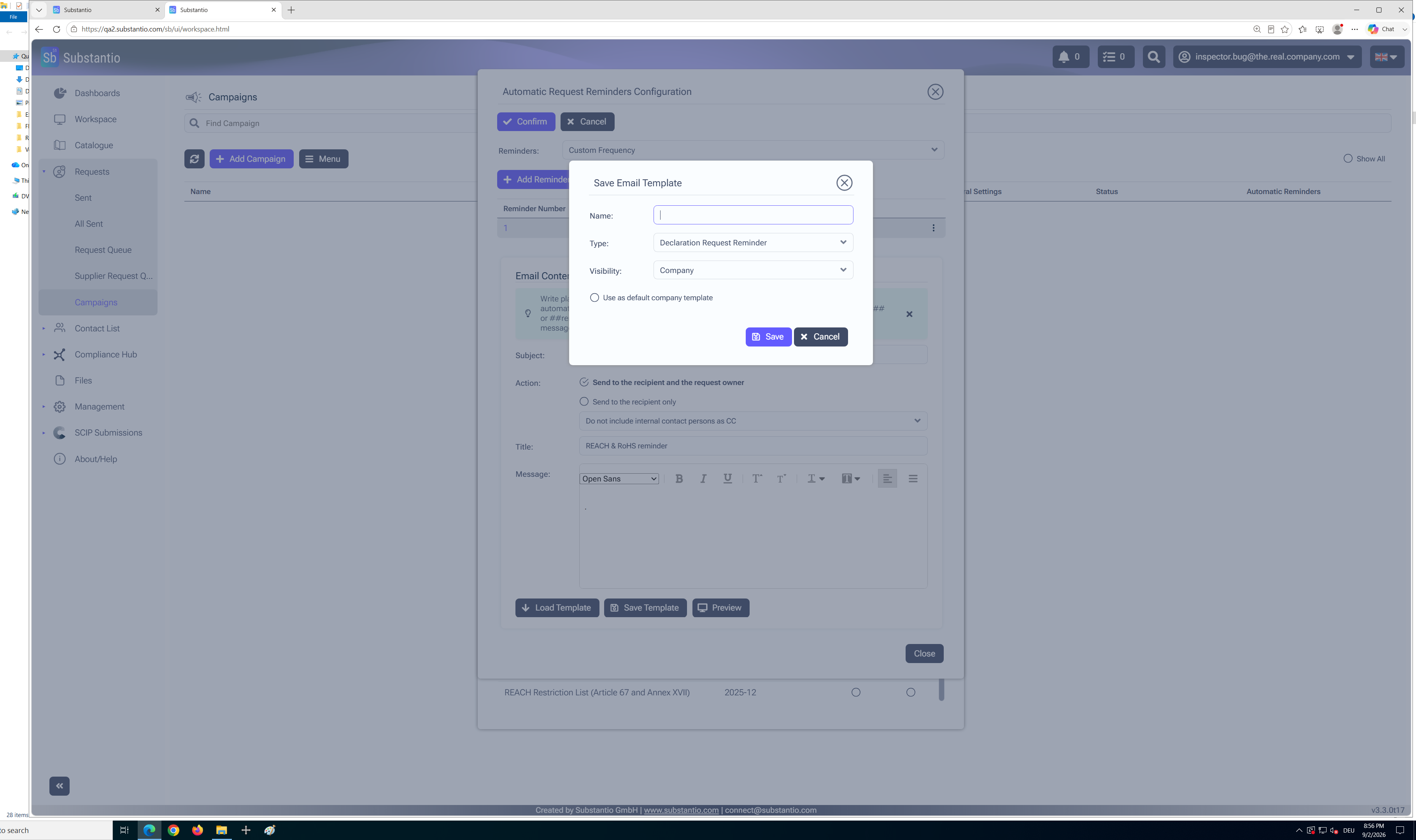
ChooseDeclaration Request Reminderto set that as your reminder type, if you save a new template.
17
/34
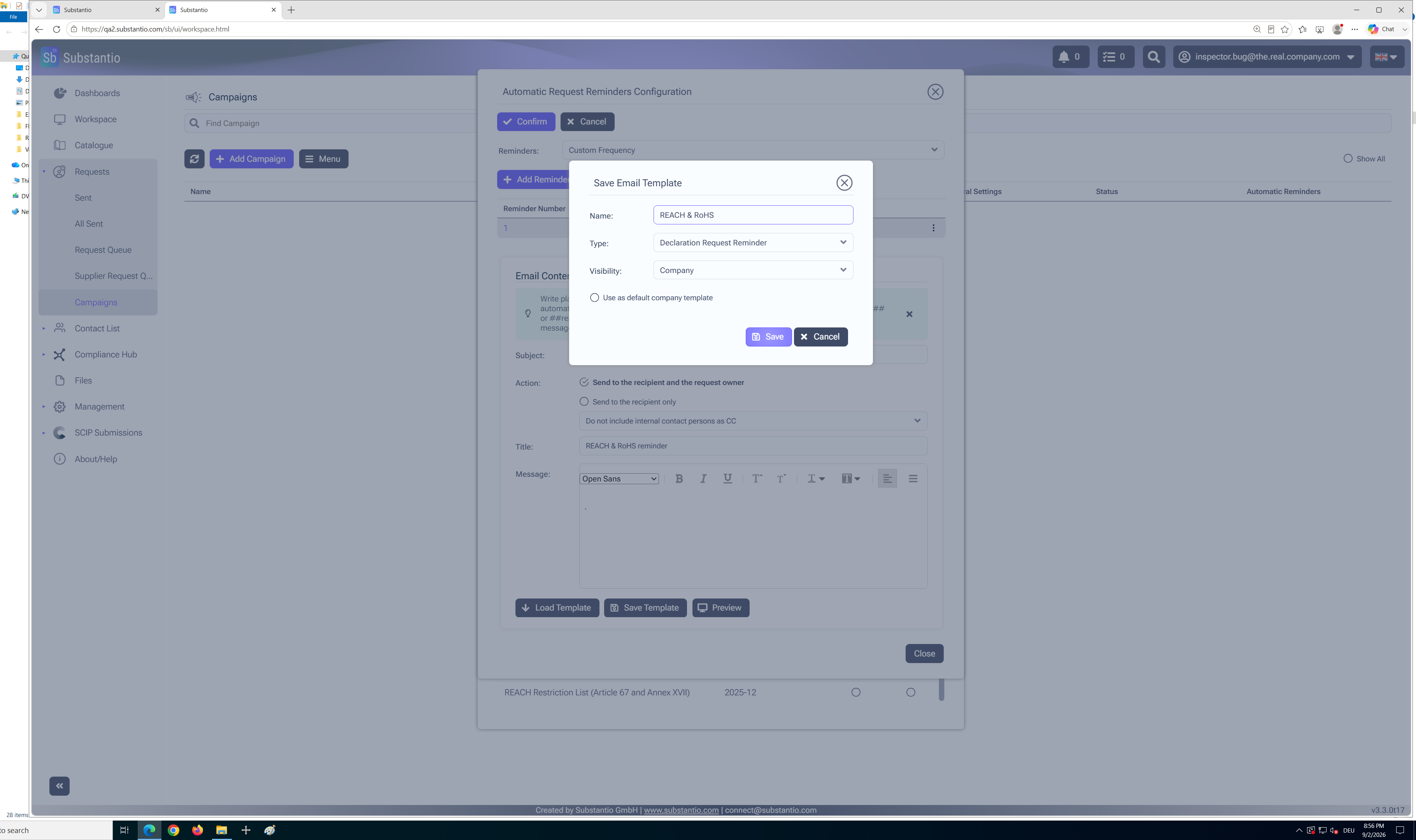
Enter a descriptiveNamefor the template to make it easier to find and reuse later.
18
/34
ClickSave.
19
/34
With thePreviewbutton you can see what your email will look like before sending.
20
/34
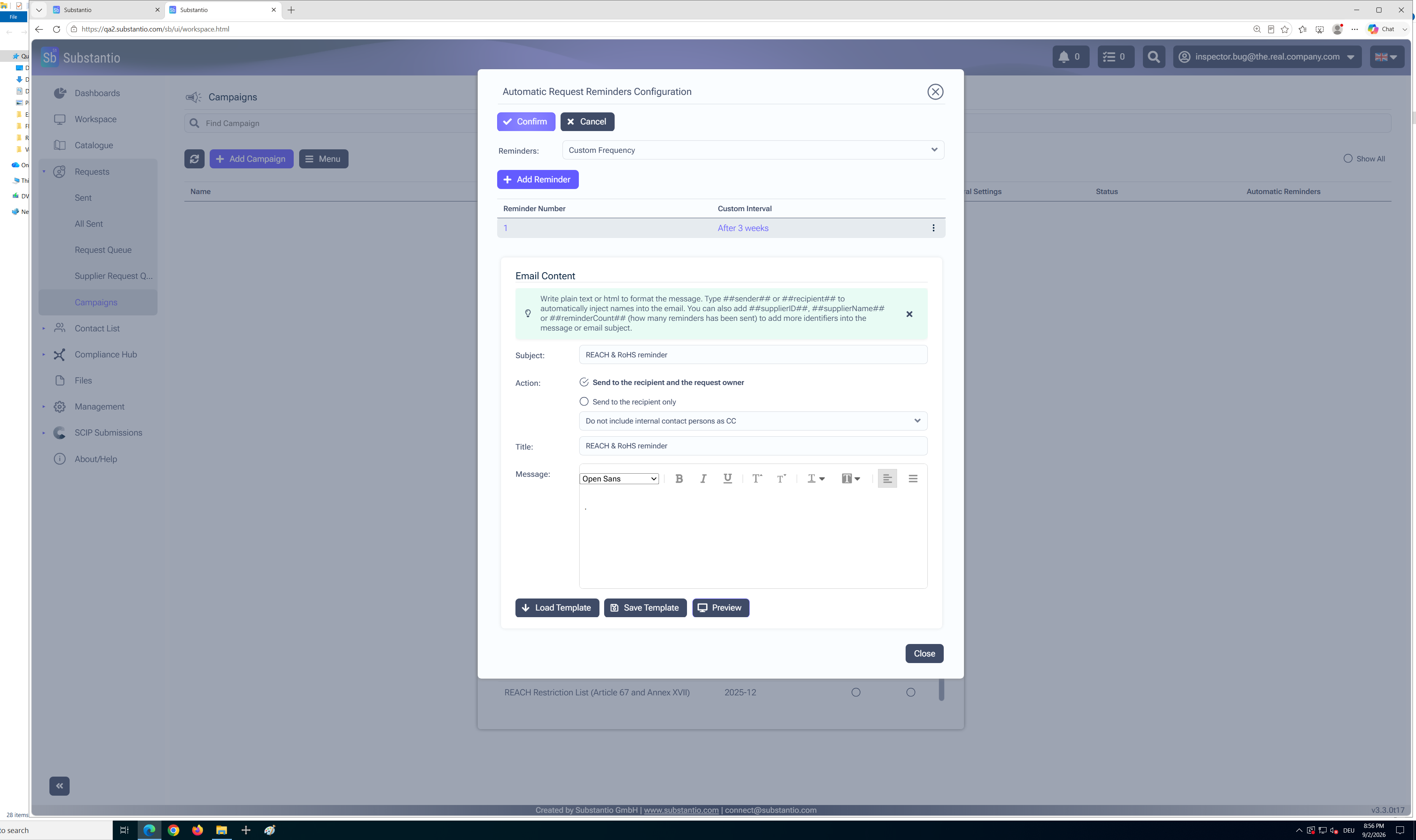
AndConfirm.
21
/34
SelectCloseto exit the preview and return to the previous screen.
22
/34
AndSavethe settings.
23
/34
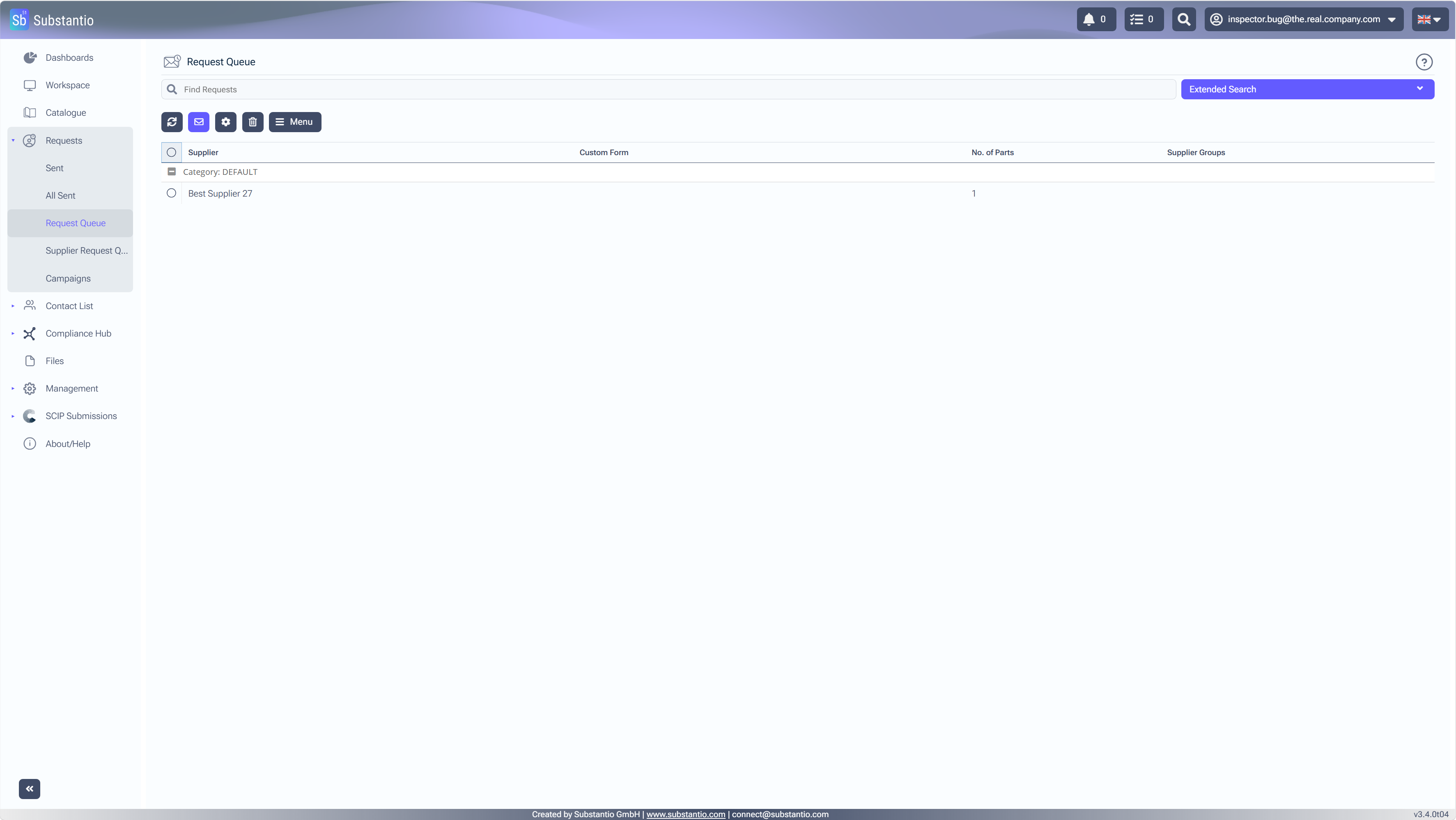
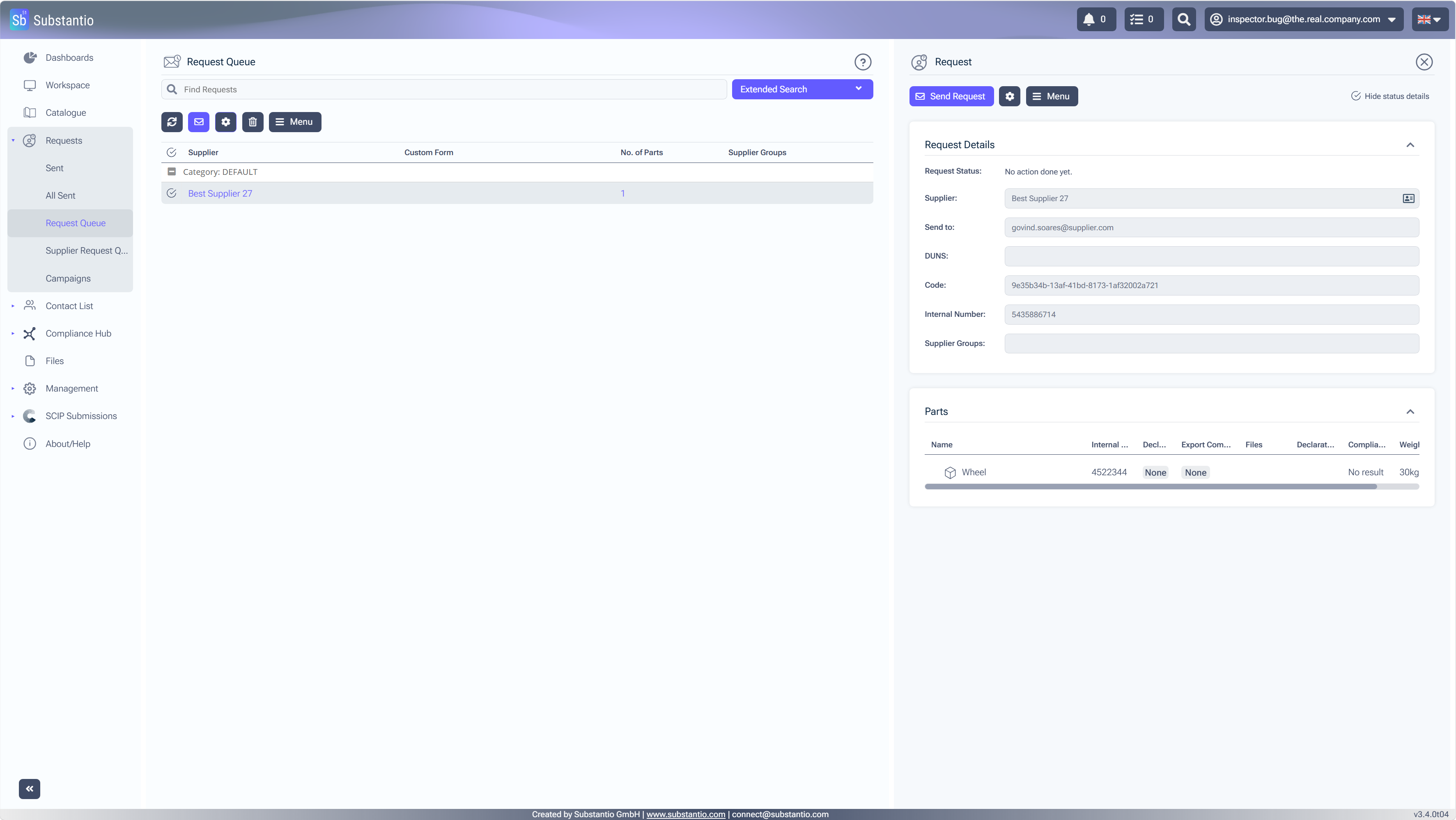
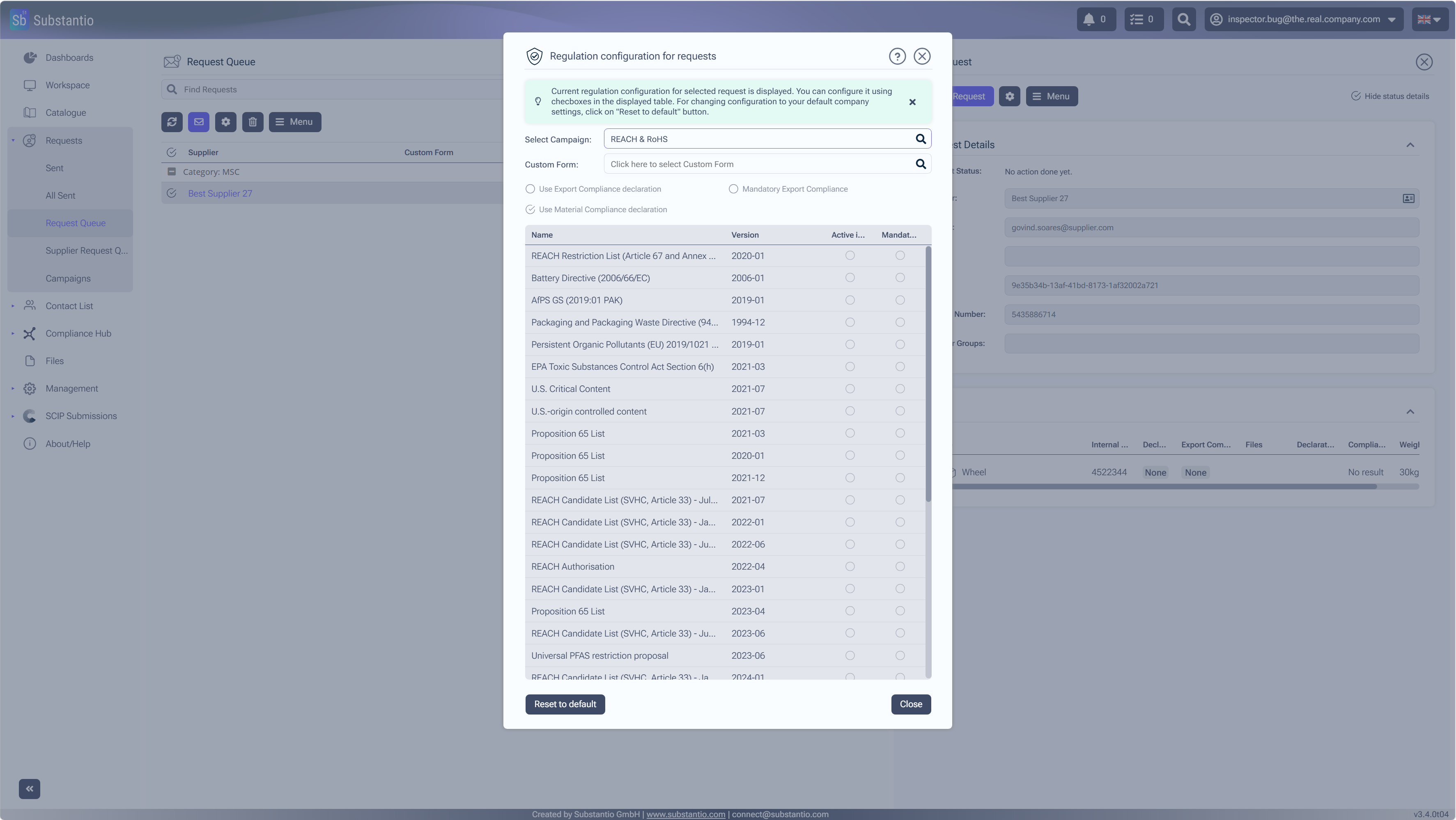
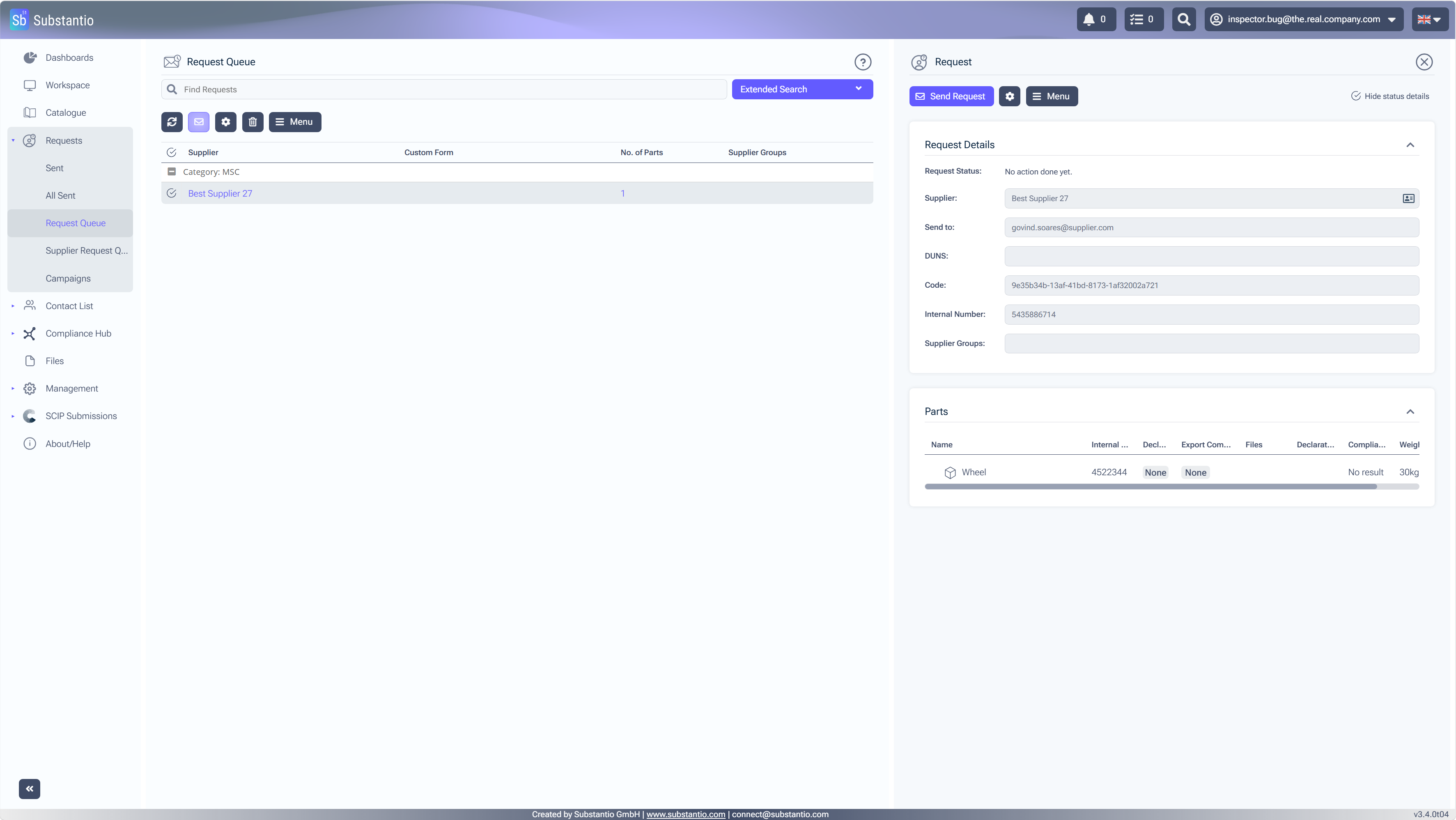
Go toRequest Queueto view the list of requests.
24
/34
Select theRow selectorto select multiple requests, if required.
25
/34
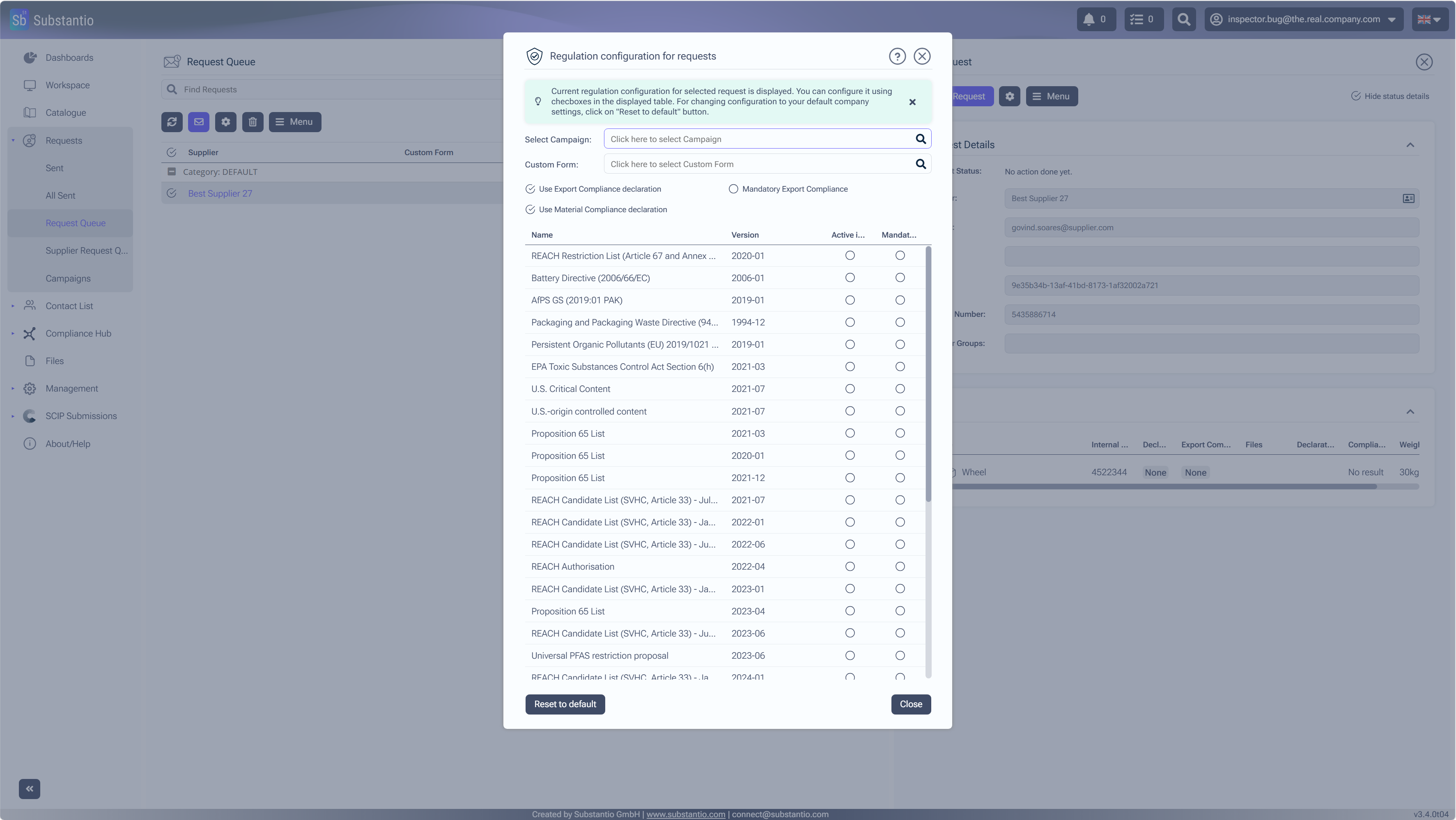
Click thesettingsbutton.
26
/34
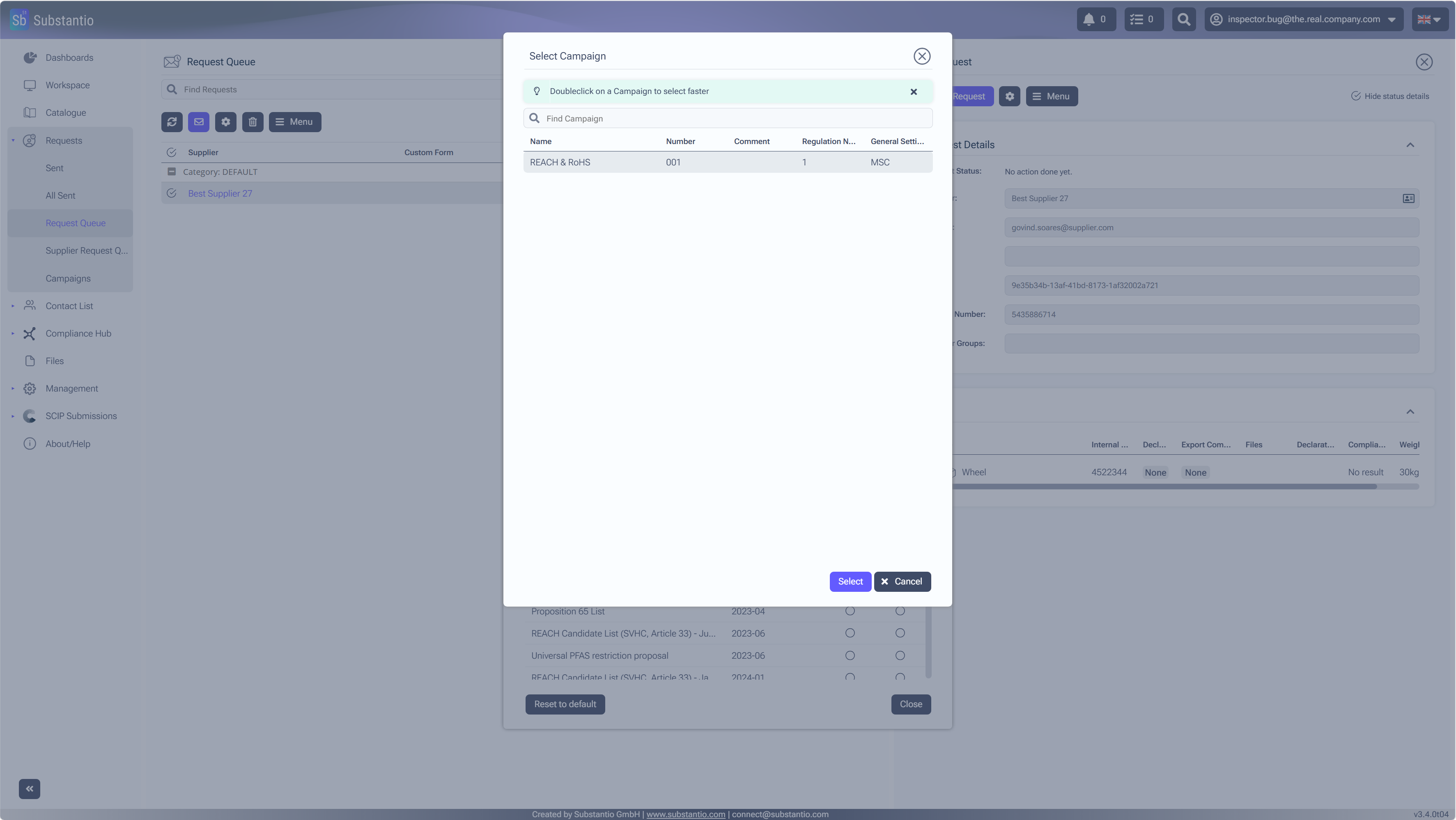
ClickSelect Campaignto choose the campaign you are working with.
27
/34
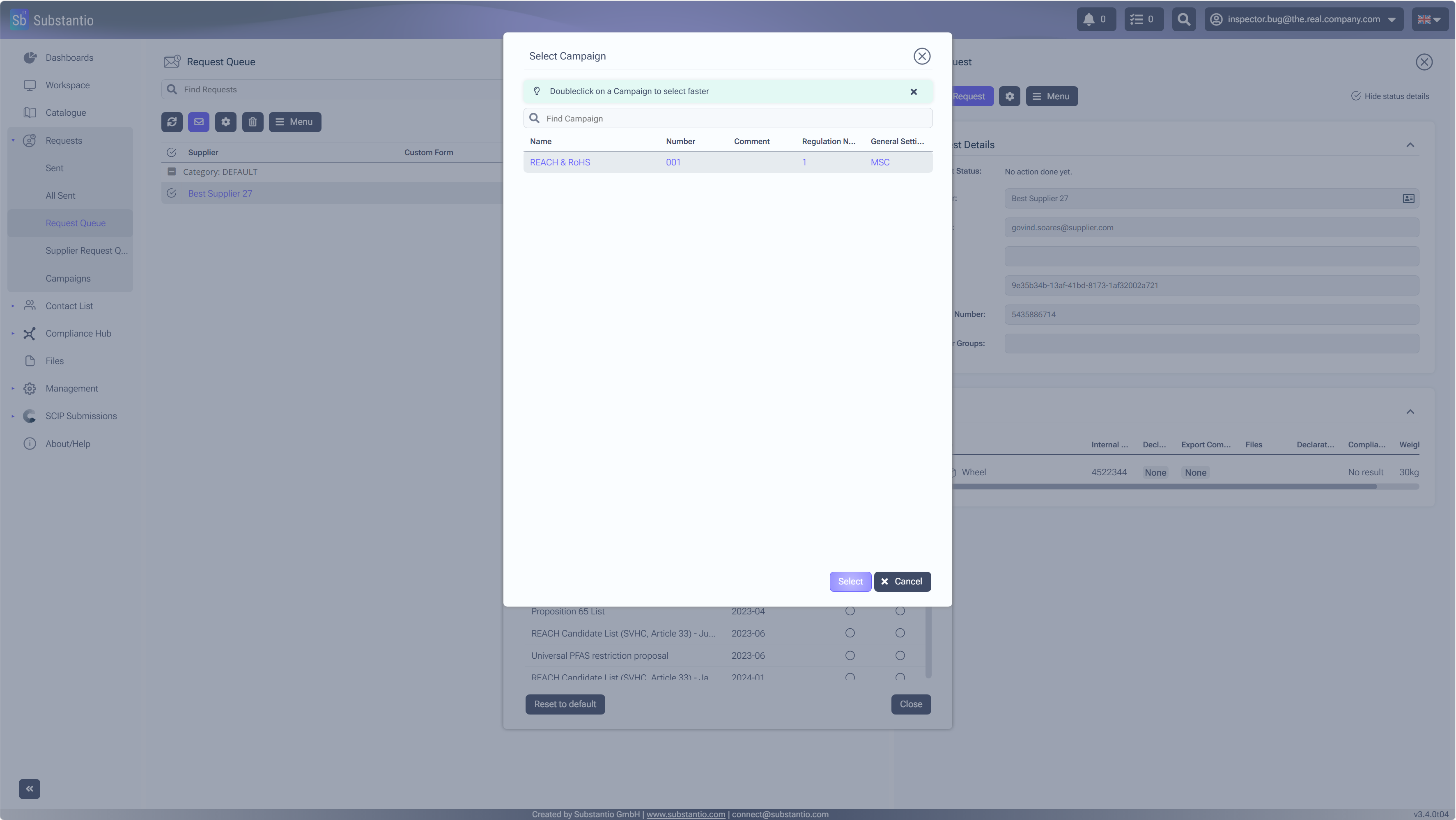
SelectREACH & RoHSfrom the list.
28
/34
AndSelectto confirm your campaign choice.
29
/34
Select theClosebutton to close the window.
30
/34
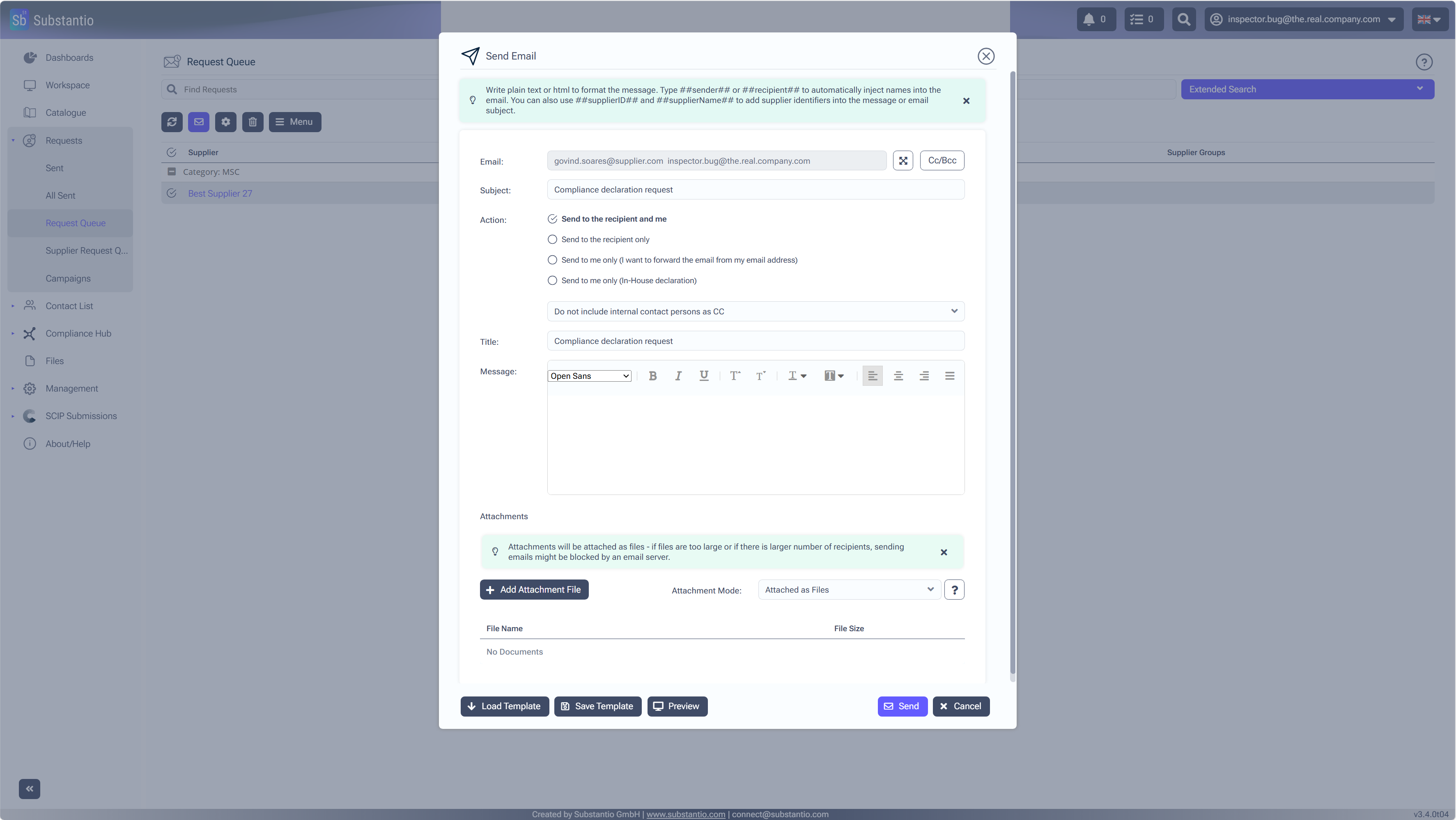
Select theLettericon to continue the process and send the requests.
31
/34
SelectSendto send the requests included in the campaign.
32
/34
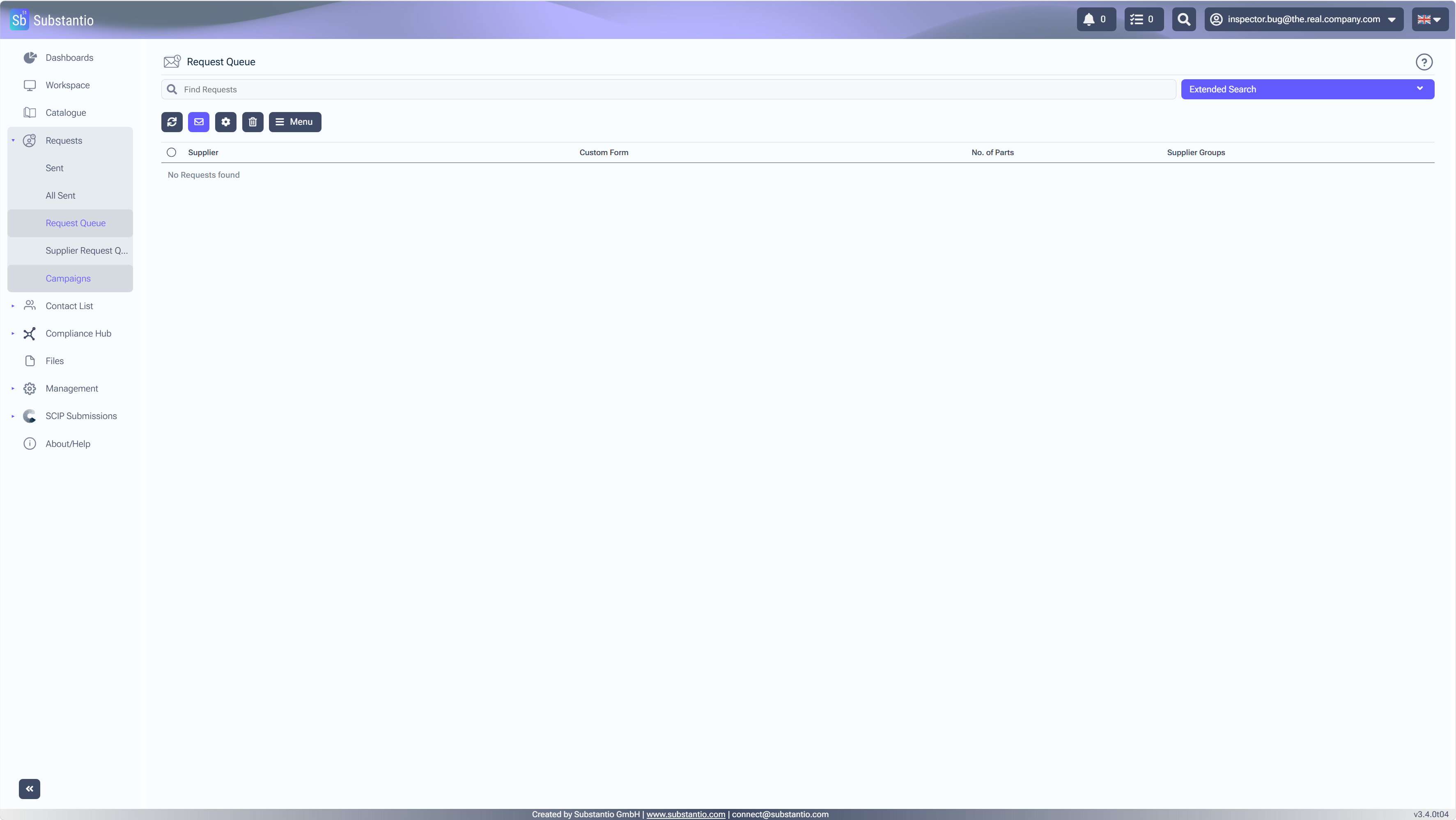
After sending the requests, return toCampaignsto review the campaign dashboard.
33
/34
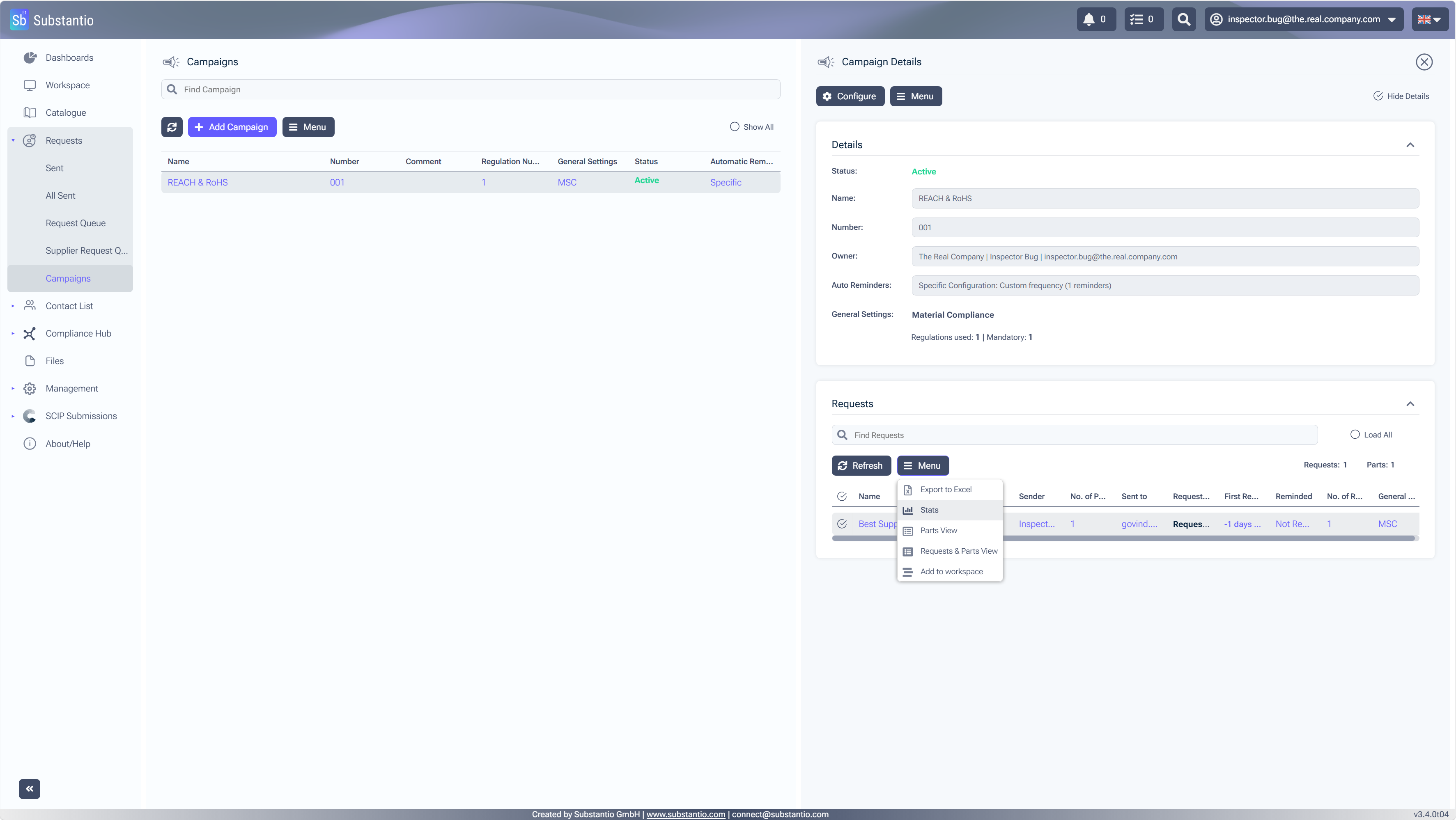
KASTEN SelectMenuto access the available options for managing your requests.
34
/34
KASTEN SelectStats to view detailed information about your campaign's performance.