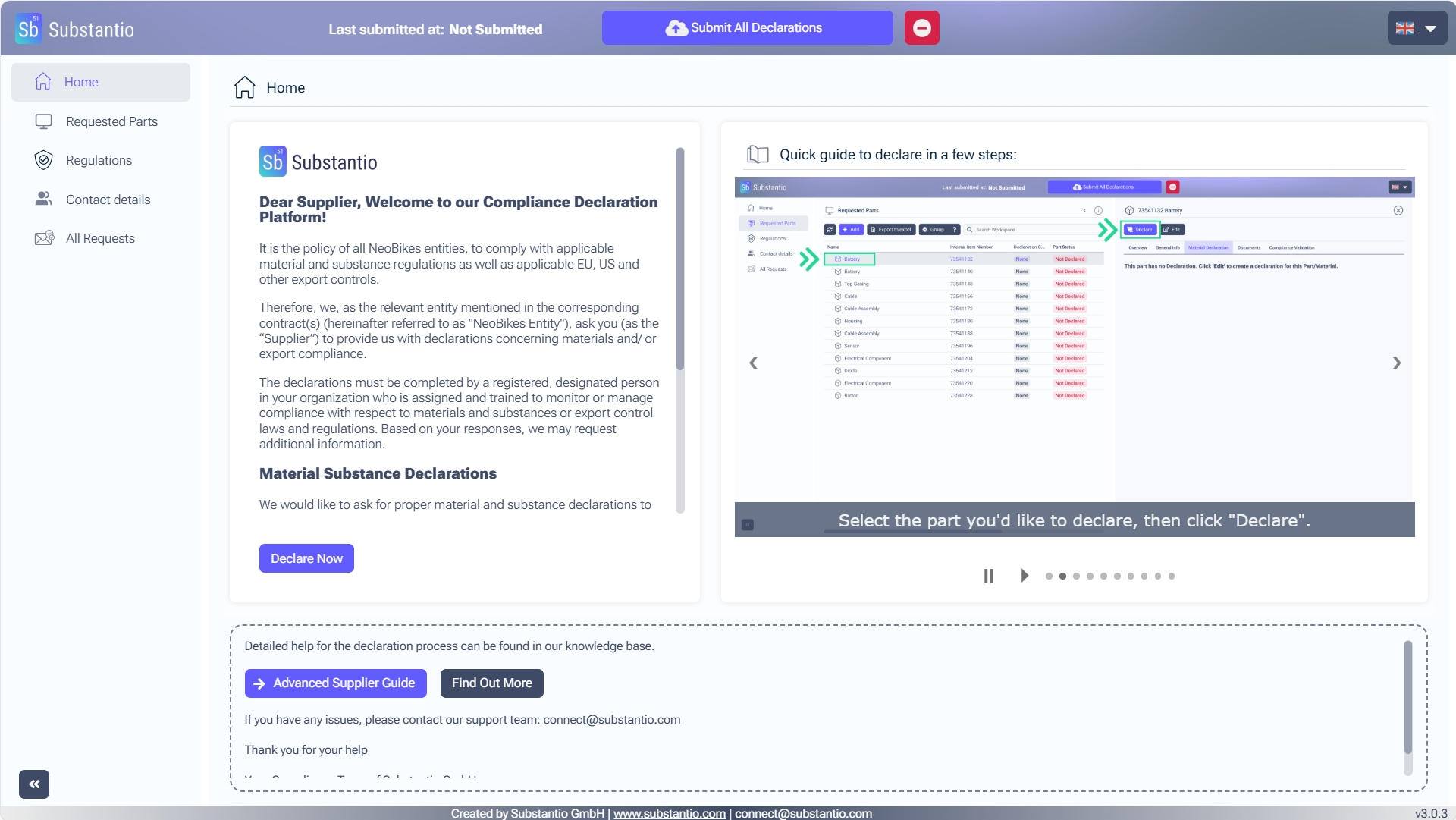
You accessed the Substantio platform via the link of your customer's email for substance compliance. Respond to the requests from your customer by clicking the Declare now button.
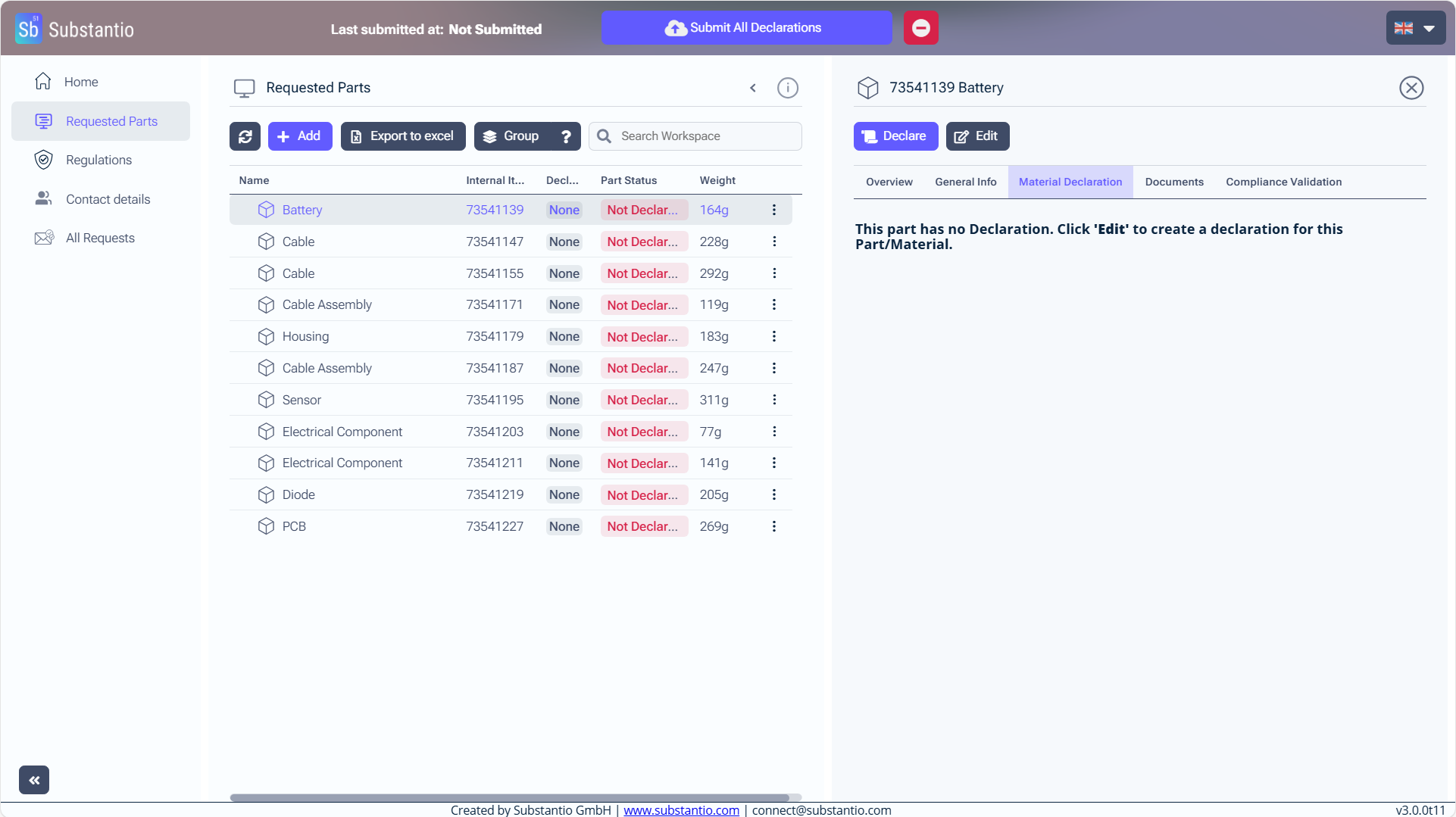
Click on the part you want to declare as unknown/obsolete.
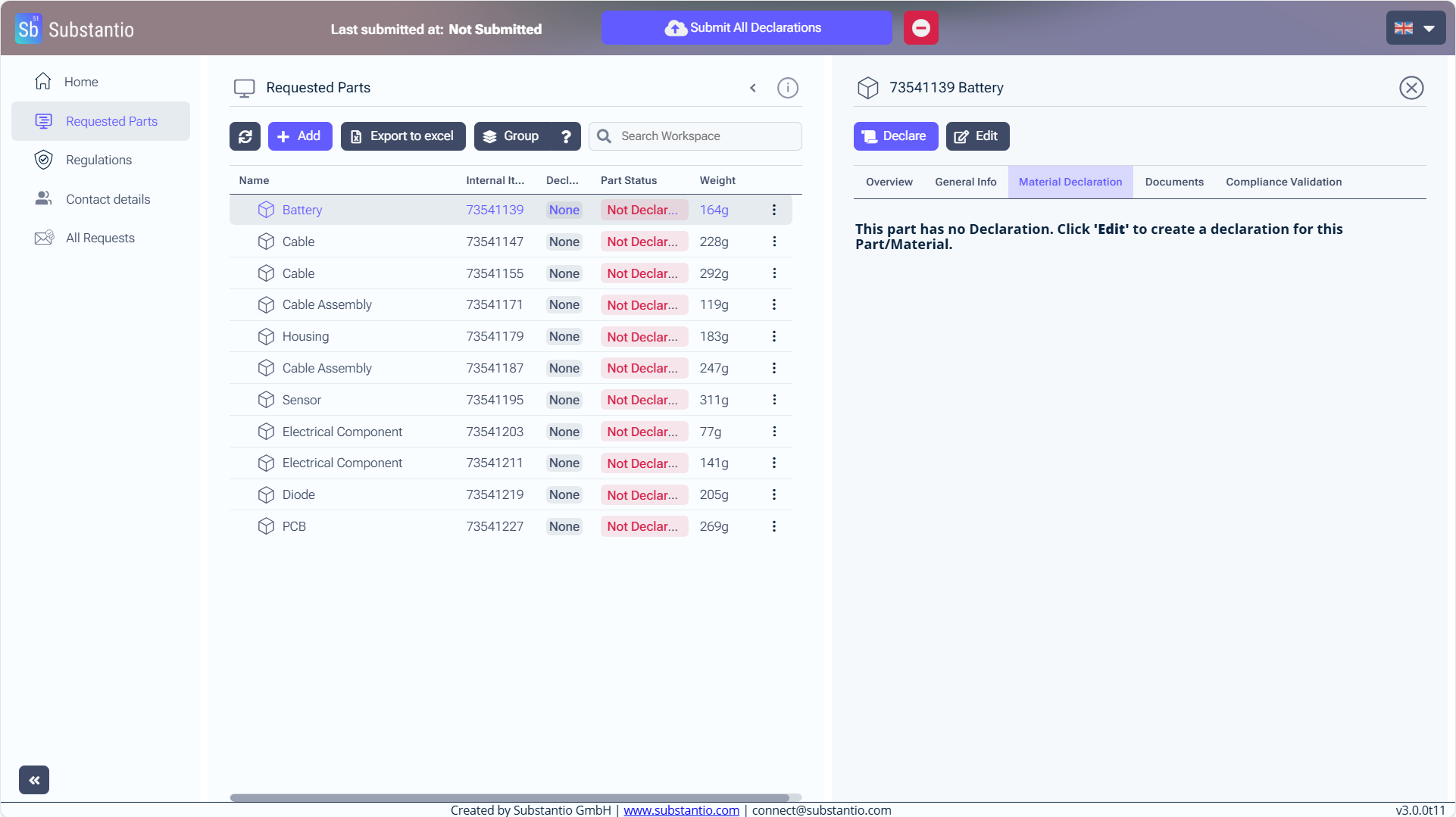
Click the Declare button to move on to the next step.
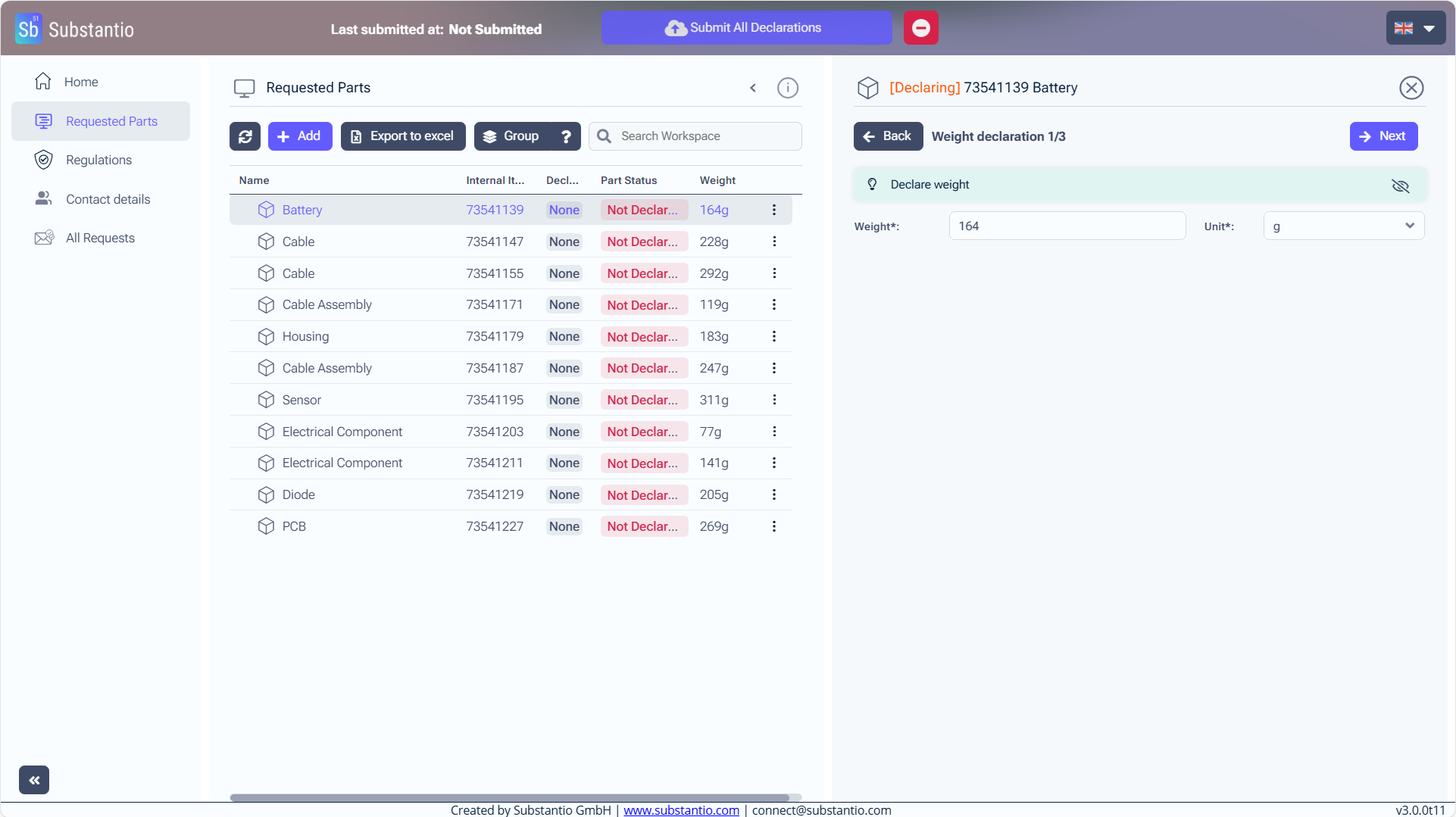
Specify the weight of your part. If unknown, enter "0".
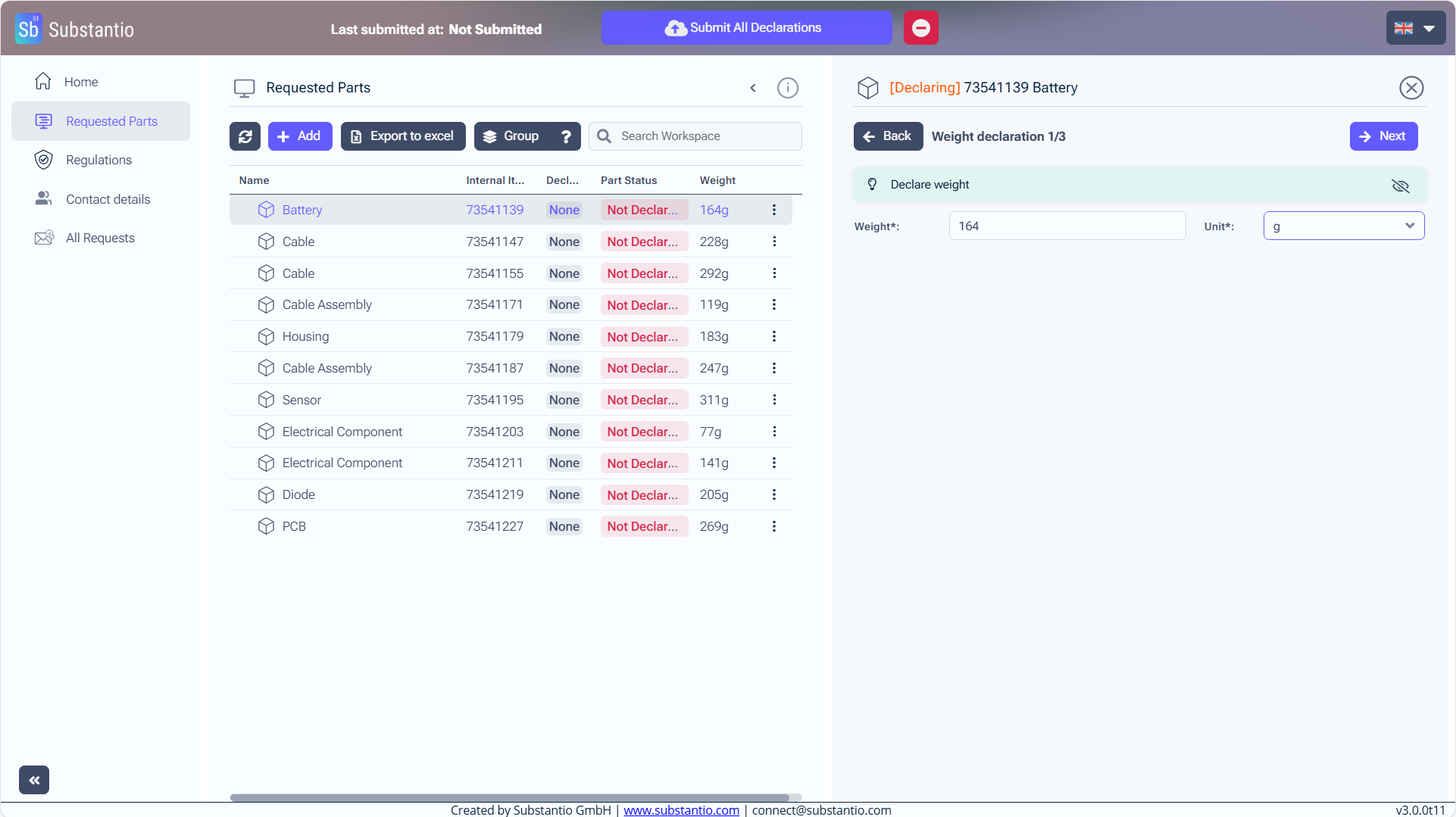
And choose the unit.
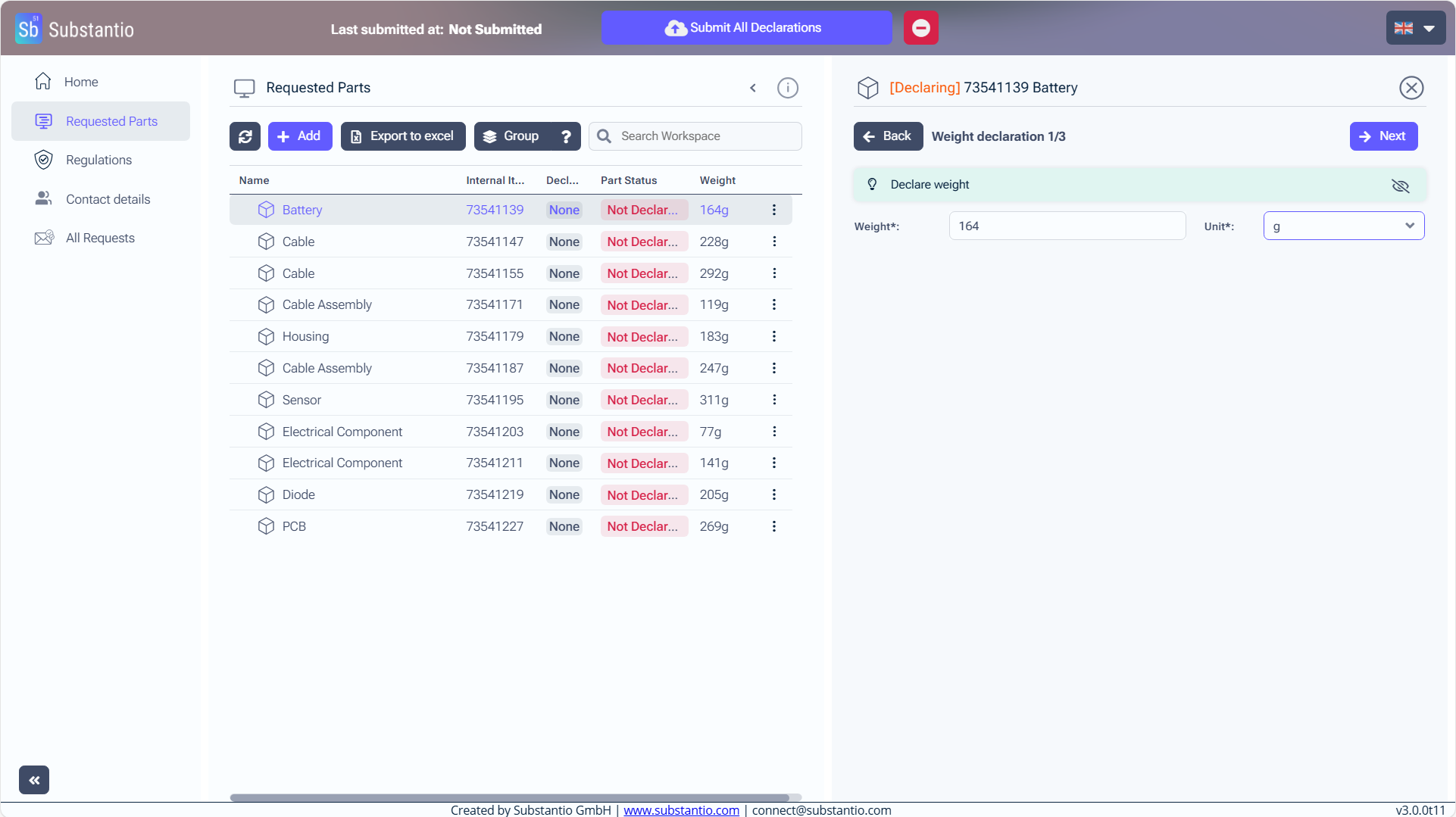
Click the Next button to continue.
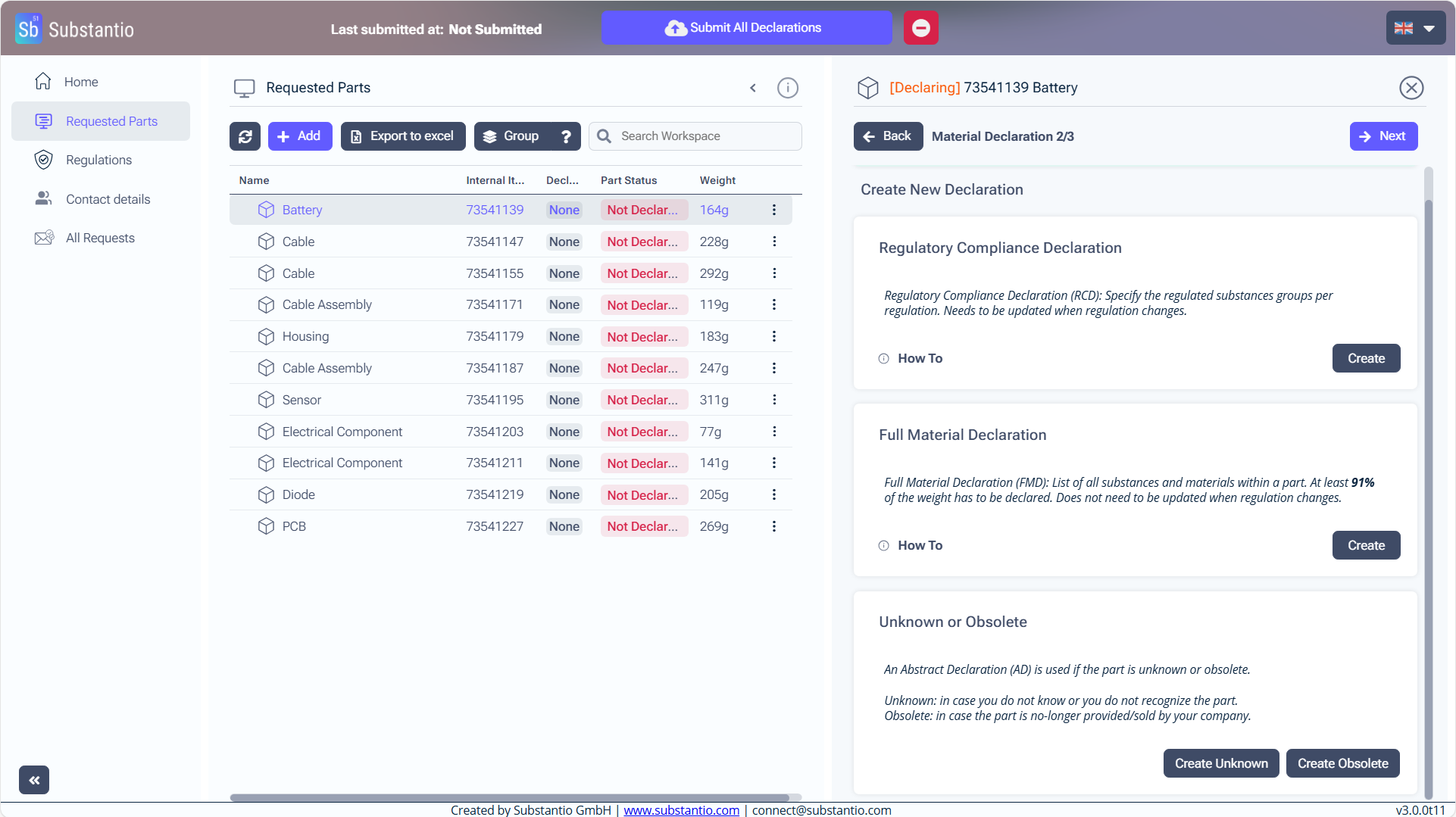
If you don't have any information about your part or want to declare it as obsolete click the Create Unknown or Create Obsolete button (the procedure will be the same).
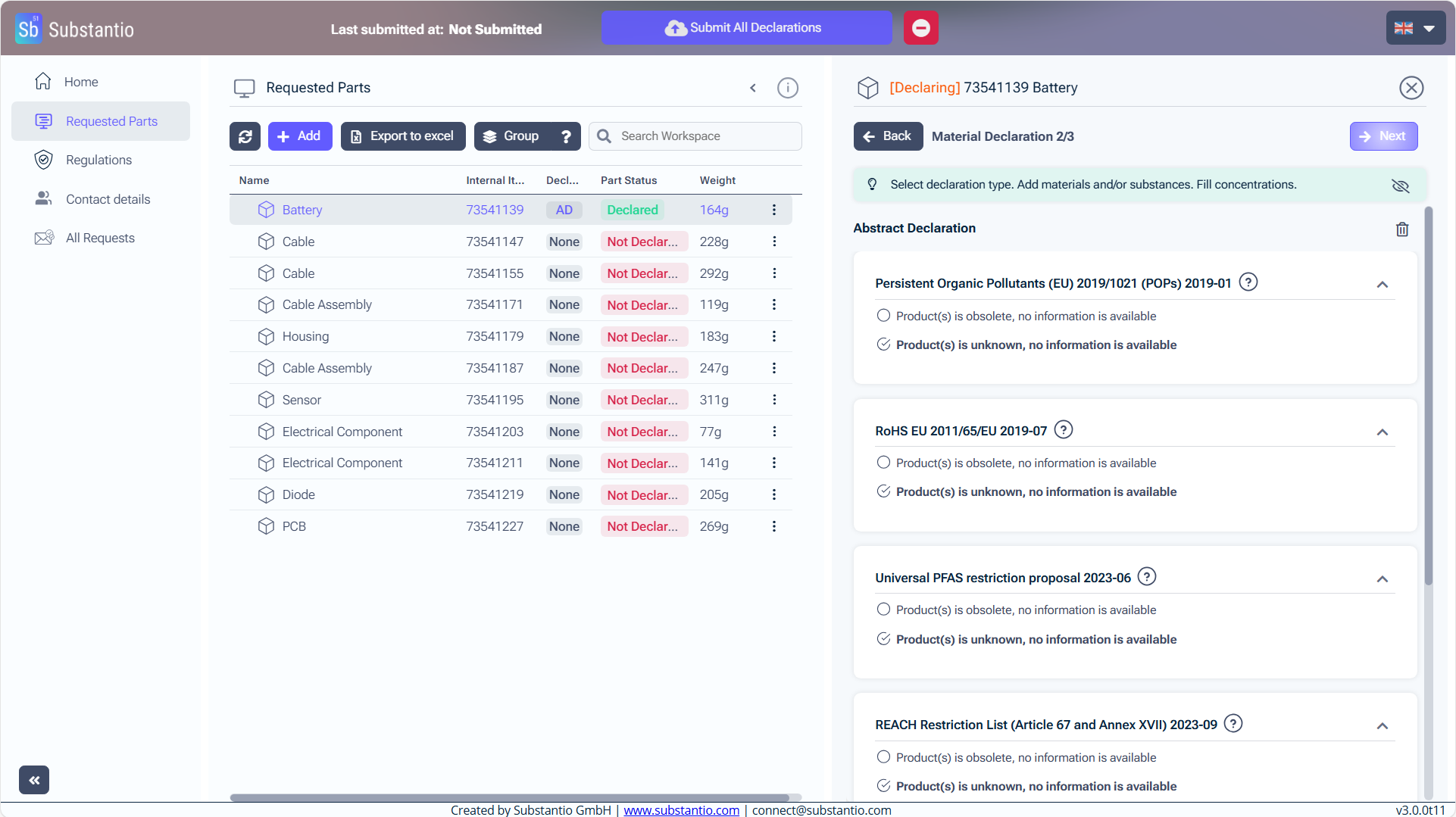
Afterward, save your progress by clicking the Next button.
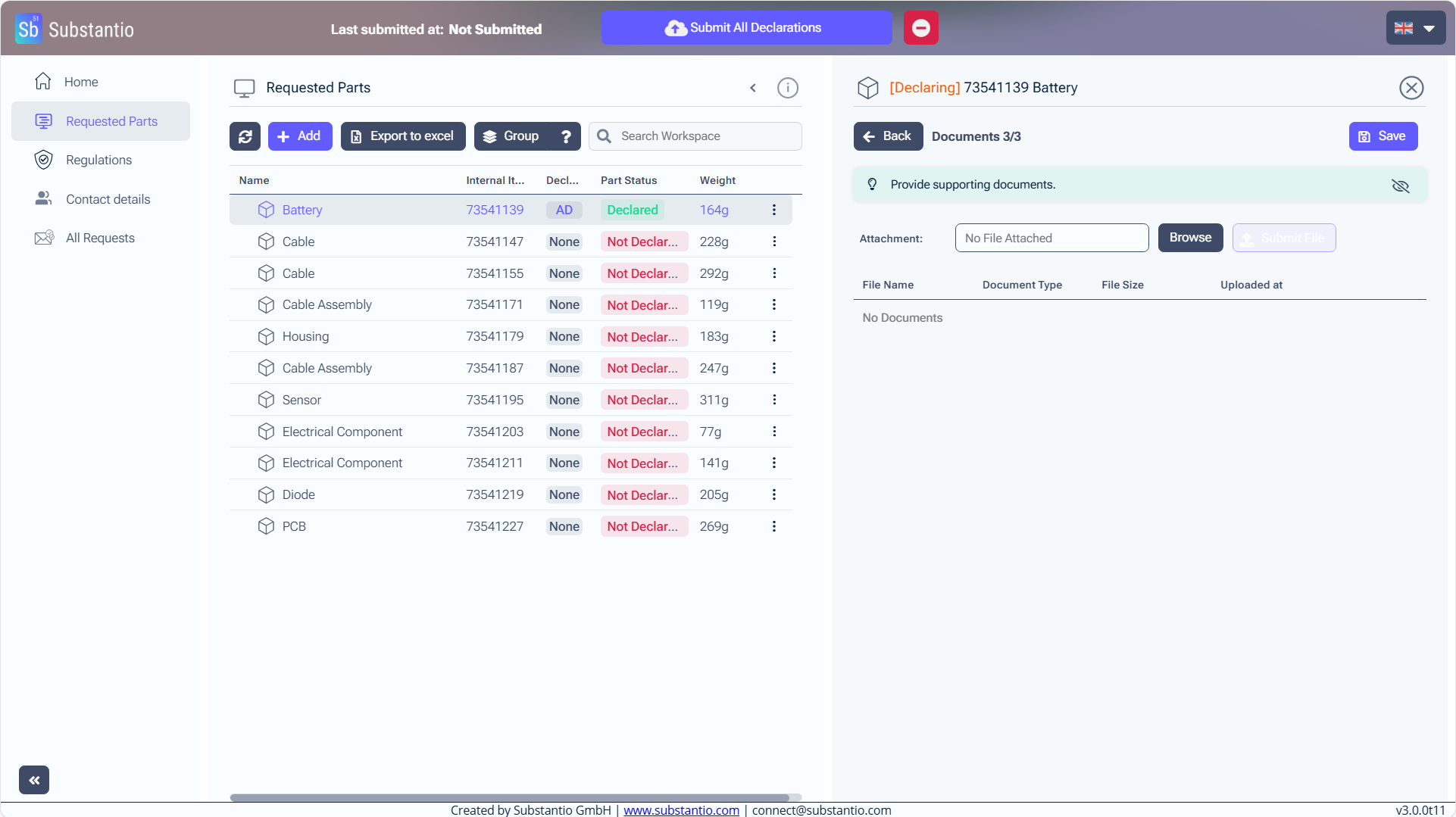
If you have: Upload a file by clicking on the Browse button, to get on your internal explorer and choose the file you want to upload.
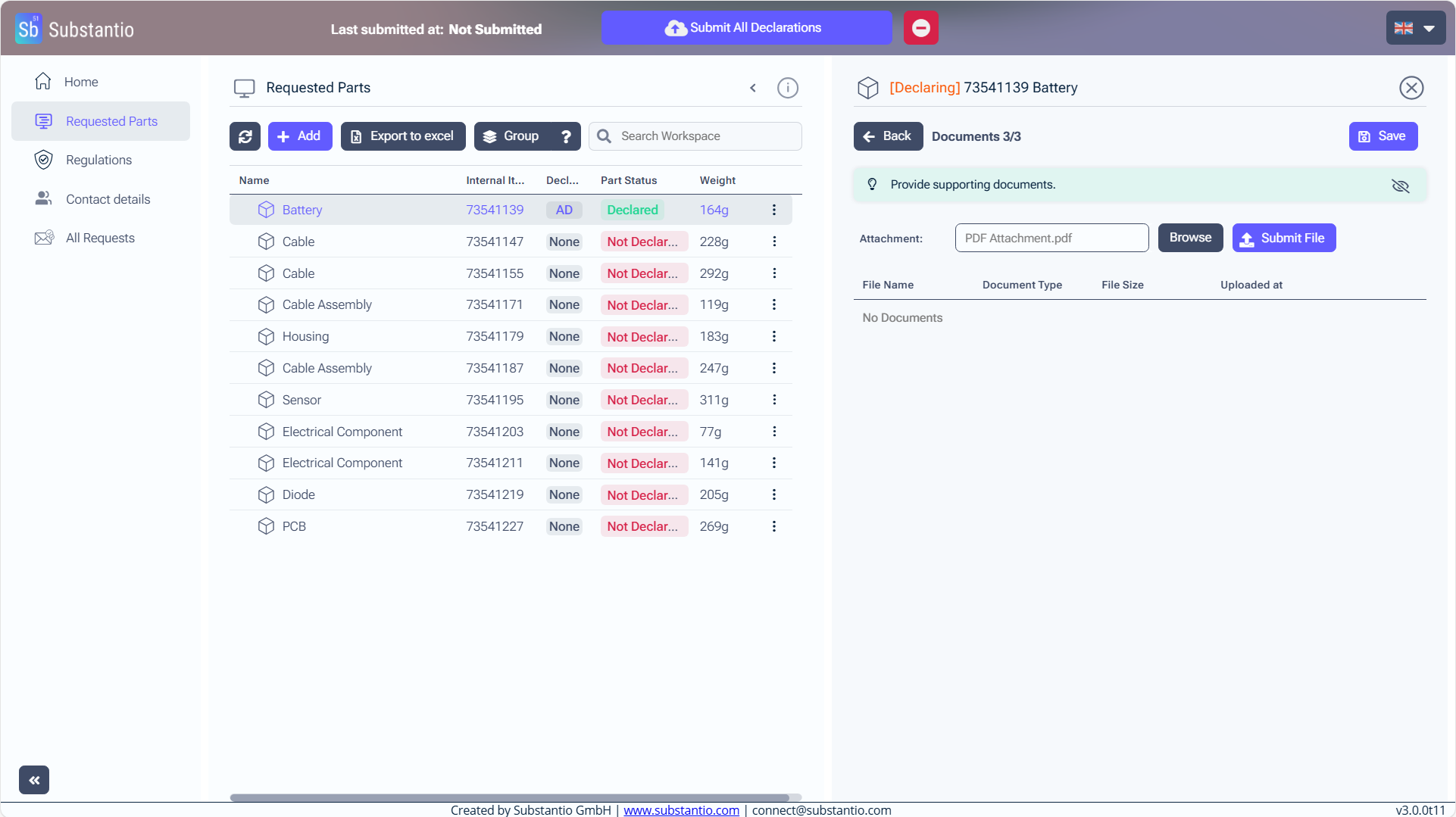
After uploading, submit your file by clicking the Submit File button.
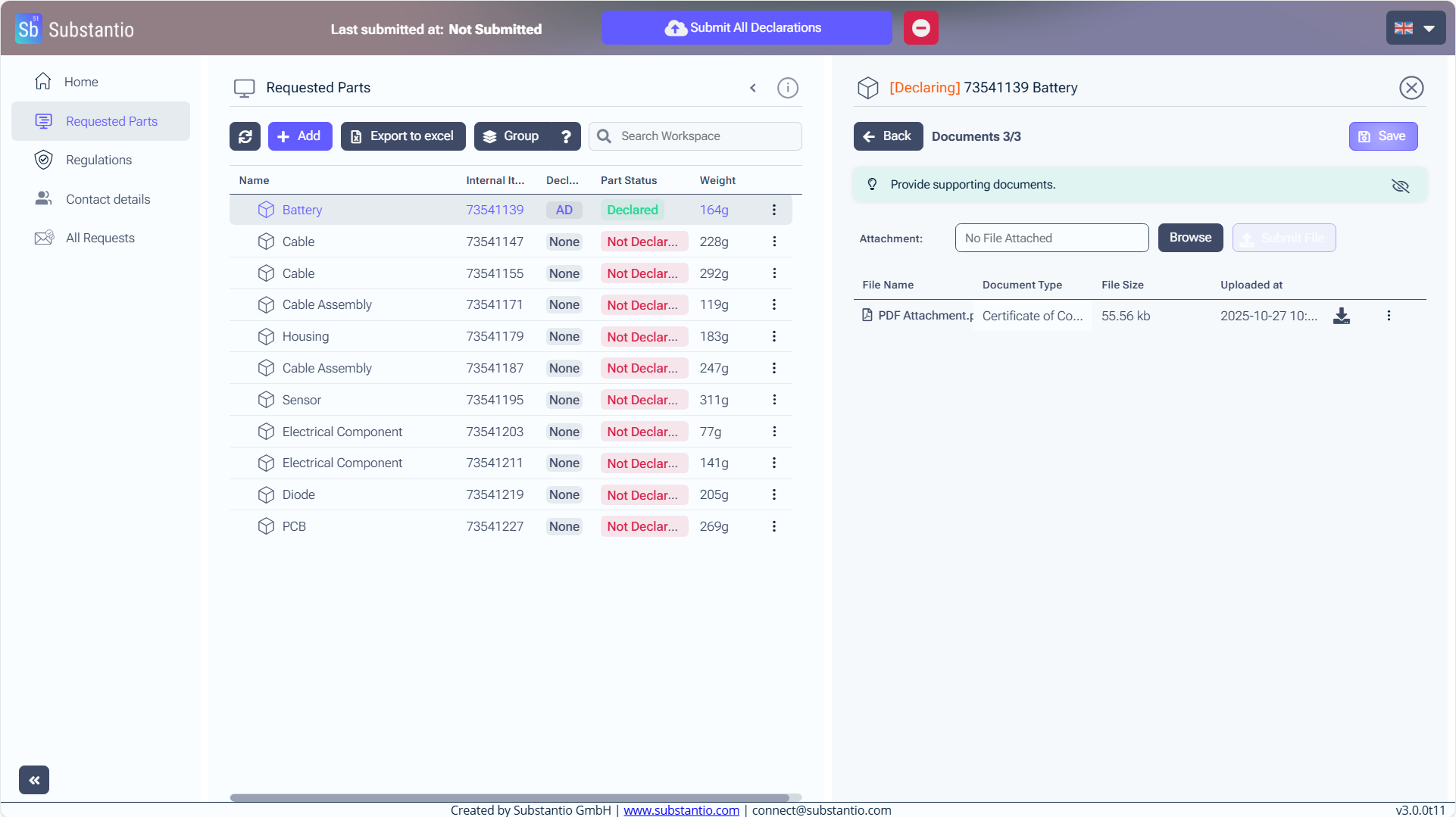
Save your changes.
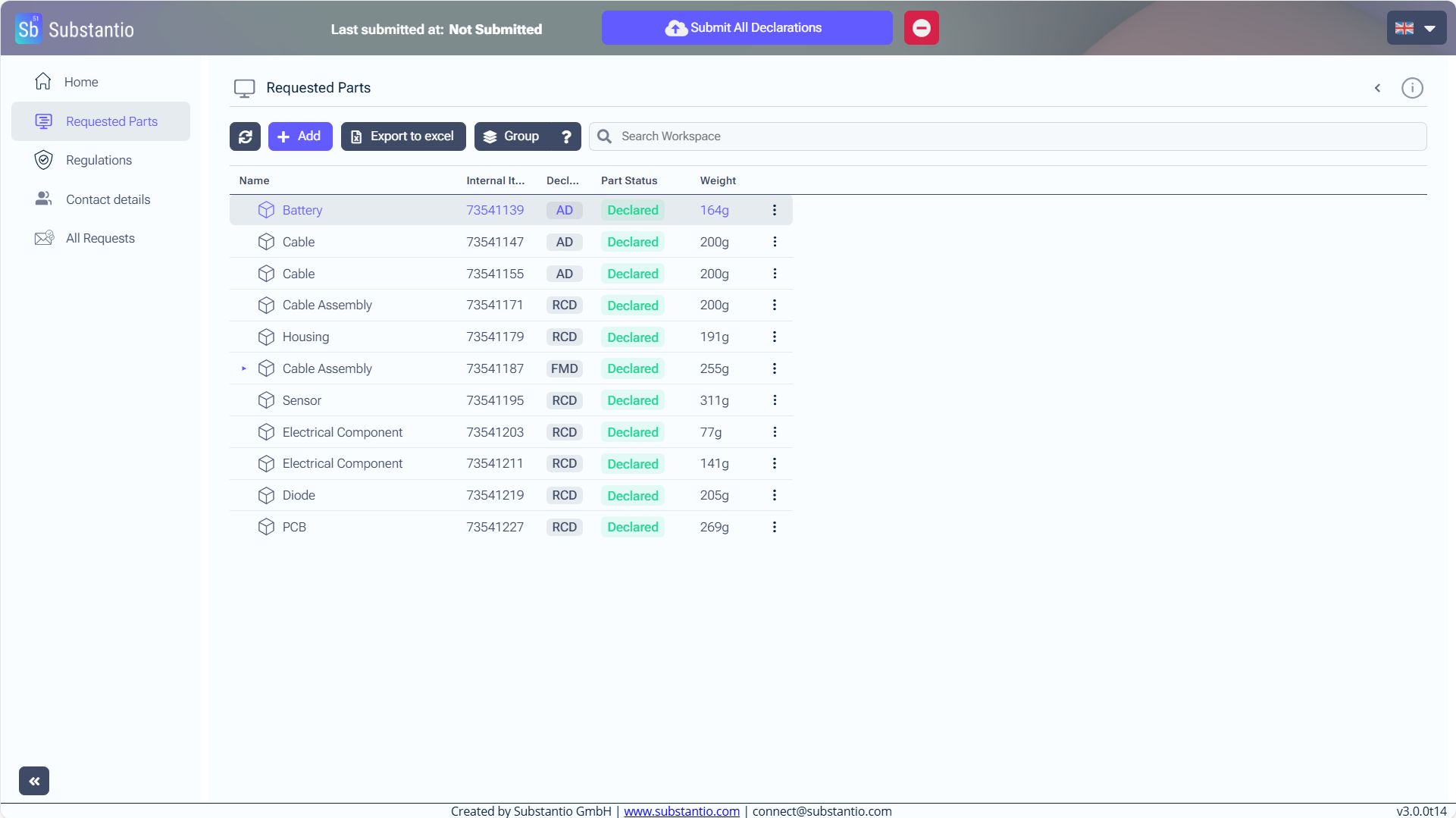
Don't forget to select the blue Submit All Declarations button at the top, after you have finished declaring all of your products.

