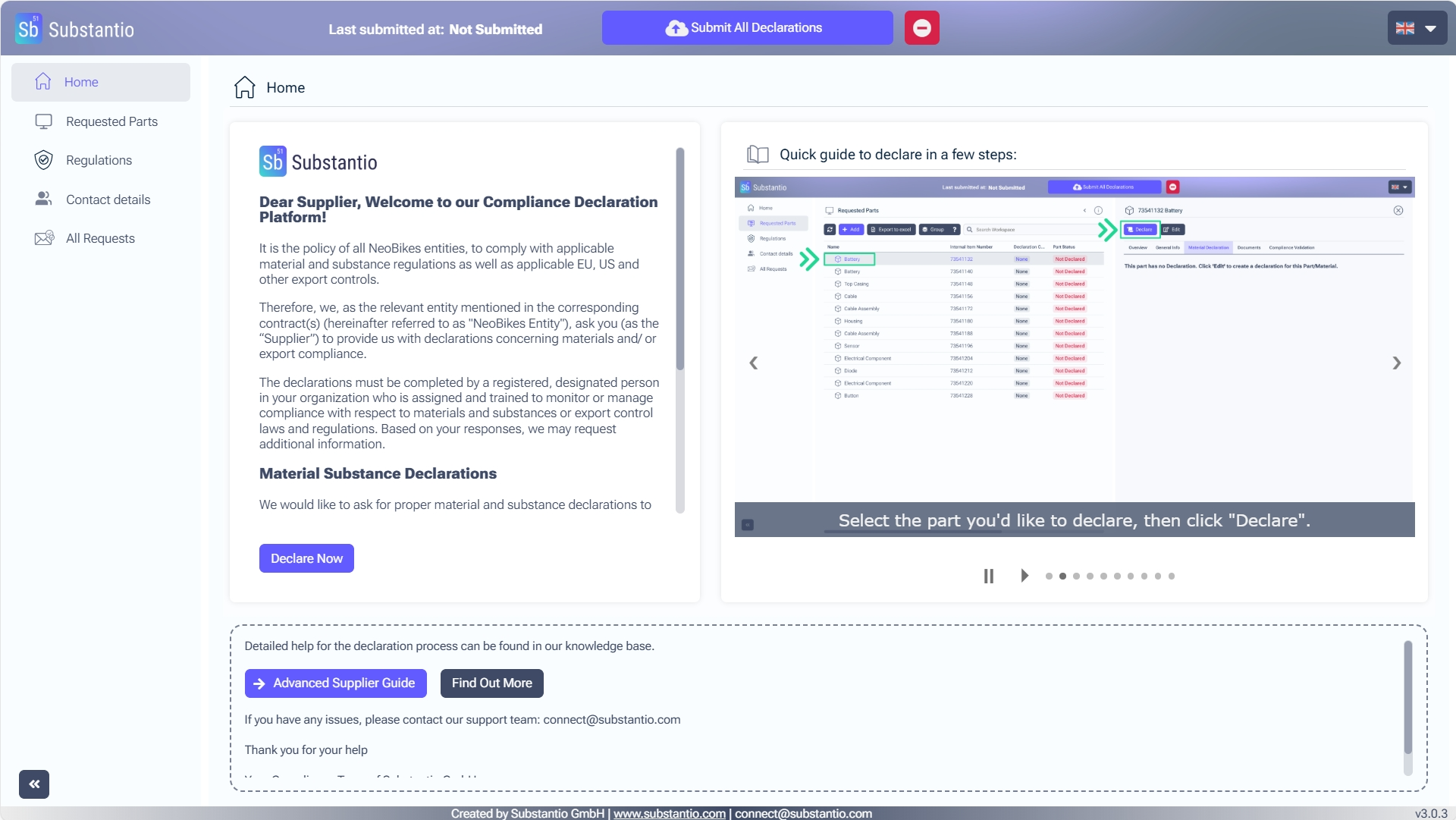
You accessed the Substantio platform via the link of your customer's email for substance compliance. Respond to the requests from your customer by clicking the Declare now button.
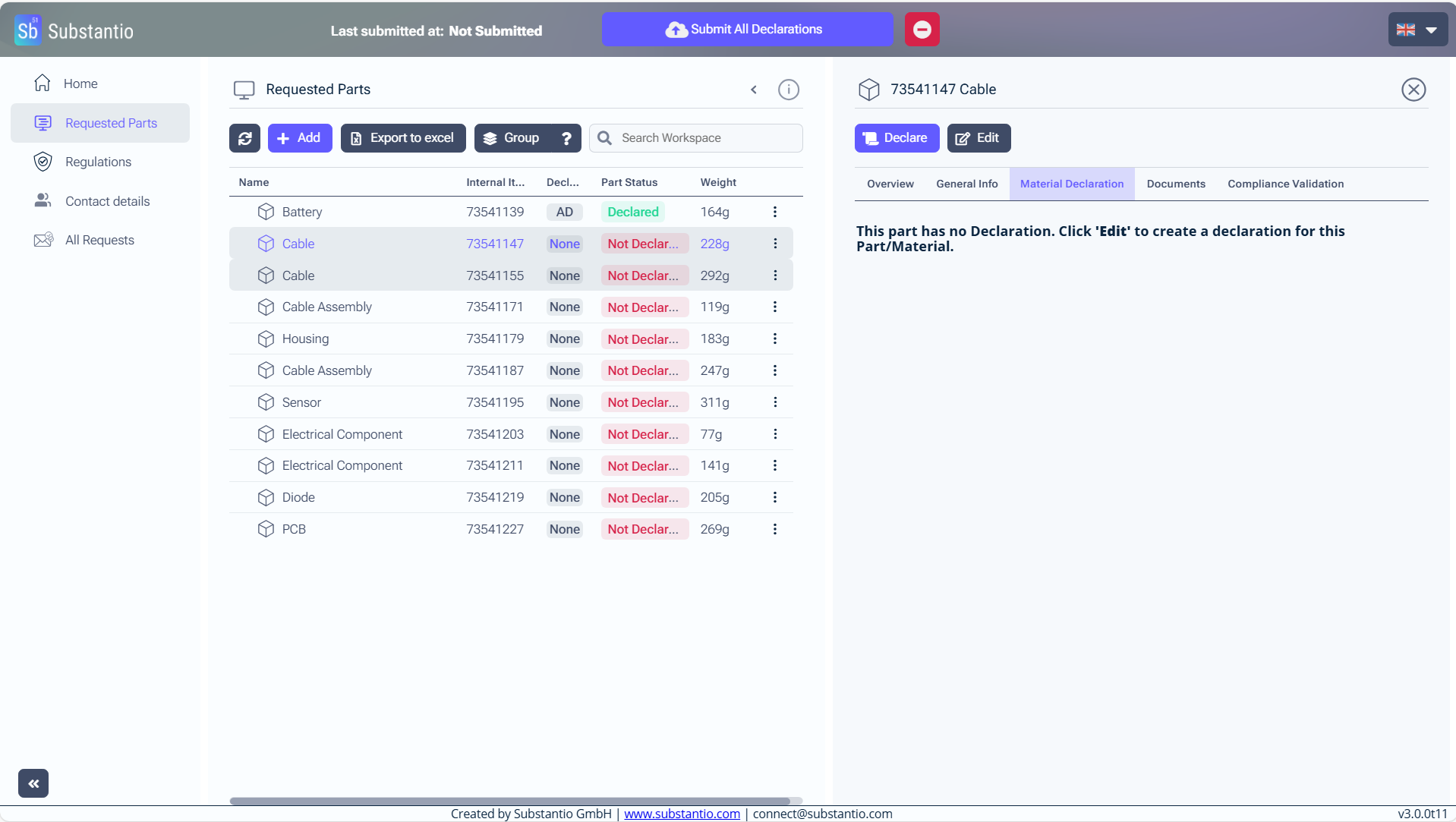
Press the Shift key while clicking on the parts to declare them as unknown or obsolete.
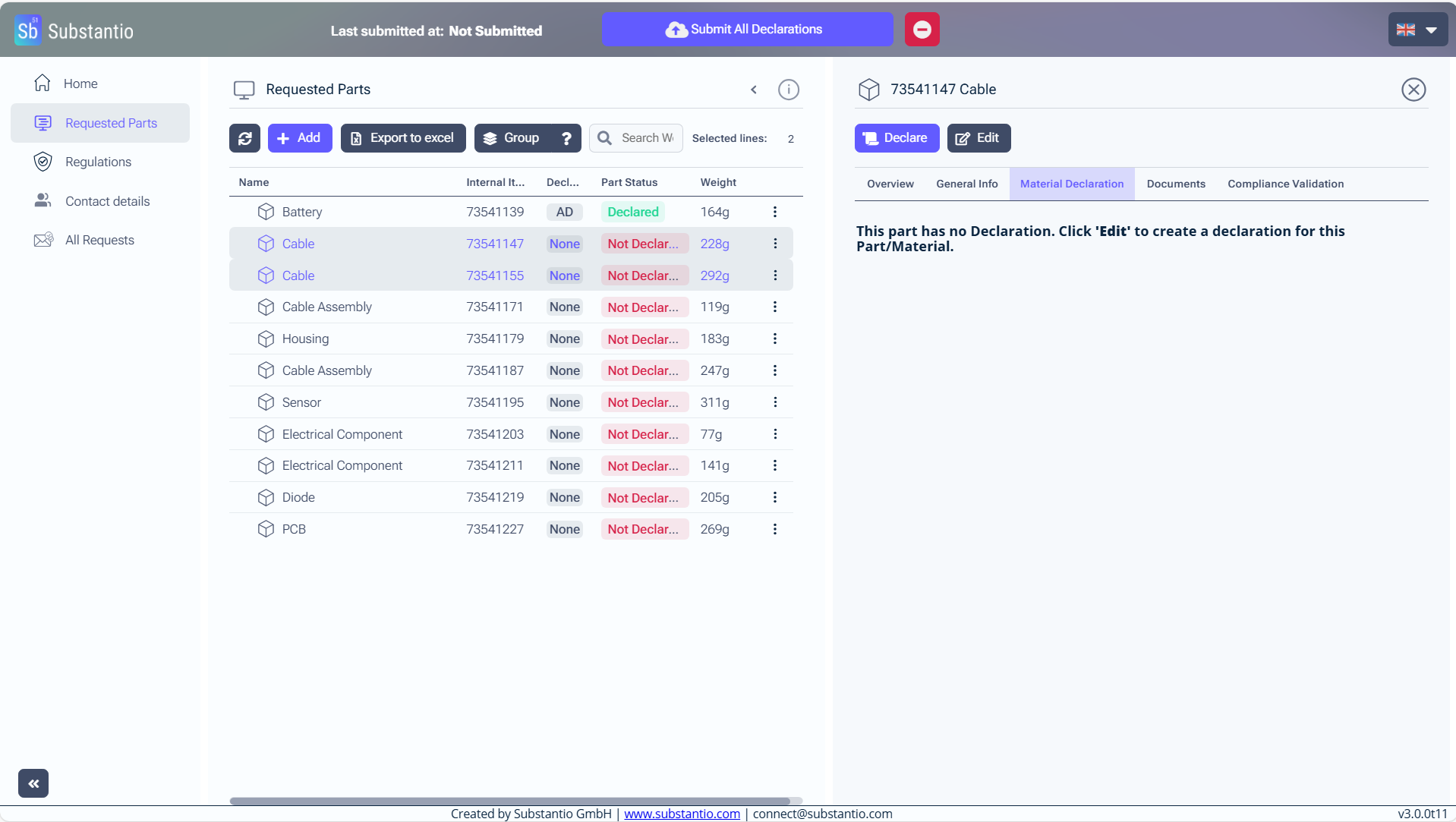
Click the Group button.
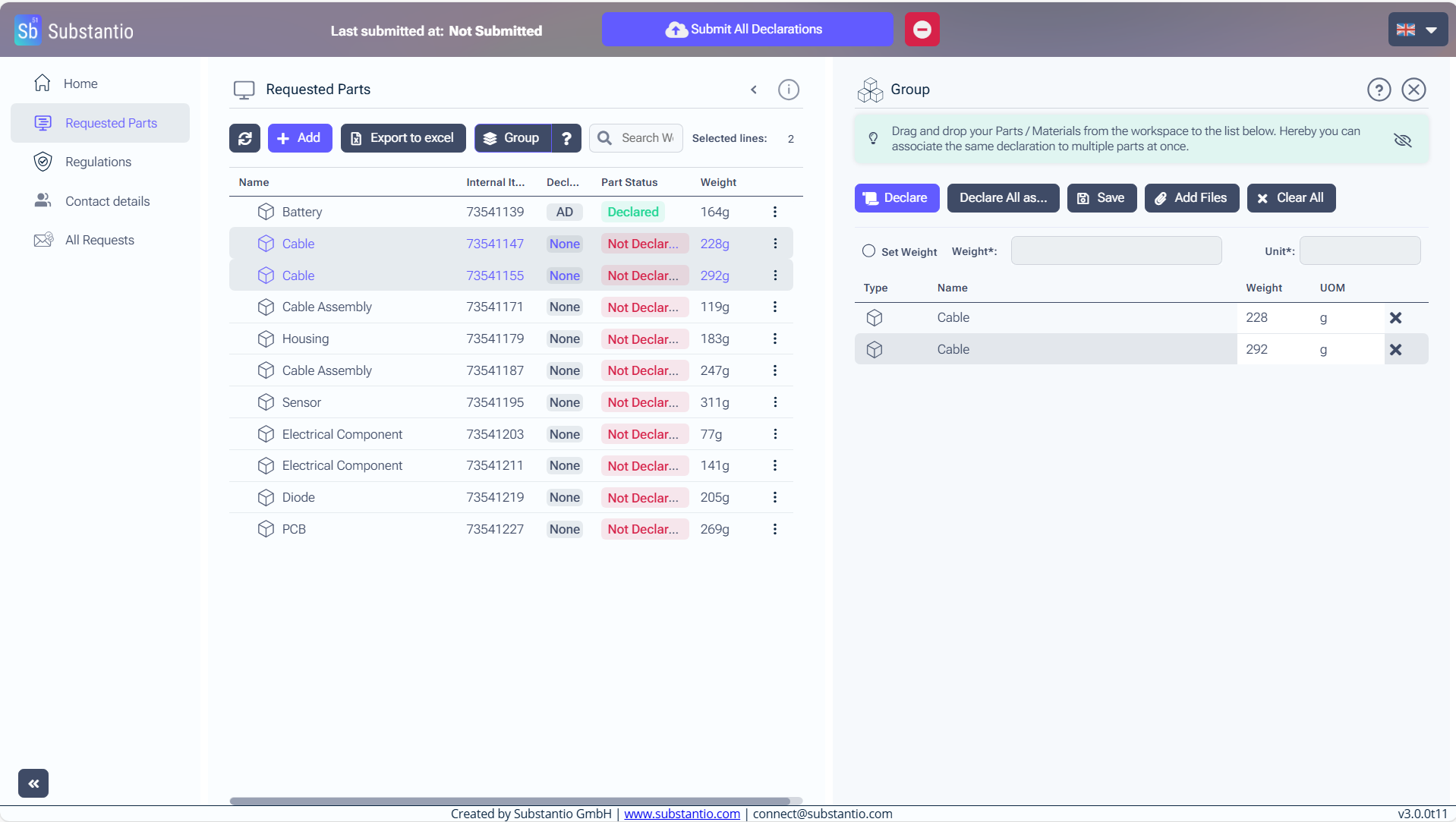
Enter the Weight of your part. Use "0" if unknown. If the parts have different weights, enter each weight individually.
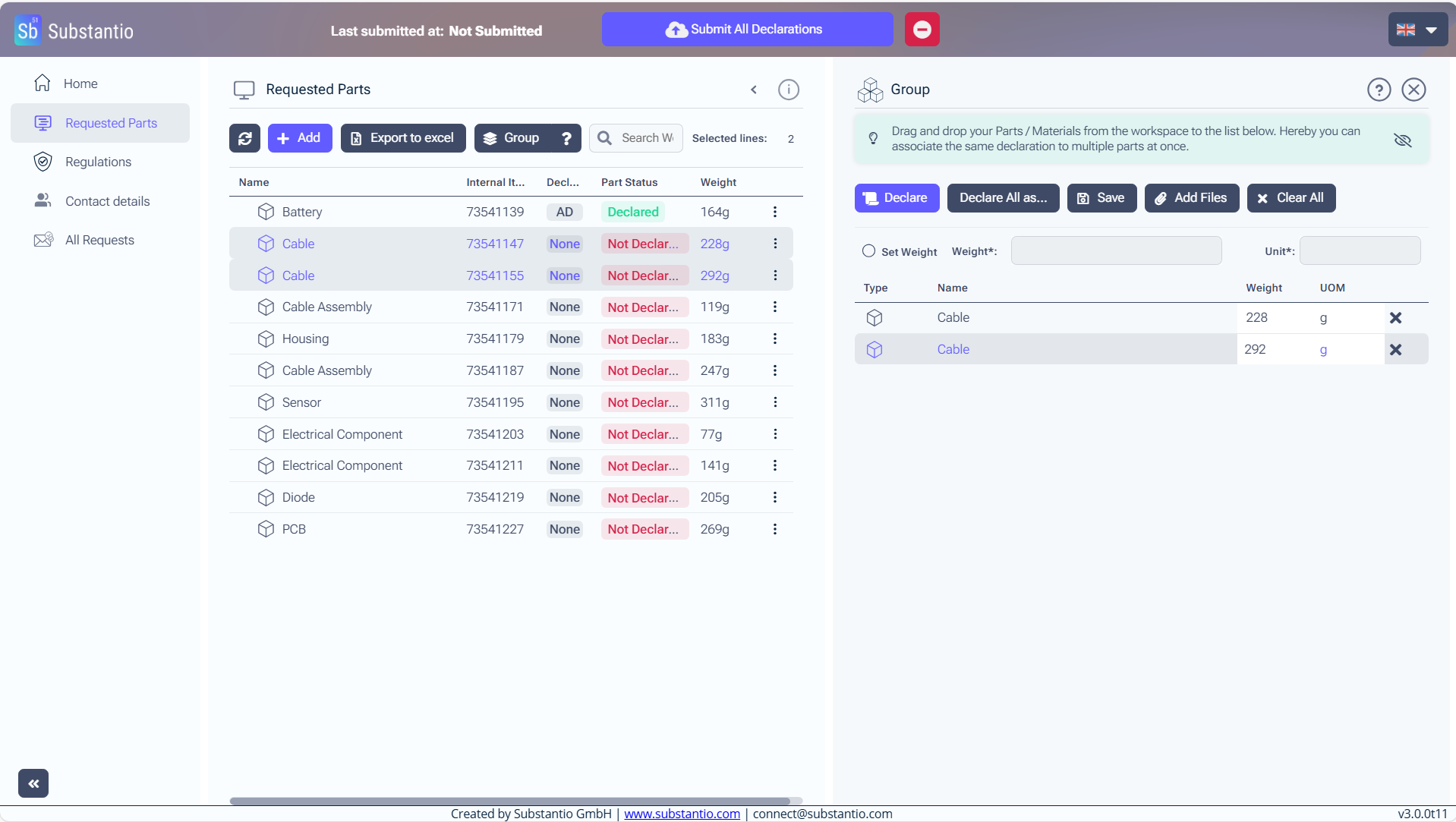
And choose the right unit.
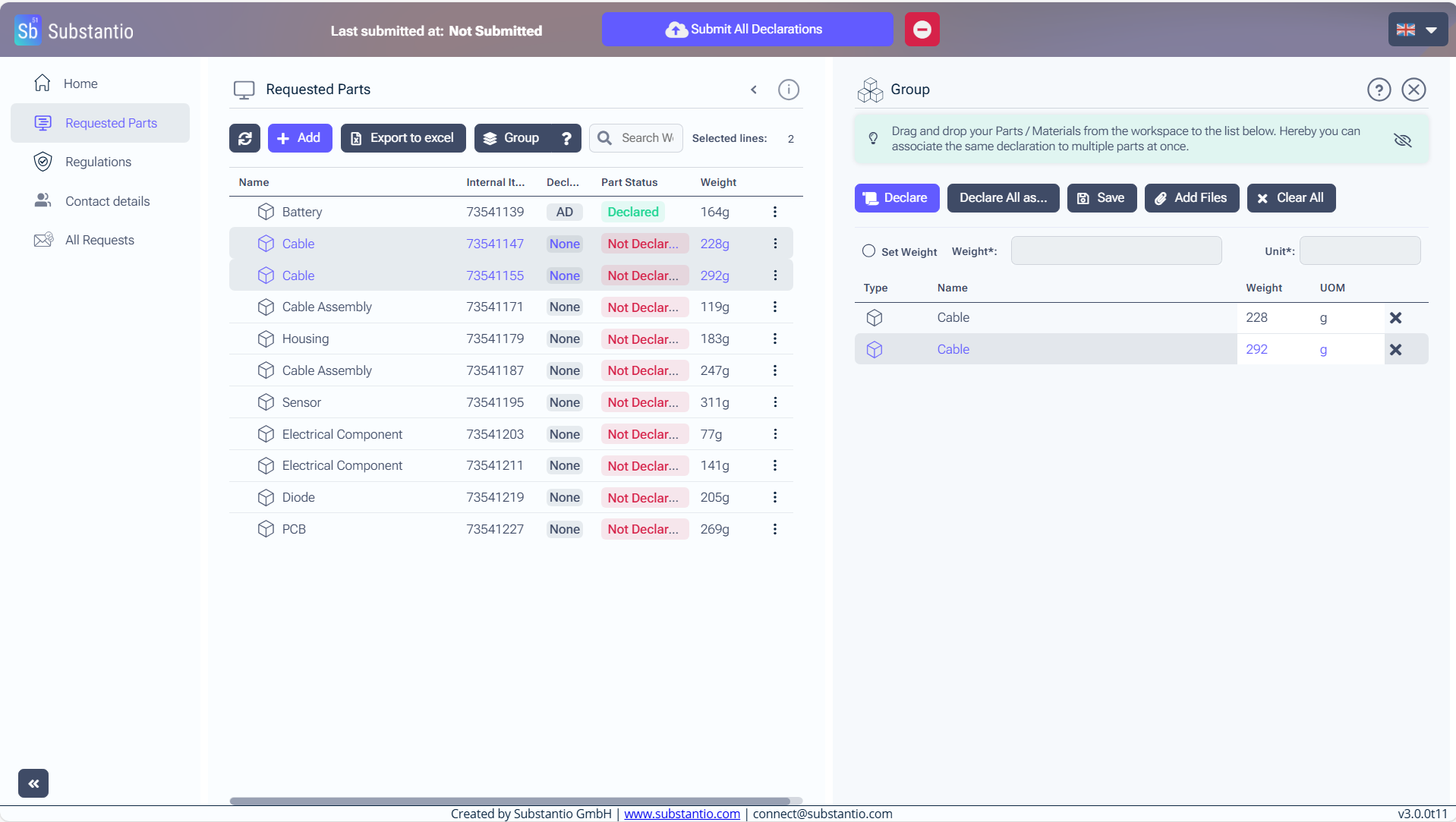
Or click the Set Weight check box, if your parts have the same weight.
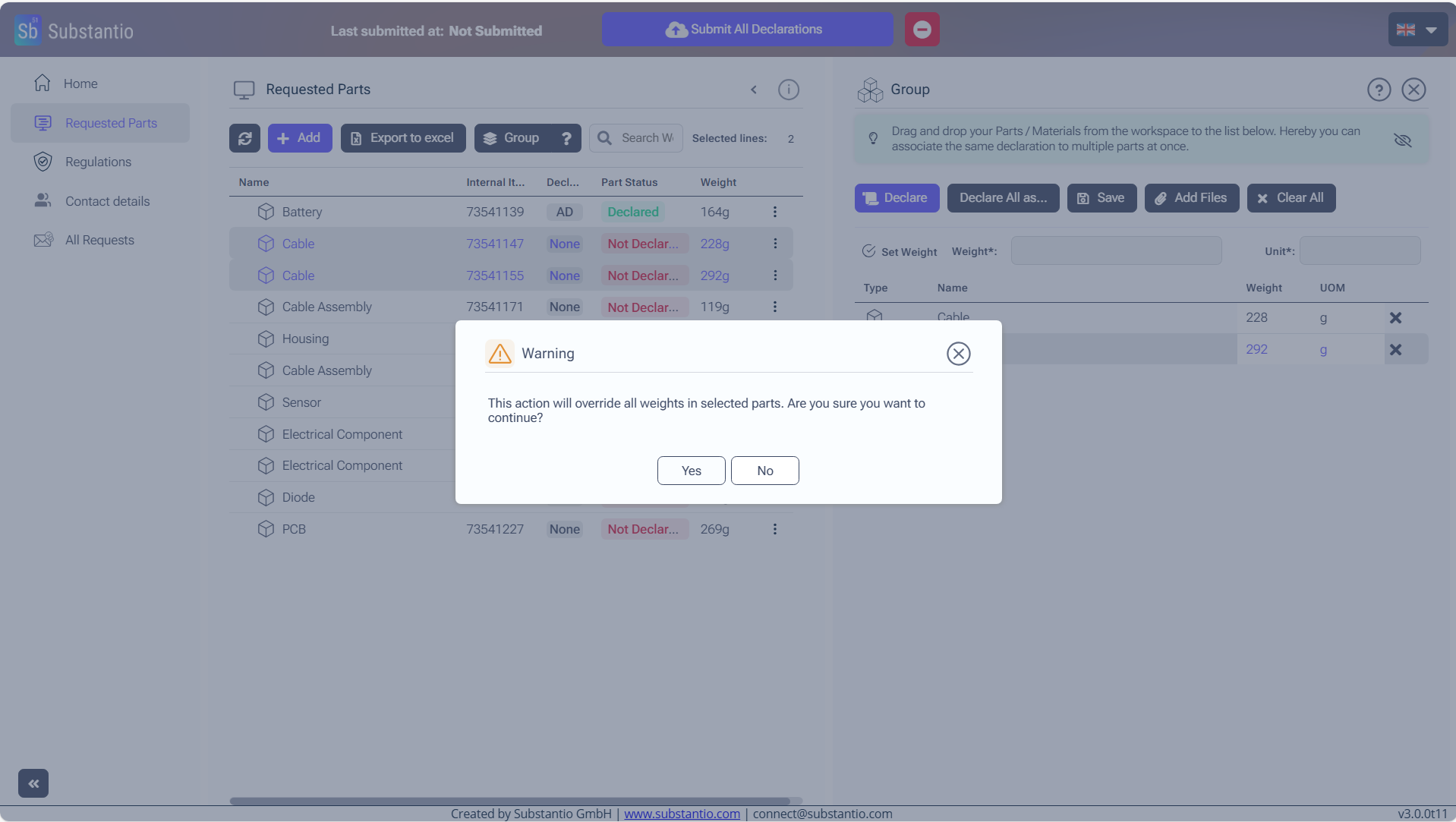
Click the Yes button.
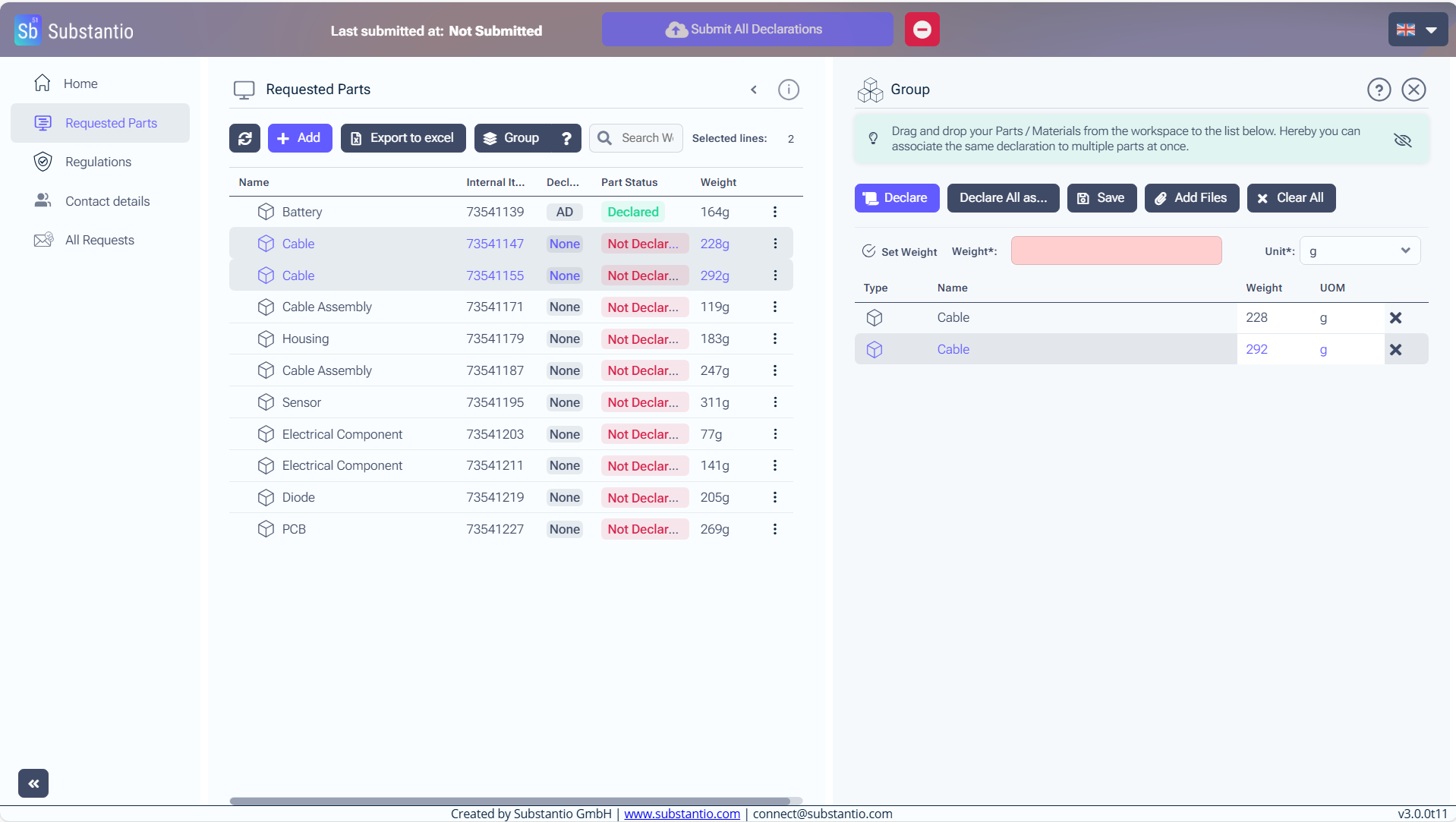
Enter the Weight for your parts and select the Unit.
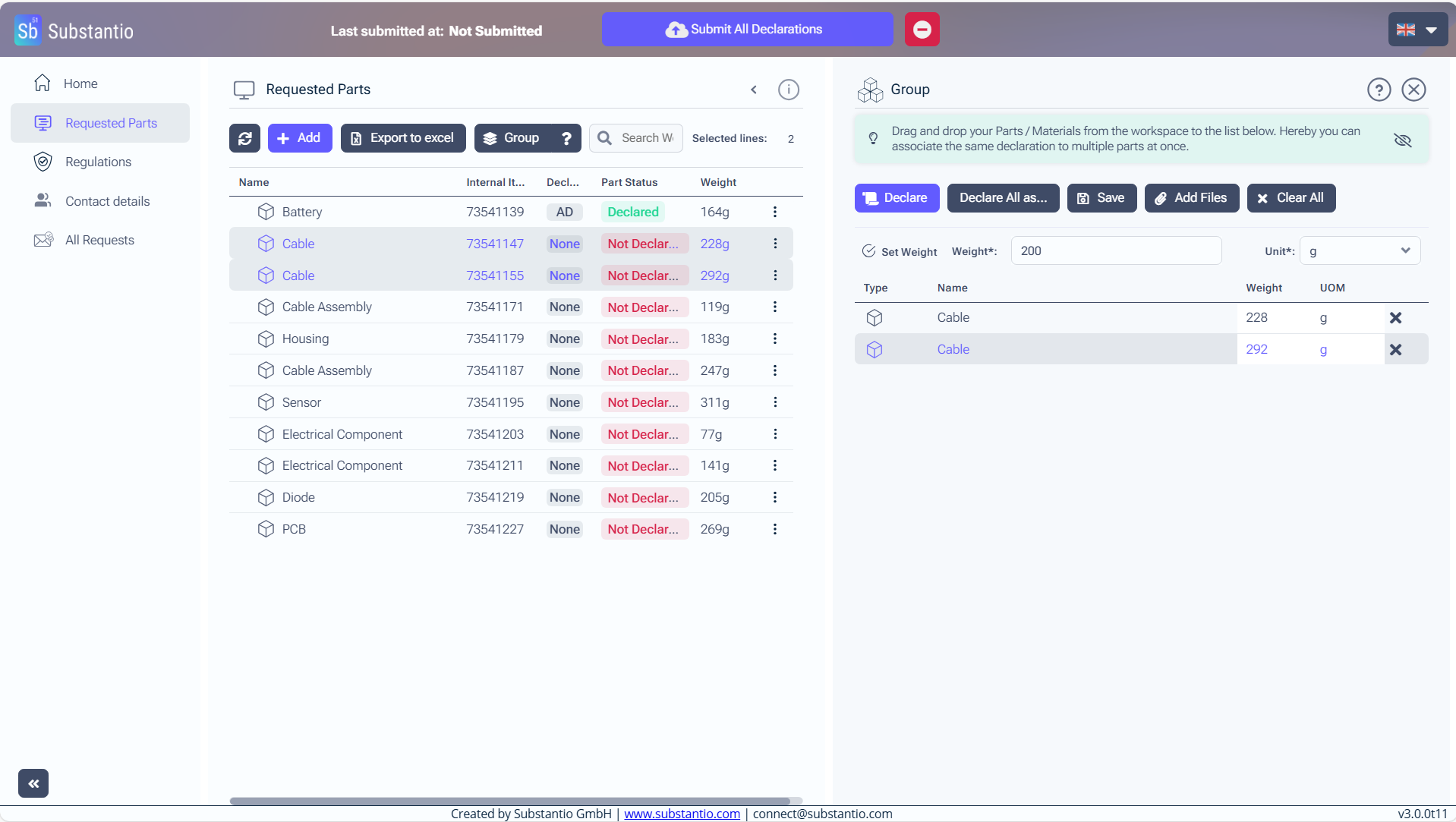
Click the Save button.
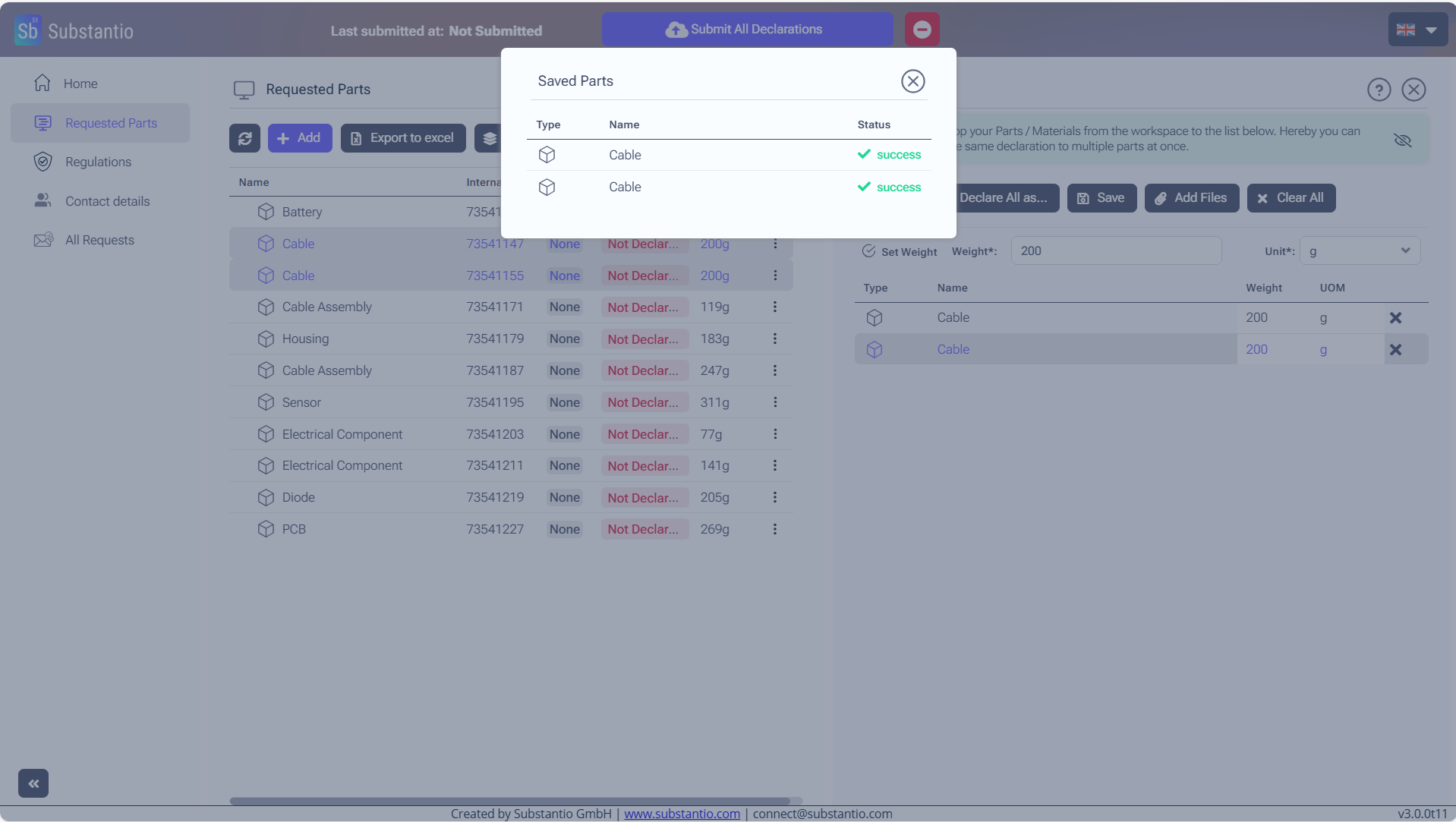
The program will confirm that your changes have been saved.
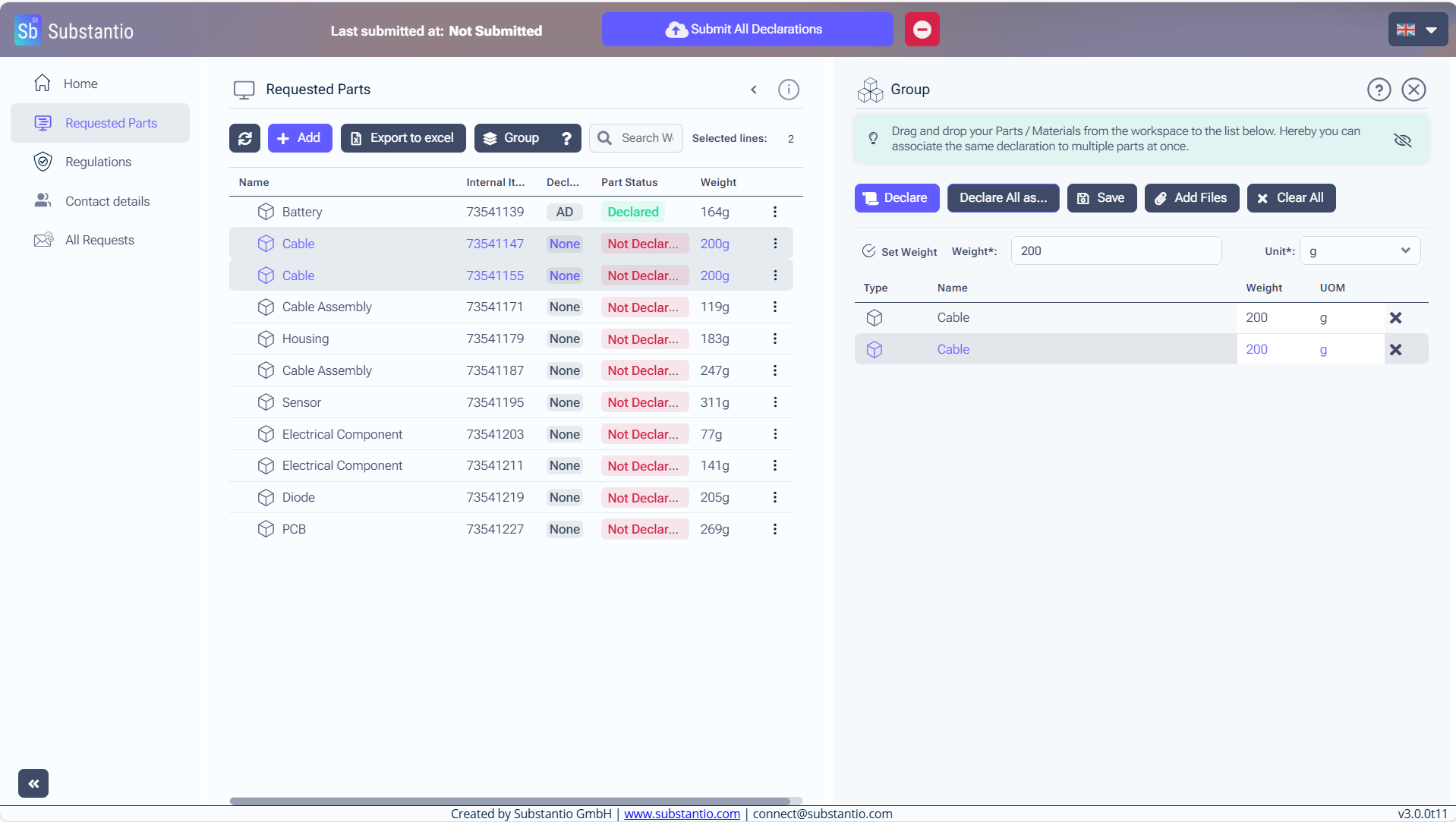
Click the Declare All as... button.
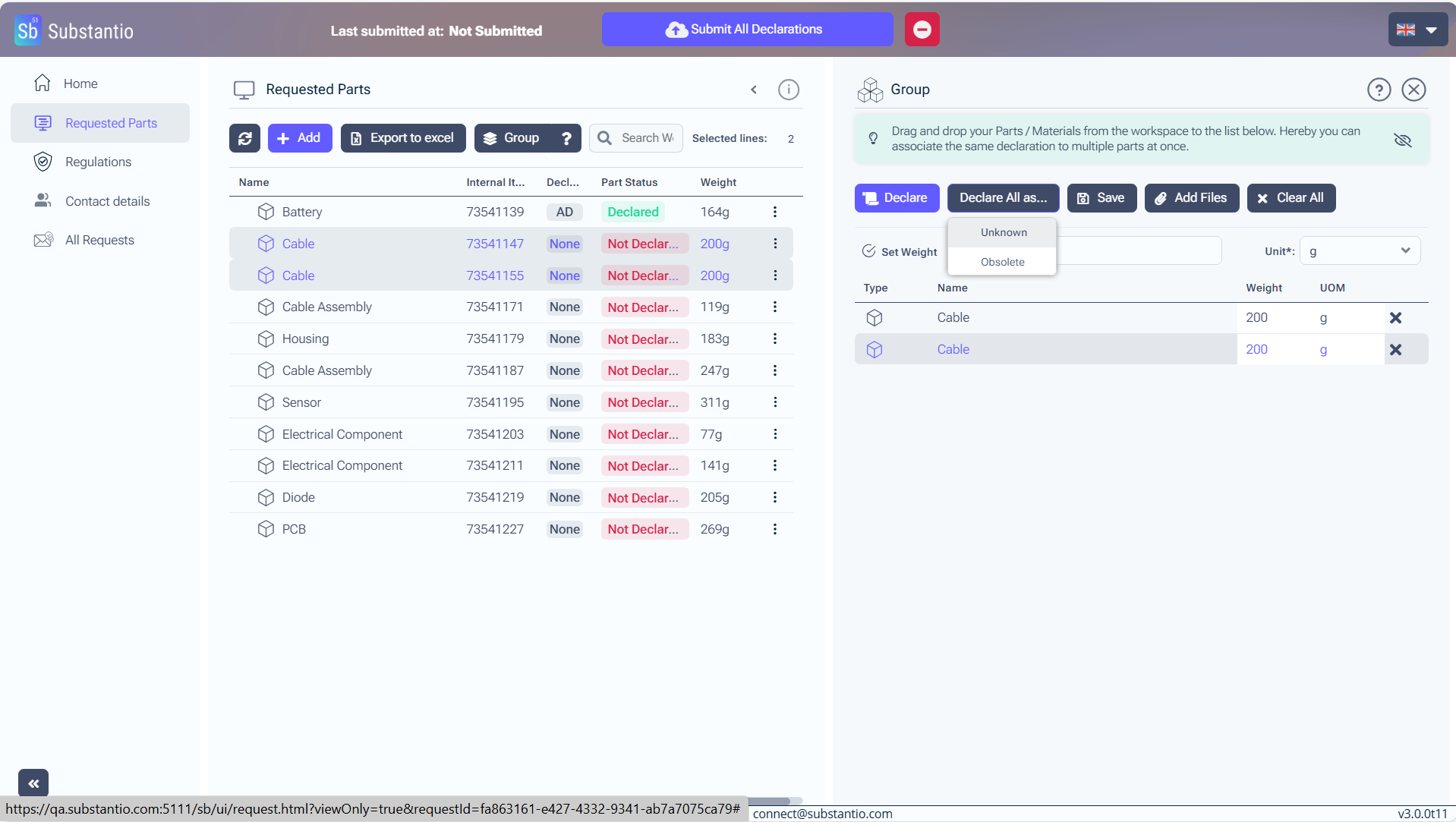
Select Unknown or Obsolete from the menu.
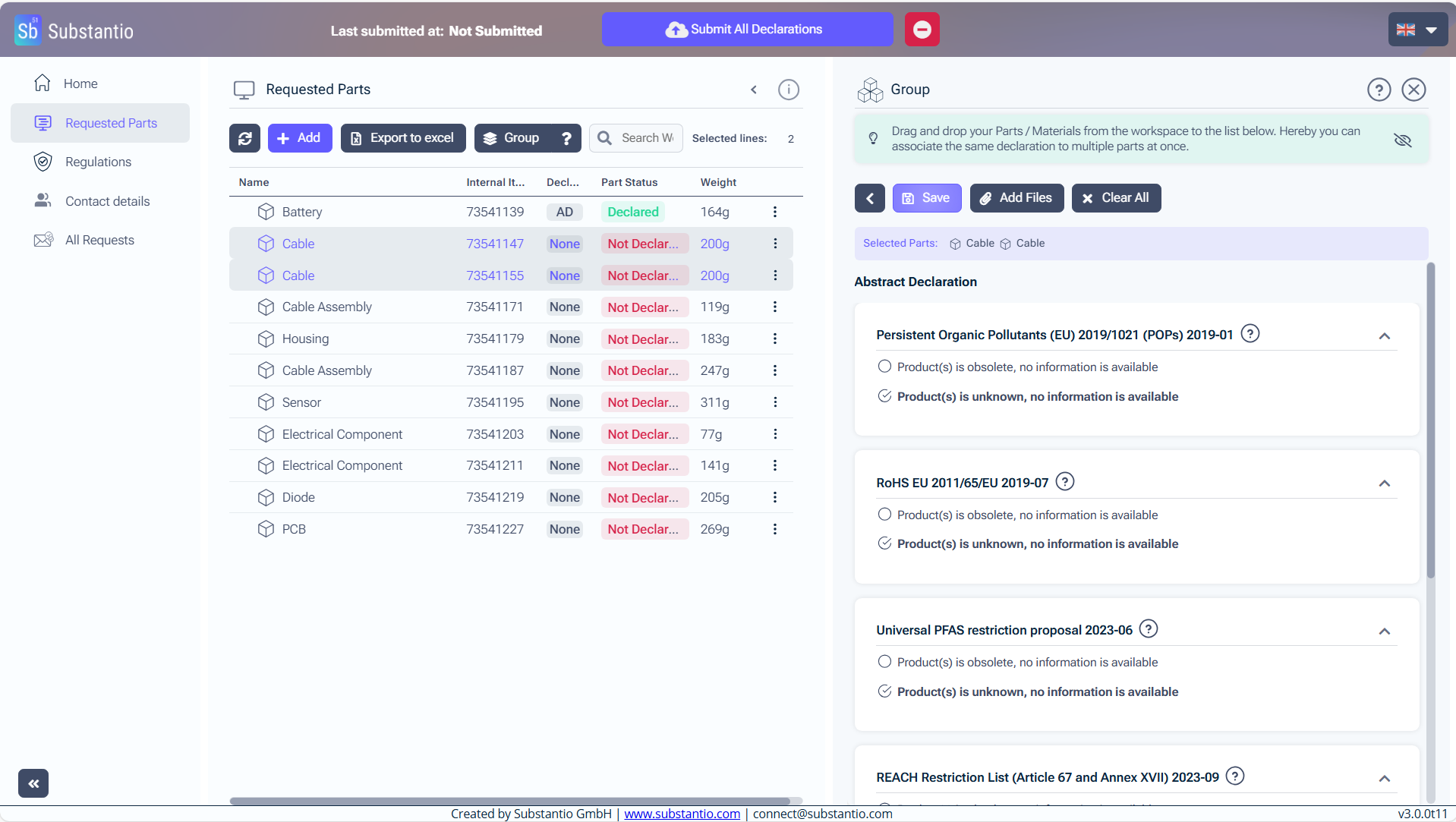
Click the Save button, to keep your changes.
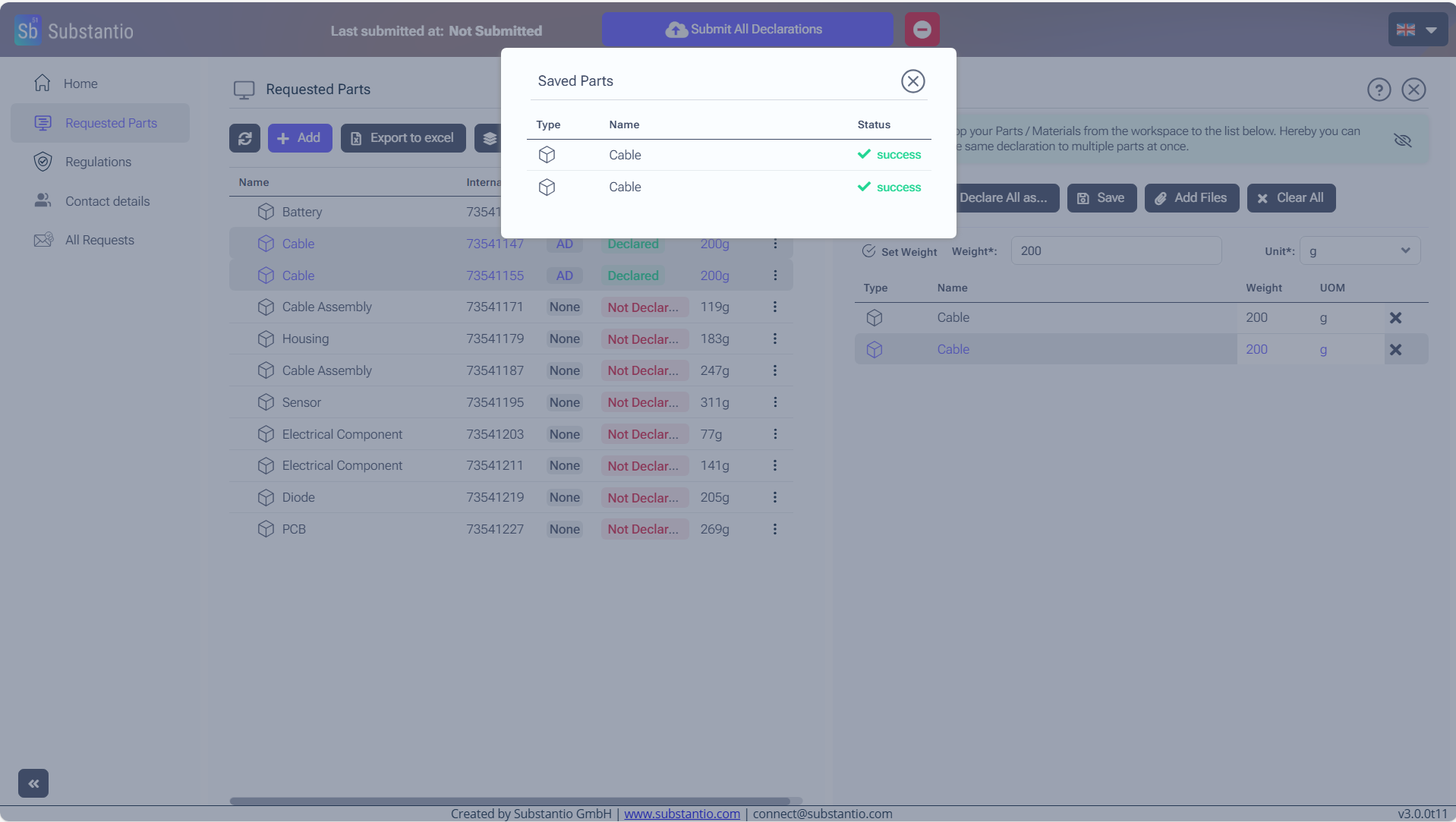
Now changes are saved successfully.
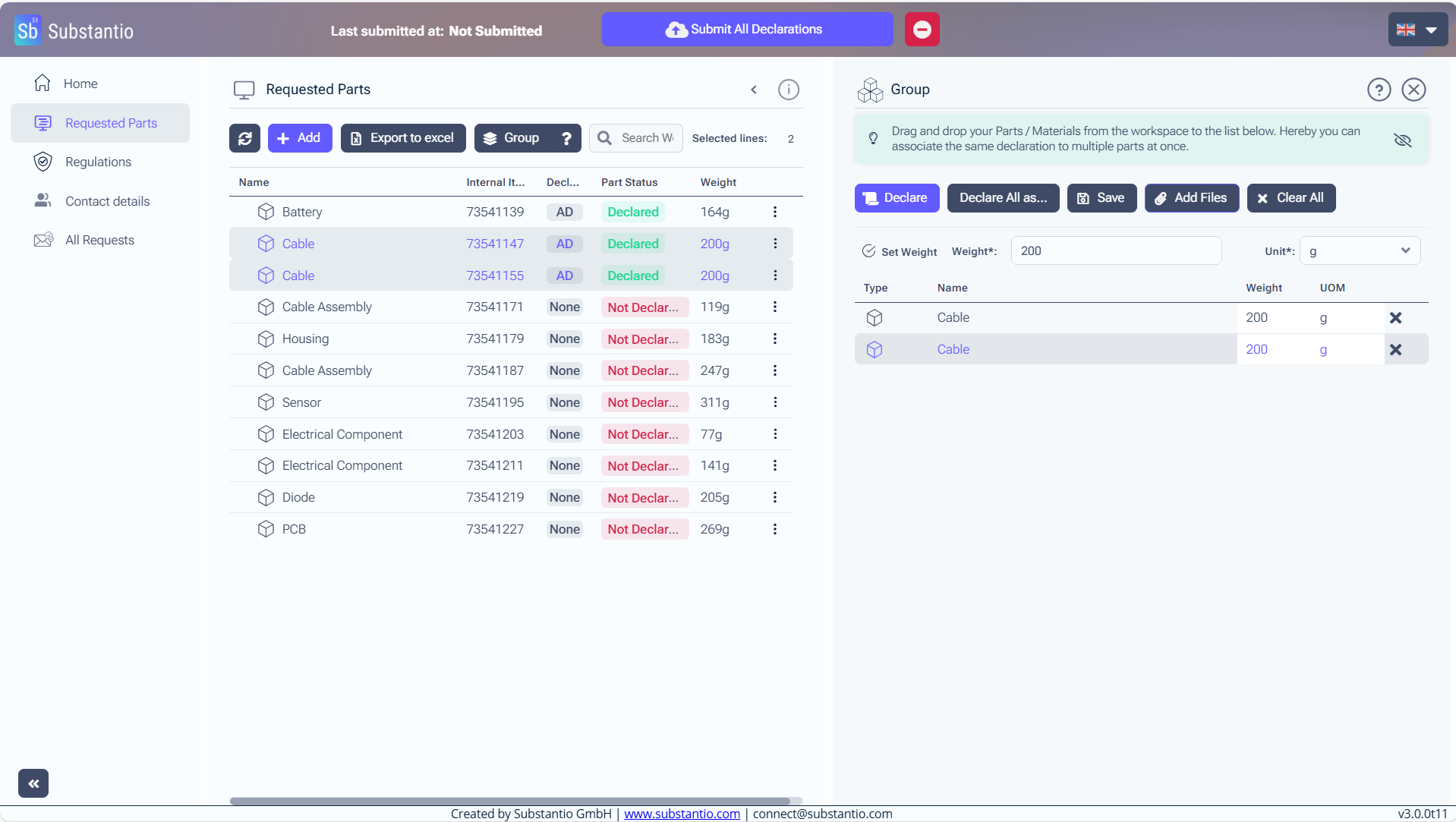
Click the Add Files button, if you have files which can confirm your specification.
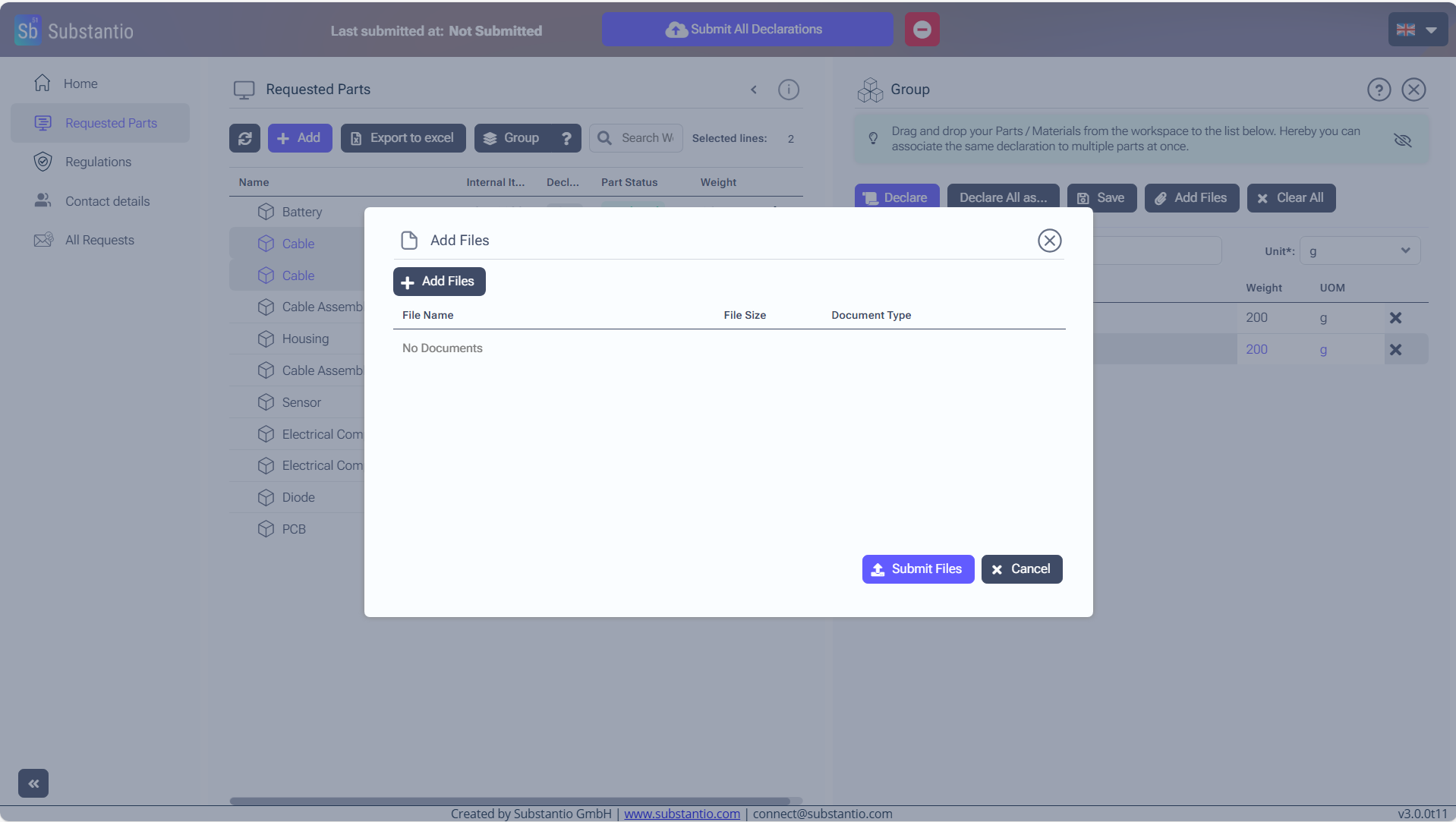
Please upload a conformity document to validate your declaration. To do this, click the Add Files button. You can upload multiple documents by clicking the Add Files button for each additional document and selecting the relevant file.
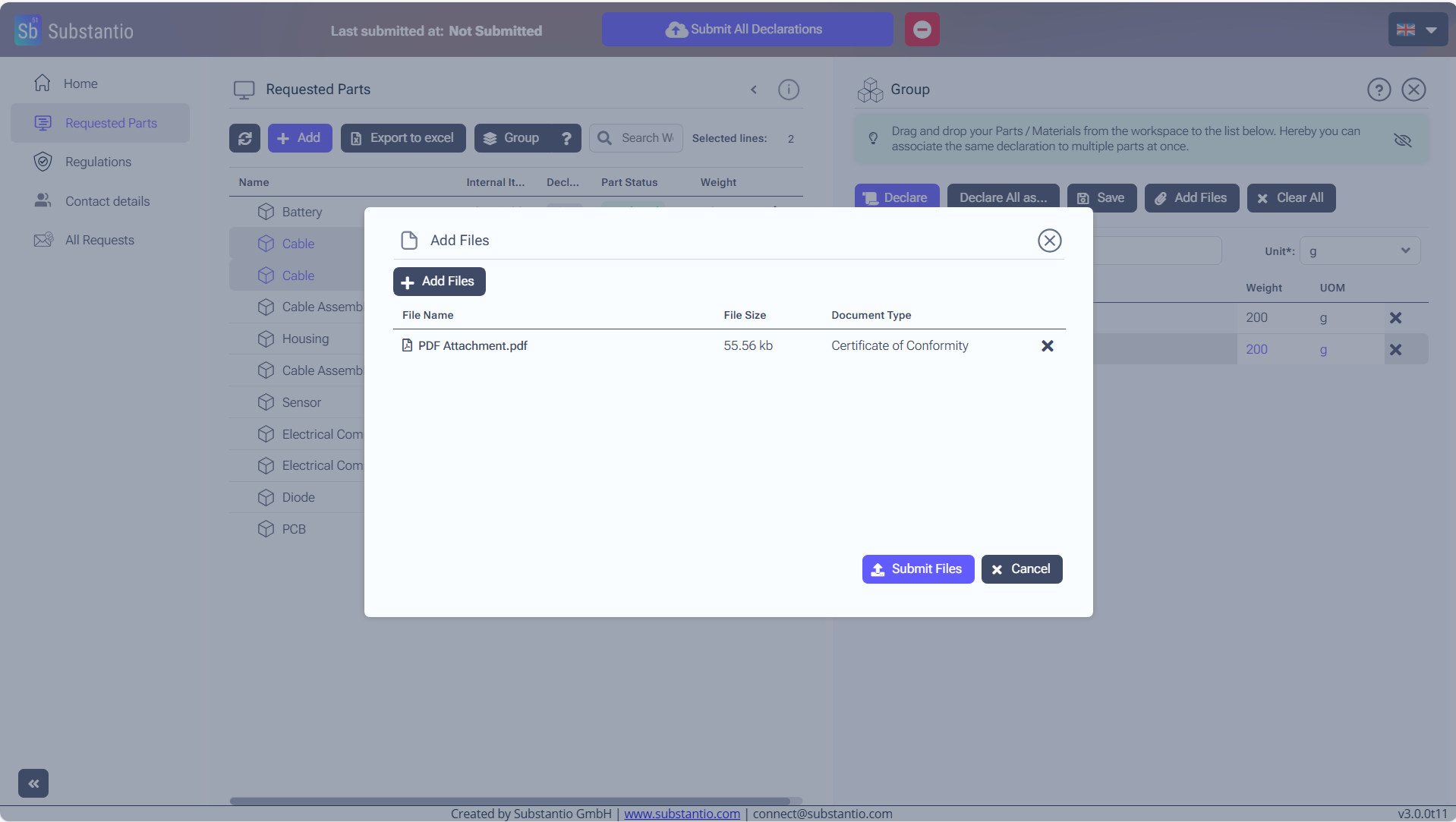
Click the Submit Files button, after you uploaded.
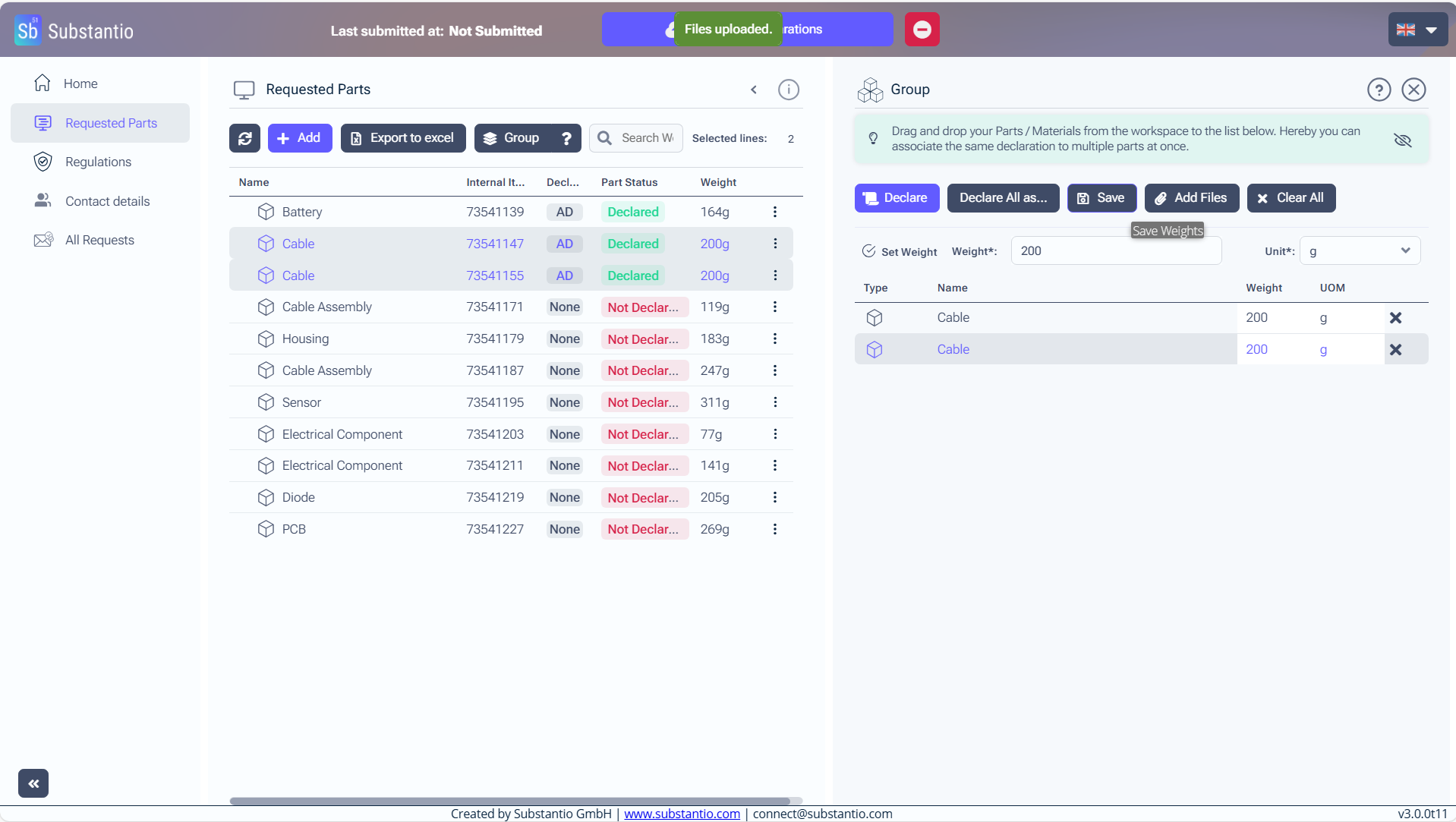
Than choose Save.
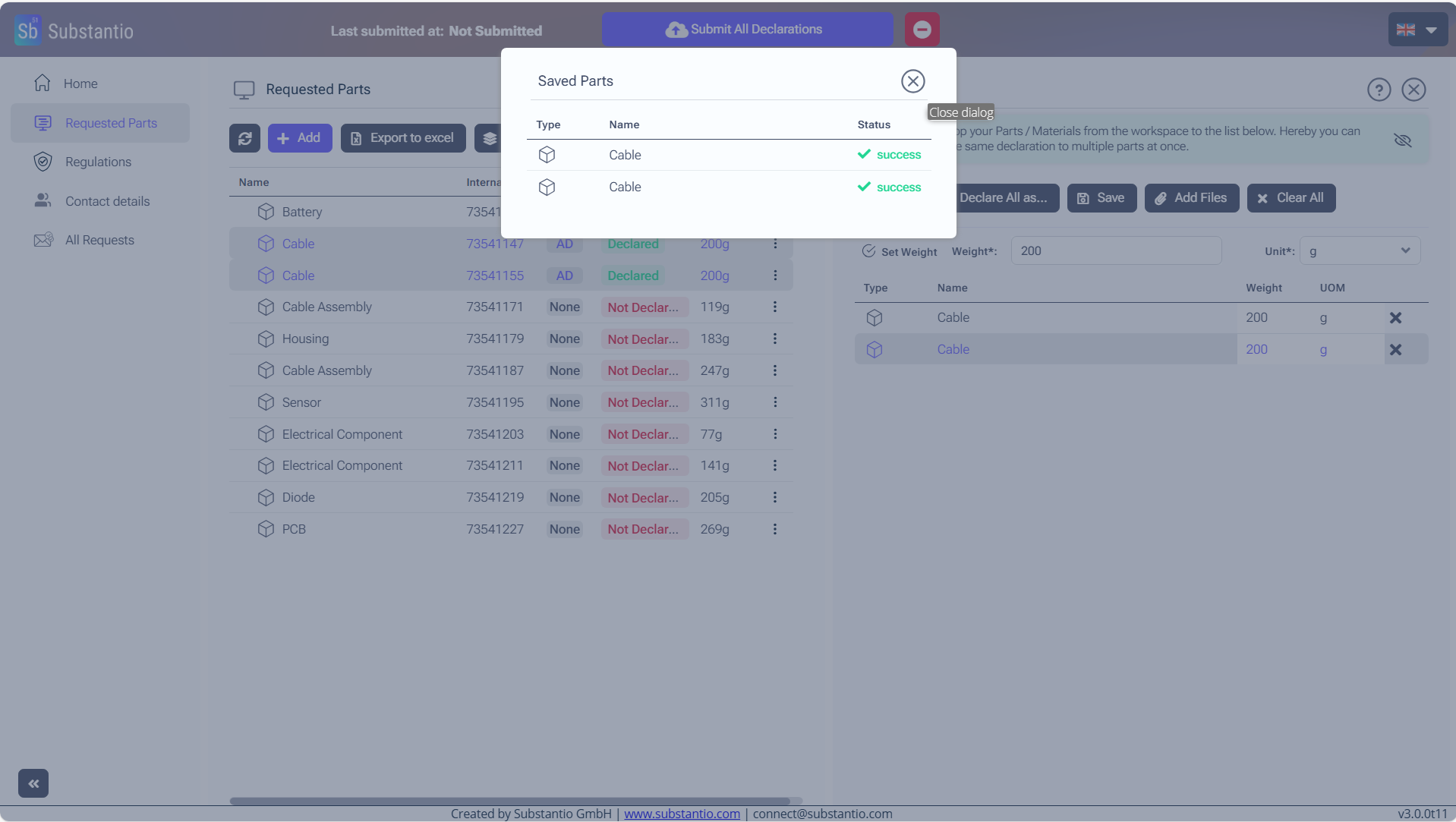
Your changes have been saved again.
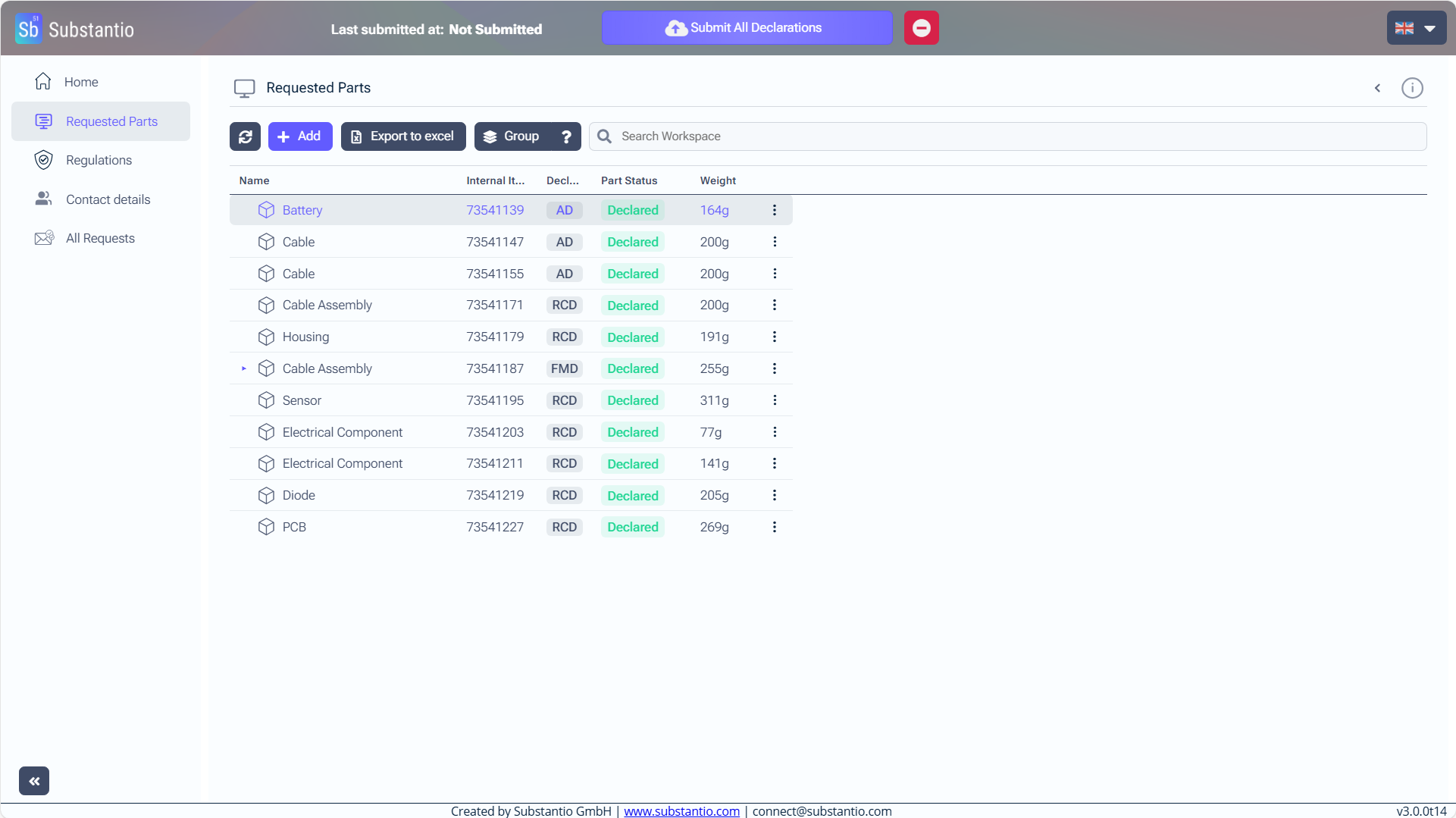
Don't forget to select the blue Submit All Declarations button at the top, after you have finished declaring all of your products.

